

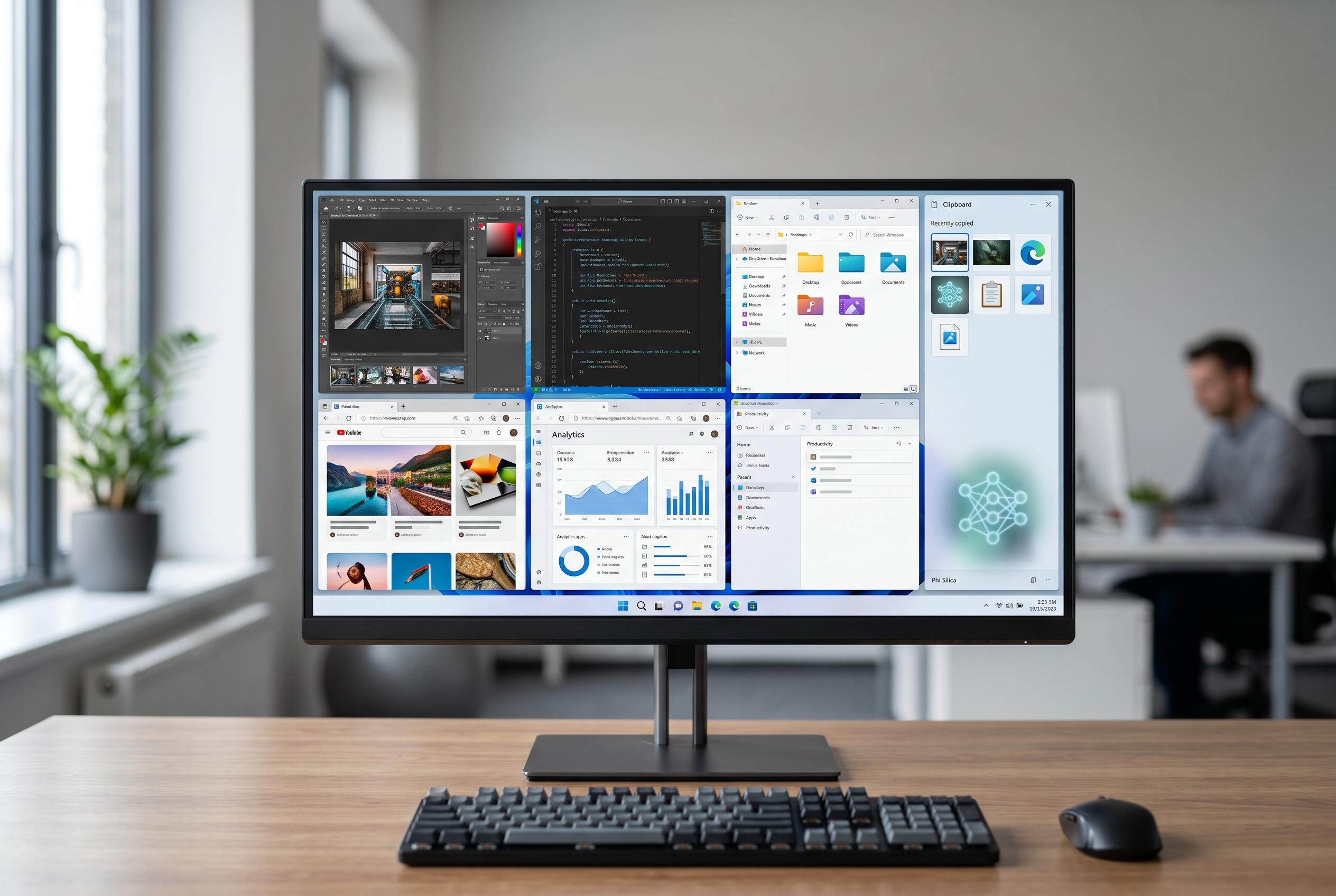

Microsoft’s latest PowerToys preview introduces Window Hopper for quick window navigation and extends Advanced Paste support with Microsoft’s Phi Silica AI model, offering users more efficient workflows on Windows 11.
Microsoft’s PowerToys is continuing to evolve as a practical companion for Windows 11, and the latest preview build adds two small but genuinely useful changes. The first is Window Hopper, a new utility that lets users move between multiple windows belonging to the current app with keyboard shortcuts, which should be particularly helpful when working across several File Explorer windows during file copying or comparison tasks. The second is Advanced Paste support for Phi Silica, Microsoft’s on-device AI model for Copilot+ PCs, extending the tool’s ability to transform clipboard content before pasting.
According to Microsoft documentation, PowerToys is an open-source collection of utilities aimed at giving power users more control over common Windows tasks. In recent releases, it has added features that were later absorbed into Windows itself, underlining its role as a test bed for workflow improvements. Windows Central reported that the project is also tightening the distinction between the stable and preview channels, with the newer release line making it easier to choose whether to stay on the main track or move to Insider-style preview builds.
The new Window Hopper utility appears to be a focused shortcut tool rather than a general window manager. Its purpose is narrow but sensible: switch quickly between several windows in the same application without reaching for the mouse. That makes it well suited to routine desktop work where speed matters more than visual flair. The default shortcuts are Alt+@ for moving forwards and Alt+Shift+@ for moving backwards.
The AI-related update is broader in scope. Advanced Paste already supports local inference through Foundry Local and Ollama, but the addition of Phi Silica means Copilot+ PCs can use Microsoft’s own small model on the neural processing unit, enabling offline operation with low latency. Windows Central said the latest build also brings a compact mode for Command Palette, a softer ripple effect for Mouse Highlighter, and general stability and performance work, with more than 300 pull requests folded into the release. For users who want modest but meaningful refinements rather than headline features, this looks like one of the more useful PowerToys updates in some time.
Disclaimer: This content is intended for informational purposes only. Readers are advised to exercise their own judgement, conduct due diligence, or consult a qualified expert before acting on any information provided.



