

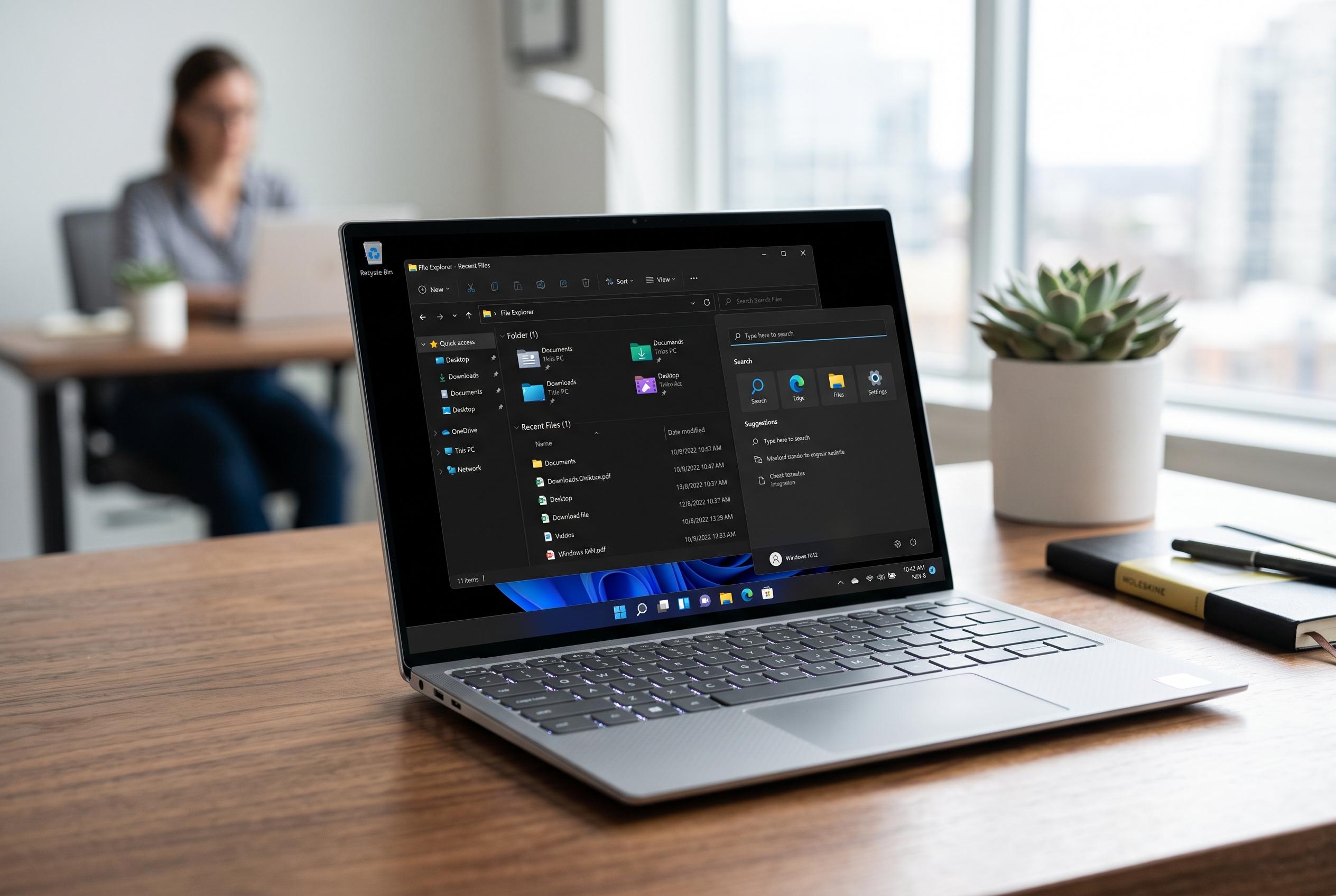

Microsoft’s latest Windows 11 servicing update, KB5101684, introduces a series of stability and performance improvements across File Explorer, search, and system responsiveness, aiming to deliver a smoother user experience without major feature overhauls.
Microsoft has released a new Windows 11 servicing update, KB5101684, for users on the 24H2, 25H2 and 26H1 branches, pushing a set of stability and performance fixes to the wider base after first testing some of them in an optional update last month. According to Microsoft’s support notes, the package is not a feature overhaul so much as a broad reliability refresh aimed at making the operating system feel faster and more responsive.
The biggest gains are centred on File Explorer, where Microsoft says it has improved explorer.exe stability and reduced delays when opening recent files, frequent items and shared folders. Reports from WindowsLatest said the update also makes Search feel more responsive, while Start and the taskbar should load more reliably at boot. Microsoft has also refined the Task View experience, including switching between desktops and sharing files, which should help reduce small but noticeable pauses in day-to-day use.
The update goes further than Explorer and the desktop shell. Microsoft’s support page says it has improved lock screen and sign-in behaviour, particularly on machines with limited memory, and has adjusted post-installation cleanup so the system is less likely to slow down immediately after a restart. The company also lists fixes for system sounds, time zone change notifications, daylight saving time data accuracy, DHCP renewals, print performance and clipboard reliability.
There are also signs that Microsoft is still tuning Windows 11’s search and accessibility features. According to coverage by All Things How, the same preview build tied to KB5101684 adds Voice Isolation for Voice Access and new precision touchpad gesture controls. Taken together, the changes suggest Microsoft is focusing on incremental quality improvements rather than headline-grabbing features, with particular emphasis on making Windows 11 behave better across a wide range of hardware, from 8GB systems to high-memory PCs.
Disclaimer: This content is intended for informational purposes only. Readers are advised to exercise their own judgement, conduct due diligence, or consult a qualified expert before acting on any information provided.



