

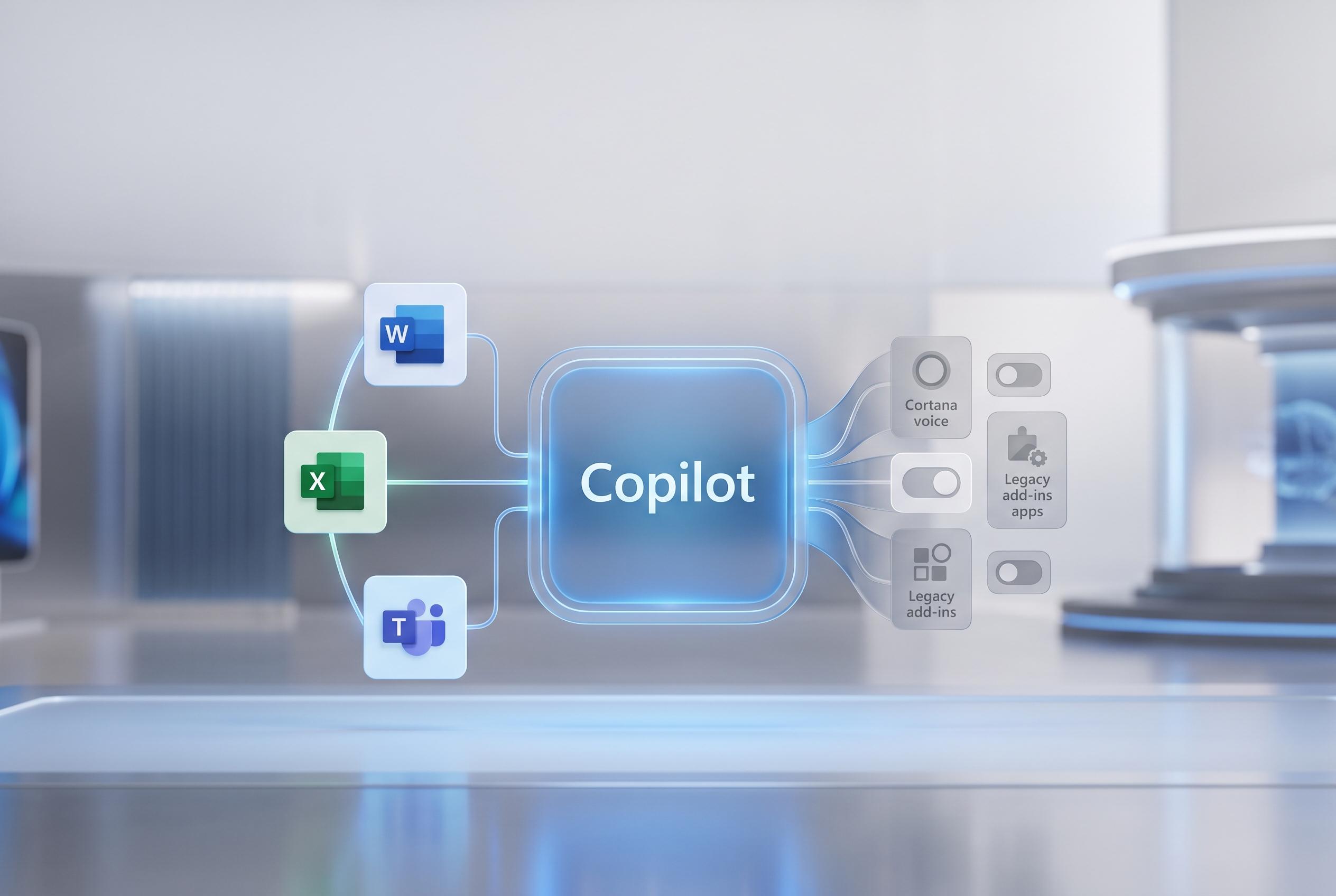

Microsoft consolidates its Copilot offerings into a single, more coherent experience across platforms, retiring certain features and tightening integration for personal and professional use.
Microsoft is folding its consumer Copilot app and Microsoft 365 Copilot into a single version, in a move that is meant to simplify access to its AI tools across personal and professional use. According to Microsoft’s support pages, the unified app will keep work, school and personal data separate, with security and compliance rules still applied to organisational accounts.
The change is being rolled out first on mobile, before reaching Windows and macOS as an opt-in preview. Windows Central reported that desktop users will be able to try the new experience ahead of a wider release pencilled in for mid-September, and that Windows 11 will be required for the update on PCs.
Microsoft is also retiring several features from the consumer Copilot experience on 18 August 2026. Its support documentation says Deep Research will no longer be available after that date, although existing reports will remain accessible, while Microsoft 365 Premium subscribers will still be able to use the Researcher capability. The company is also ending Podcasts, with previously created audio not remaining accessible and no export option for saved material.
The changes come as Microsoft continues to reshape where and how Copilot appears across its products. In recent weeks, users of Office apps complained about a floating Copilot button in Word, Excel and PowerPoint, prompting Microsoft to restore the option to turn it off. At the same time, the company has been dialling back Copilot branding in parts of Windows, re-labelling some writing functions in Notepad as “Writing Tools” rather than emphasising the AI layer.
The broader pattern suggests Microsoft is trying to make Copilot feel more coherent while also reducing unwanted prompts and duplicated entry points. In practice, that means fewer separate apps, tighter branding and a clearer distinction between consumer and workplace use. It also means some of the more experimental features are being culled as the company pushes the assistant towards tools it sees as more durable and better integrated.
Disclaimer: This content is intended for informational purposes only. Readers are advised to exercise their own judgement, conduct due diligence, or consult a qualified expert before acting on any information provided.



