

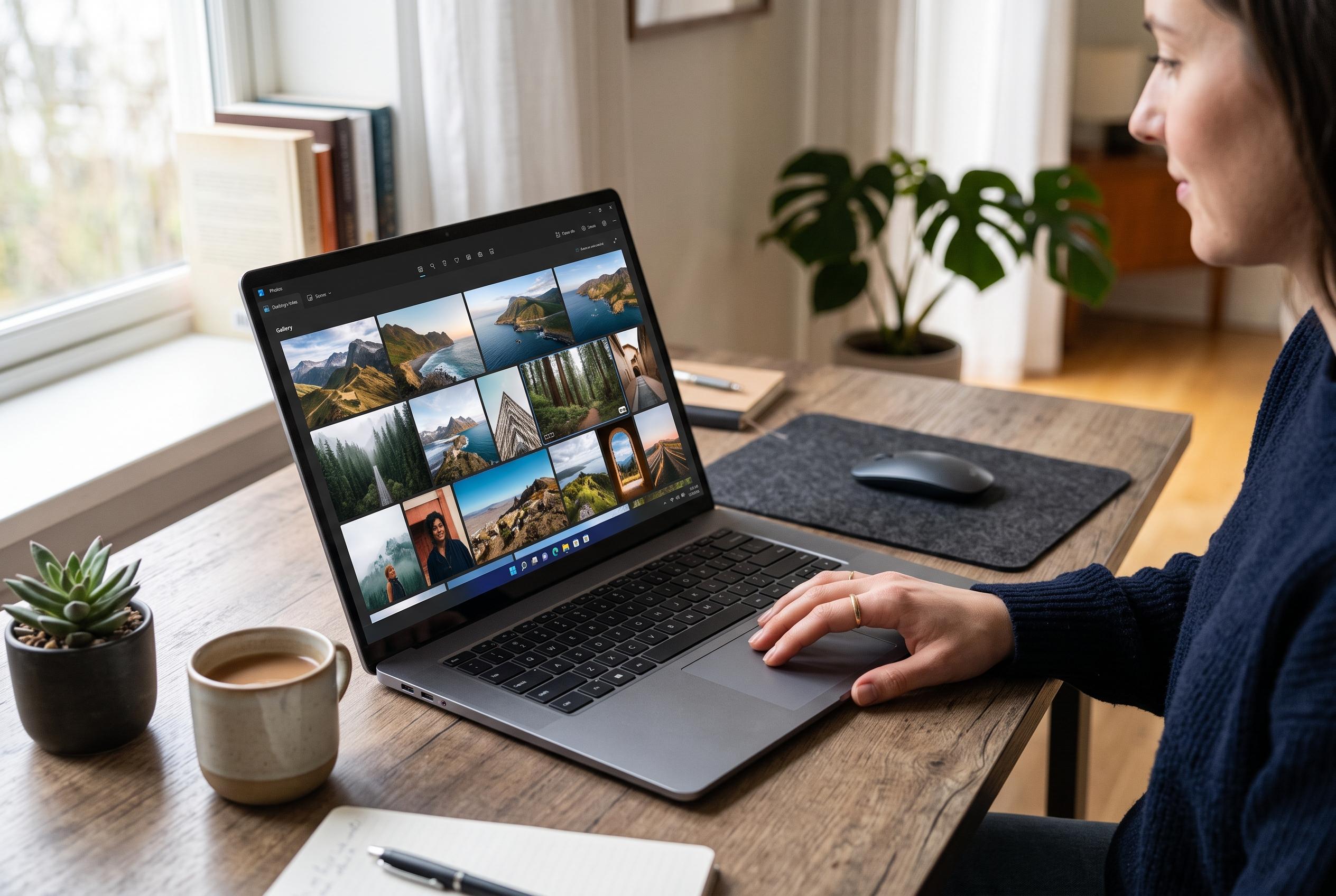

Microsoft has released a redesigned Photos app for Windows 11 focused on speed, simplicity, and enhanced image organisation, offering users a more practical viewing experience with new features and improved responsiveness.
Microsoft is rolling out a redesigned Photos app for Windows 11 that is intended to do the simplest job better: open pictures faster, reduce interface clutter and make zooming more responsive. According to Microsoft’s support notes, the refreshed app also keeps the focus on the image itself rather than filling the window with extra tools and shortcuts. The update is now reaching users through the Microsoft Store after first appearing in the Windows Insider programme. The latest build, WindowsLatest reported, is being pushed to all users rather than remaining a preview release.
The main change is a cleaner toolbar. Microsoft has removed the Ask Copilot button and moved Designer, OneDrive and Clipchamp out of the primary controls, while still leaving access to some of those tools through an Open with menu. The right-click menu has also been pared back, with options such as Visual Search with Bing, Edit with Designer and Create a video with Clipchamp removed from the top level. WindowsLatest said the result is a less crowded viewer that responds more quickly when opening large files or moving through image folders.
Microsoft’s own documentation says the refreshed Photos app also brings broader feature changes, including a Memories view, Filmstrip and Multi-view modes, and iCloud support. It also differs from Photos Legacy in how it organises images, grouping them into folders rather than albums, while still allowing users to download the older app if they prefer it. That gives Windows 11 users a choice between the newer, more integrated experience and the older, simpler approach.
The update also improves editing behaviour for HEIC files, which can now remain in their original format after changes are made. That may matter to users who work with images from modern phones and want to avoid unnecessary format conversion. Taken together, the changes suggest Microsoft is trying to make Photos feel less like a showcase for extra services and more like a practical viewer that loads quickly and stays out of the way.
Disclaimer: This content is intended for informational purposes only. Readers are advised to exercise their own judgement, conduct due diligence, or consult a qualified expert before acting on any information provided.



