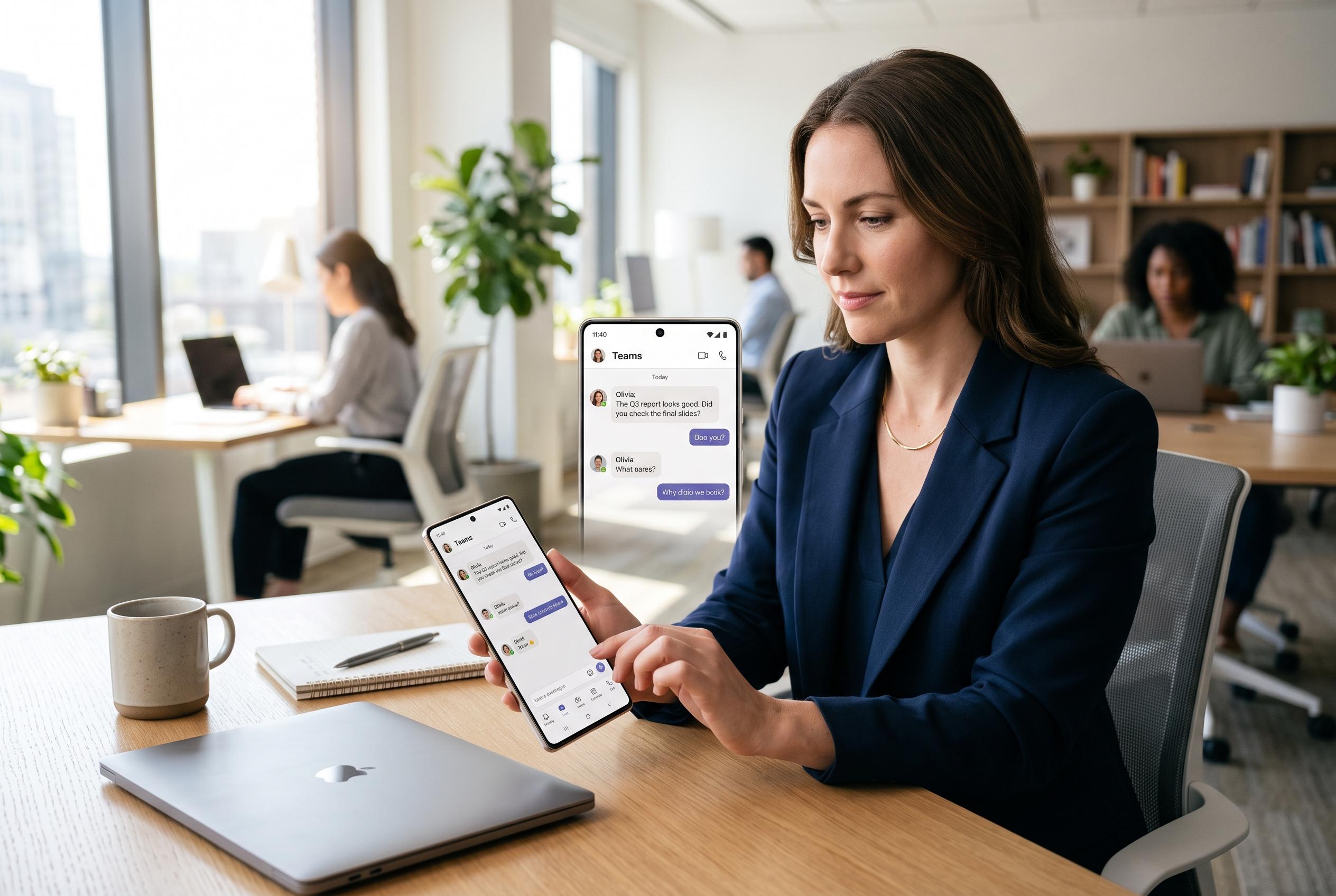

Microsoft Teams’ mobile app is evolving into a central platform for real-time communication and collaboration, capturing a growing shift towards mobile-first hybrid workplaces, with security and user-friendly design at the forefront.
Microsoft Teams has become one of the most widely used collaboration platforms in workplaces, schools and personal groups, and its mobile app is now central to that role. According to Microsoft and supporting guidance from third-party technical reviewers, the phone version is not a stripped-down companion but a practical extension of the desktop service, built to keep users connected through chat, meetings, files and calendar access while they are away from a computer. In a hybrid-work environment, that matters because Teams is often the place where urgent replies, approvals and quick coordination happen.
Getting started is straightforward on both iPhone and Android. The app is available through Apple’s App Store and Google Play, and users sign in with either a work or personal Microsoft account, depending on how they use the service. Microsoft’s support material for Teams Free also confirms that the mobile app supports personal communication, including chat, calls, file sharing and calendar features, which makes it useful well beyond corporate settings.
The core mobile experience covers the functions most people rely on daily. Microsoft says users can send direct messages and group chats, share files, join voice and video calls, and take part in screen sharing and rich text conversations. The app also supports document collaboration through Microsoft 365, allowing files to be opened and edited from mobile devices with changes syncing across accounts and devices. For many users, that means a phone is enough to handle routine communication and light editing without needing a laptop.
Navigation is designed around touchscreens, with tabs for activity, chat, teams and calendar, plus additional tools under the more menu. Reviews of the app describe the layout as familiar to desktop users, which reduces the learning curve for people who already work in Teams. Microsoft and independent guides also note that notification controls are important, because mobile use can quickly become noisy if alerts are not tailored to the user’s workflow.
Security is another major part of the mobile story. Microsoft supports multi-factor authentication, encryption and enterprise controls such as mobile device management and mobile application management, which allow companies to protect work data on personal devices. That is important for organisations using bring-your-own-device policies, since it helps separate business information from personal content and gives IT teams more control if a handset is lost or compromised.
The mobile app is strongest when it is used for communication, quick reviews and fast decisions, and weaker when the job demands complex editing, detailed meeting management or heavy multitasking. That trade-off is typical of mobile productivity software, but Microsoft’s continued investment in Teams suggests it sees the phone version as a primary workplace tool rather than a backup. For users who need to stay responsive while travelling, commuting or working in the field, Teams on mobile is now a mature and capable option.
Disclaimer: This content is intended for informational purposes only. Readers are advised to exercise their own judgement, conduct due diligence, or consult a qualified expert before acting on any information provided.