

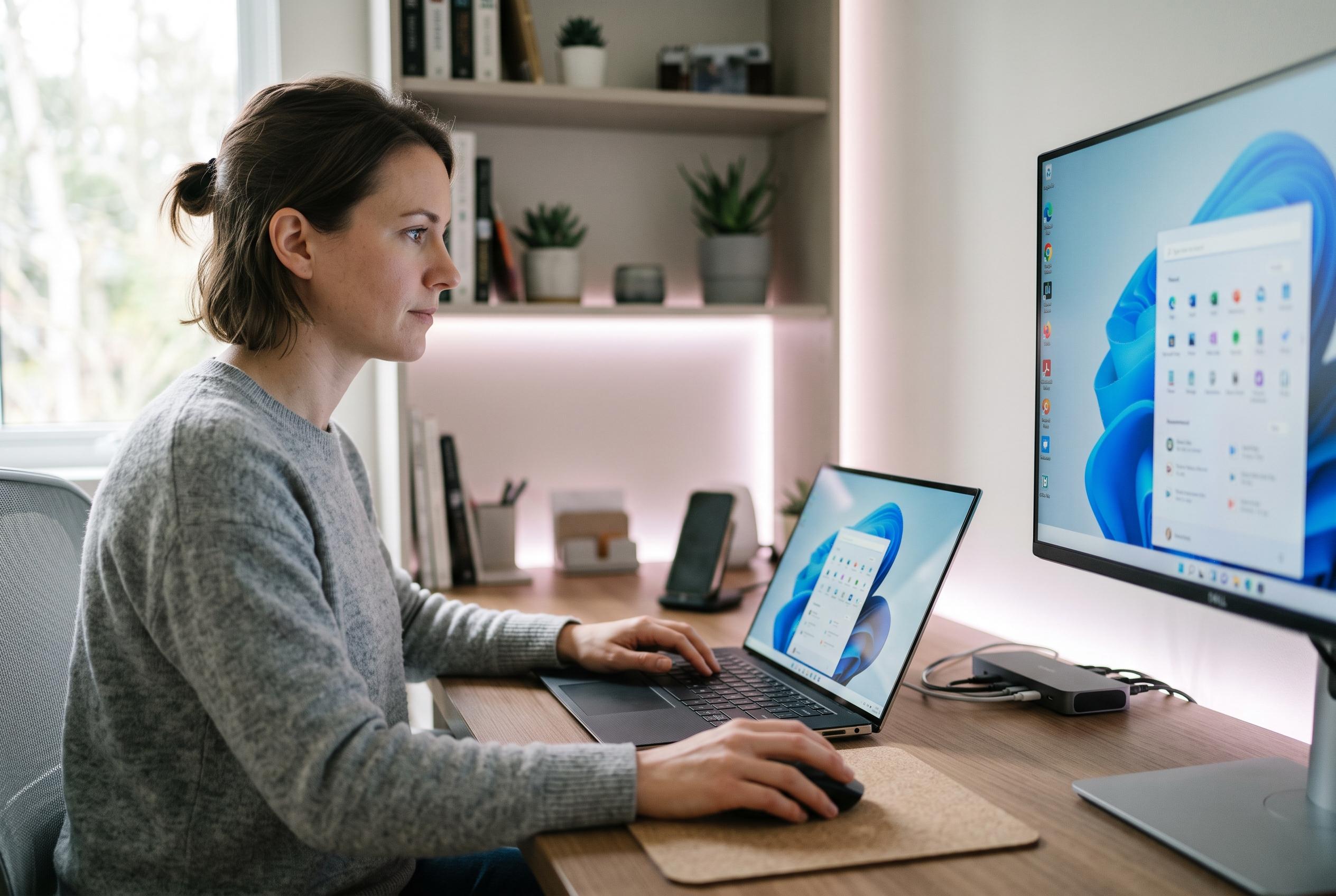

The September Windows 11 update introduces key changes including the return of a movable taskbar, customisable Start menu, and performance optimisations, making the OS more adaptable and user-centric.
Microsoft’s September Windows 11 update has begun rolling out with three changes that will matter most to people who care about layout, visibility and speed. According to TechRadar and Windows Latest, the update restores a long-requested ability to move the taskbar away from the bottom edge of the screen, adds a smaller taskbar option, and gives users more direct control over the Start menu’s size and contents. The broader effect is to make Windows 11 less rigid and more adaptable to different displays and workflows.
The taskbar change is the most striking reversal. Windows 11 users can again place it at the top, left or right of the display, with the vertical layout especially useful on wide monitors. Windows Latest says the update also allows a reduced-size taskbar with smaller icons, which should help on compact screens. That said, both publications note that Microsoft is pushing the feature out in phases, so some PCs will see it later than others.
The Start menu is also becoming more predictable. Rather than leaving sizing to Windows alone, users can now choose a compact or standard layout, and the surrounding options make it easier to hide pinned, recent or all-apps sections. Windows Central says Microsoft is also extending its focus on clutter reduction elsewhere in the interface, including the ability to hide profile details during screen sharing. Taken together, these changes give administrators and power users more scope to pare back the interface.
Search is the other major area of improvement. Windows Latest and Windows Central report that users can now disable web results and Microsoft Store suggestions, which should make Windows Search more useful for local files and installed apps. The update also brings faster loading for File Explorer’s Home page, quicker switching between virtual desktops, and reliability fixes for Task Manager and Settings. Microsoft has also introduced refreshed progress indicators across Windows, while an earlier mouse bug in the preview build has been fixed.
The timing is notable. Windows Central reports that Microsoft’s larger 26H2 release is expected to remain relatively modest, which helps explain why these interface changes are arriving separately now rather than being held back for the next annual update. In practice, the September release looks less like a redesign than a correction: Windows 11 is finally regaining some of the flexibility users lost at launch, even if the rollout means many will wait until later in the autumn to see every change.
Disclaimer: This content is intended for informational purposes only. Readers are advised to exercise their own judgement, conduct due diligence, or consult a qualified expert before acting on any information provided.



