

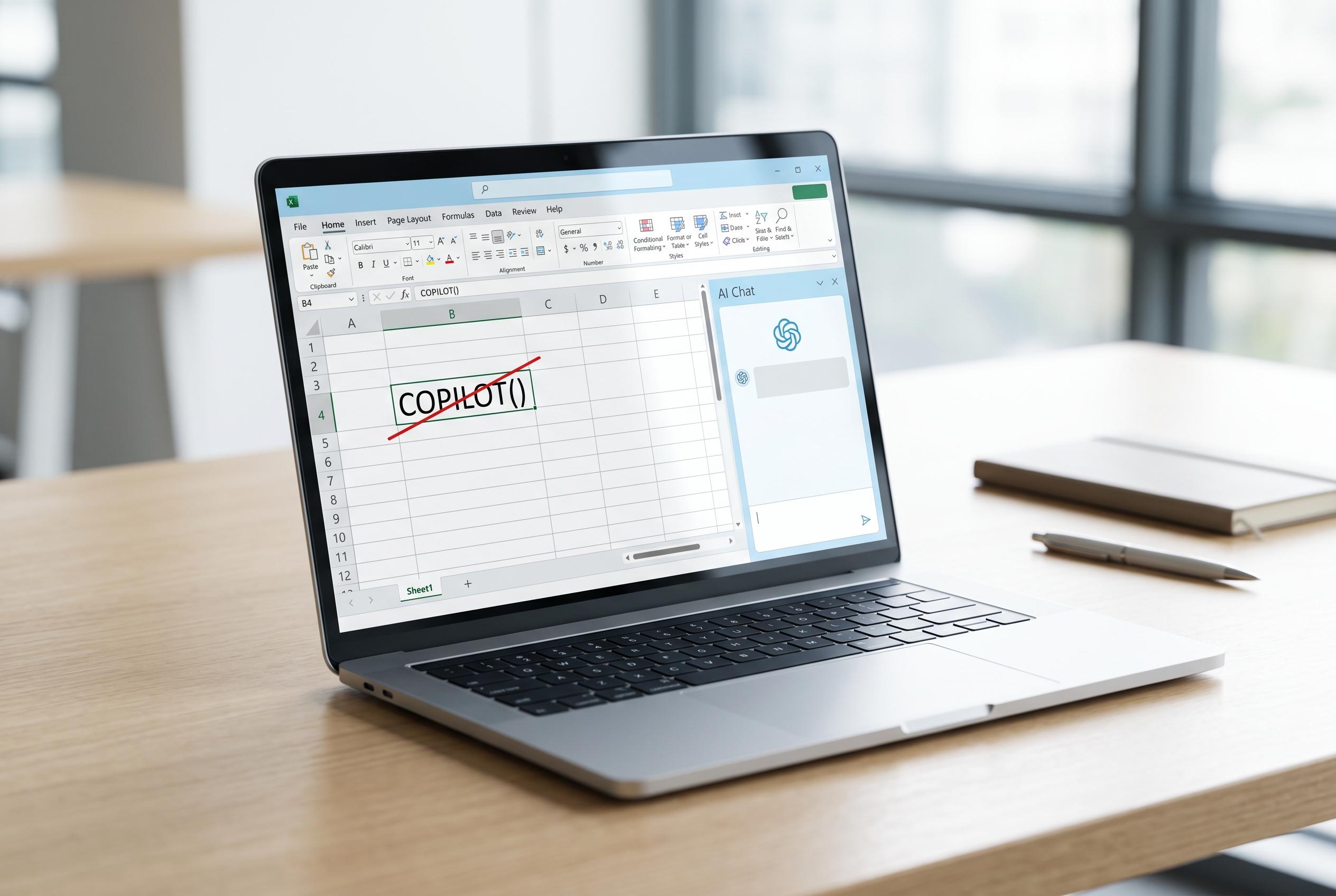

Microsoft is retiring the COPILOT() worksheet function in Excel, shifting AI-powered assistance from in-cell prompts to broader chat and sidebar interfaces within Microsoft 365, signalling a strategic change in how AI features are delivered to users.
Microsoft is retiring Excel’s COPILOT() worksheet function, removing a feature that let users type natural-language prompts directly into cells to generate summaries, classifications, text and web-based look-ups. The move brings forward a previously planned retirement that had been expected much later, signalling that Microsoft now sees the dedicated formula as less necessary than other Copilot access points already built into the spreadsheet app.
The function was available only to users with a qualifying Microsoft 365 Premium subscription and required an internet connection. Microsoft’s own support material says COPILOT() works by taking a prompt and optional grid references, then producing an AI-generated response. The company also set clear limits around its use, warning that it should not be relied on for numerical calculation, workbook data retrieval or material governed by legal or compliance requirements.
That caution is important because it shows how Microsoft positioned the feature from the outset: as an assistant for language-based tasks, not as a substitute for spreadsheet logic or controlled business systems. Microsoft has now concluded that those tasks can be handled through other Copilot entry points in Excel, including side-panel experiences and chat-based tools that sit alongside the workbook rather than inside a formula.
The change also sits within a broader reset of Microsoft 365’s AI access. Microsoft has already ended the free, built-in Copilot experience in Word, Excel, PowerPoint and OneNote for standard Microsoft 365 accounts, with those in-app features requiring a paid Microsoft 365 Copilot subscription from 15 April 2026. Copilot Chat remains available to standard users, and Microsoft’s subscription guidance and Microsoft Learn documentation continue to frame Copilot as a wider service integrated across Microsoft 365 rather than a single in-cell function.
Disclaimer: This content is intended for informational purposes only. Readers are advised to exercise their own judgement, conduct due diligence, or consult a qualified expert before acting on any information provided.



