

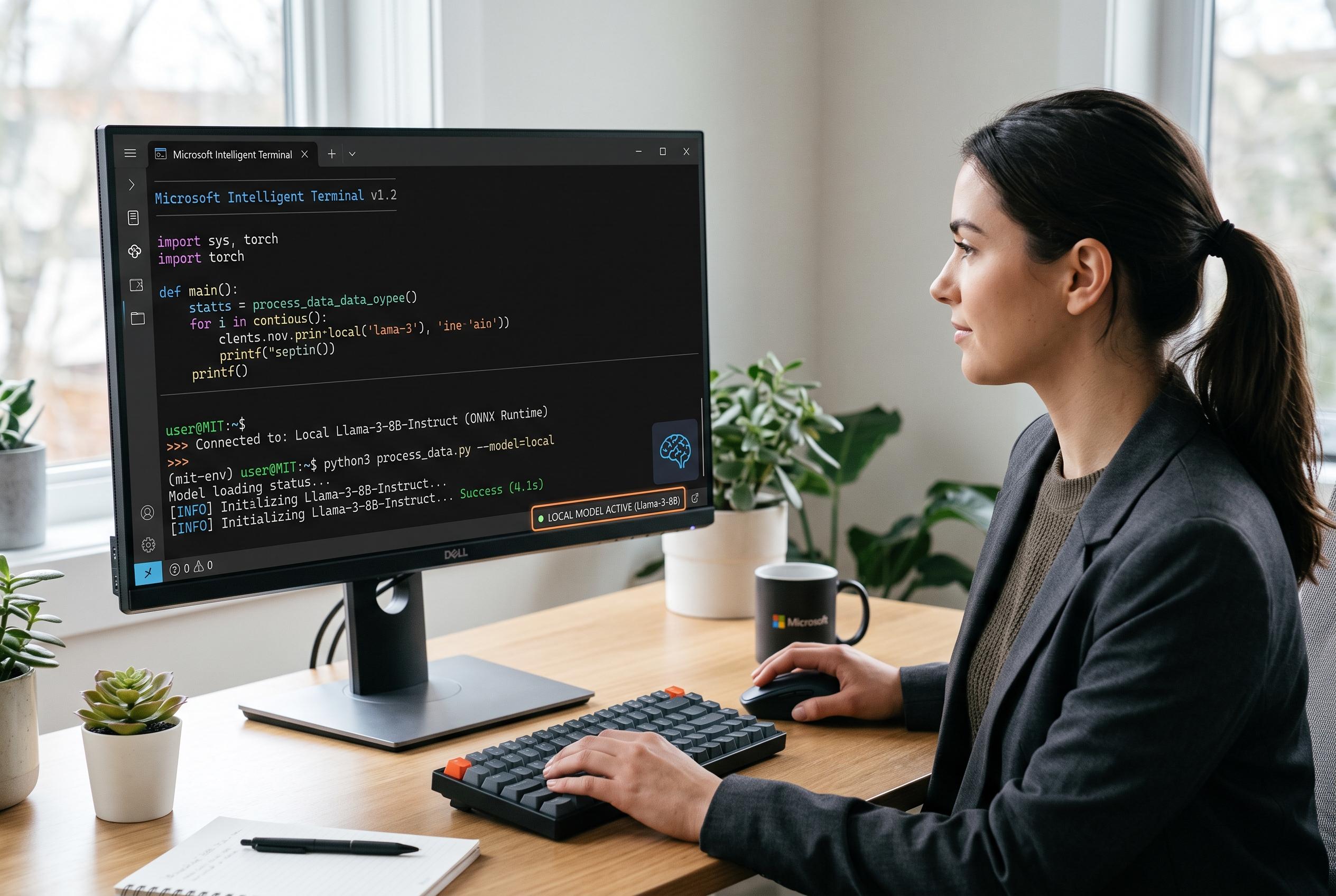

Microsoft unveils the Intelligent Terminal, enhancing the Windows Terminal with AI assistance that now supports local models, offering users offline, integrated command-line productivity.
Microsoft’s new Intelligent Terminal takes the familiar Windows Terminal and turns it into an AI-assisted command-line environment. According to ASCII.jp, the fork keeps the core terminal experience intact while adding help for command execution, including suggestions when a command fails. Windows Central says Microsoft has also designed it to work with several agent frameworks, not just one model, which gives it a broader remit than a simple Copilot add-on.
The current release, version 0.2, adds support for running models locally. That matters because it removes the need for a constant internet connection and makes the tool usable on the move. ASCII.jp says the feature works on ordinary CPUs and does not require a Copilot+ PC. The project’s GitHub repository also says Intelligent Terminal detects compatible agent tools on the machine at first launch, and if none are present it can fall back to GitHub Copilot CLI and install it automatically through WinGet.
Setup still begins with a GitHub sign-in, after which the terminal splits into an upper shell pane and a lower AI pane. GitHub’s own documentation explains that Copilot in Windows Terminal is meant to surface explanations and suggestions directly inside the terminal window, rather than in a separate app. In Intelligent Terminal, the same general idea is extended to a more modular agent setup, with per-tab selection available in version 0.2.
For local use, ASCII.jp describes a route based on Ollama and the qwen3.5 model. After installing Ollama, users launch OpenCode, download the model and then register it in Intelligent Terminal as a BYOM provider with a local base URL. The project’s GitHub page and Windows Central both indicate that agent support is broader than Copilot alone, while several terminal-native AI tools, including Billy and AITERMITE, show there is growing demand for offline or local-first coding assistance. Intelligent Terminal’s appeal is that it keeps that workflow inside a conventional terminal and reuses existing Windows Terminal settings, so users do not have to relearn their environment.
Disclaimer: This content is intended for informational purposes only. Readers are advised to exercise their own judgement, conduct due diligence, or consult a qualified expert before acting on any information provided.



