

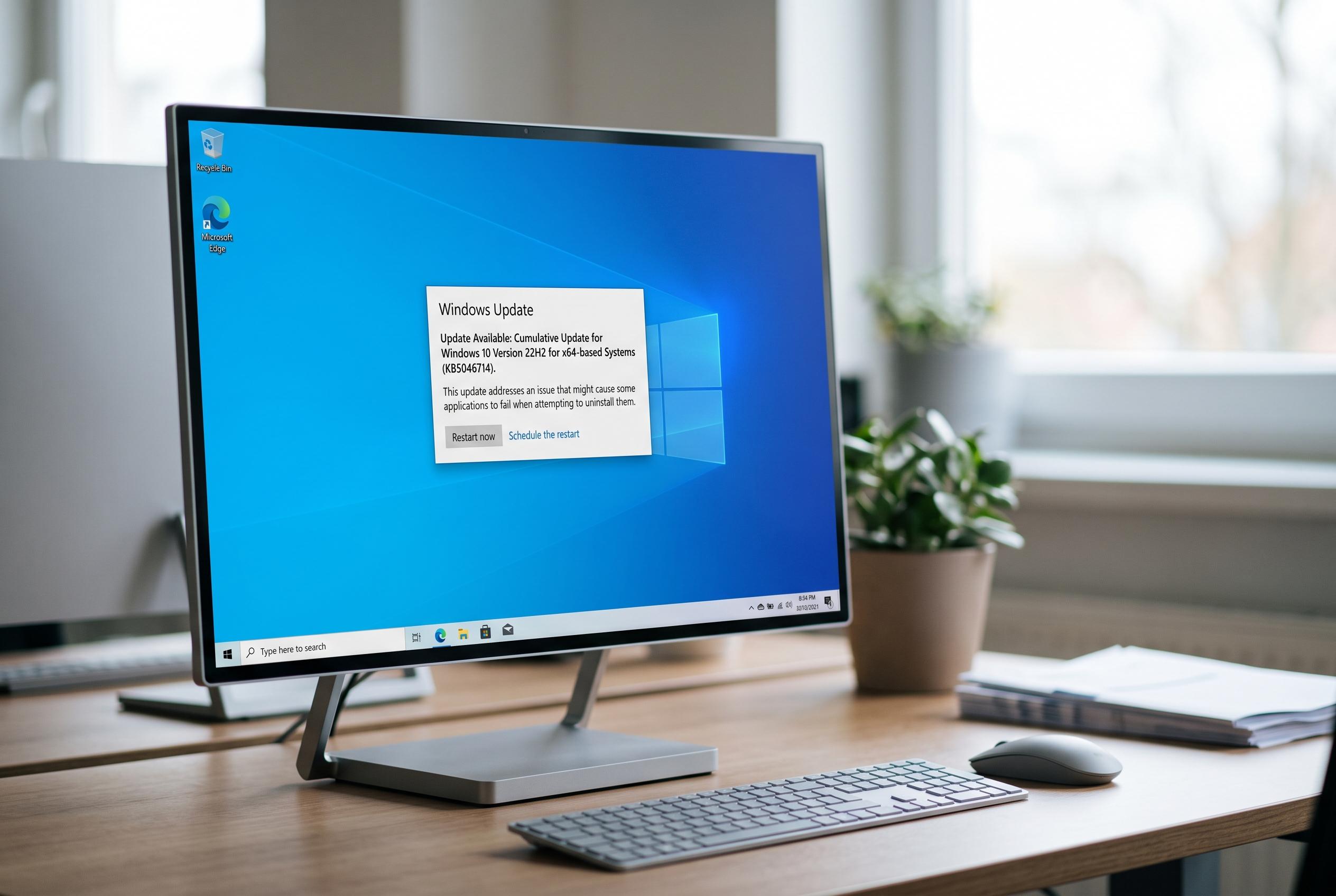

Microsoft released KB5046714 to address a specific regression in WinAppSDK 1.6.2 that caused issues with updating and removing certain packaged apps on Windows 10 version 22H2, offering targeted fixes ahead of the December cumulative update.
Microsoft’s KB5046714 update for Windows 10 addressed a narrow but disruptive flaw that could stop some packaged apps from updating or being removed. The fix targeted a regression in WinAppSDK 1.6.2, the Windows App SDK component used by certain Microsoft Store and AppX applications. Microsoft released the optional preview update on 21 November 2024 for Windows 10 version 22H2, lifting systems to build 19045.5198, and later carried the same quality fix into the December cumulative update. Reuters-style reporting on the release noted that this was not a broad uninstall repair for all Windows software, but a specific servicing issue affecting packaged applications.
The distinction matters. The documented problem affected packaged apps that depended on WinAppSDK and then ran into the 1.6.2 regression. In those cases, users could see Microsoft Store failures when trying to update or uninstall an app, while administrators working through PowerShell might encounter HRESULT 0x80073CFA. That points to an AppX deployment issue, not to every case where a desktop programme refuses to uninstall. Traditional MSI-based applications, broken shortcuts, missing uninstaller files or permission problems usually need a different remedy.
Microsoft’s preview update was part of its regular optional, non-security servicing cadence, which gives administrators a chance to test fixes before they are folded into the next cumulative release. BleepingComputer and other technical outlets reported that KB5046714 could be installed through Windows Update, with the build number advancing to 19045.5198 after installation. Microsoft later published the same improvement in KB5048652, the December 10 cumulative update, meaning systems that took the later package could receive the fix without ever touching the preview itself.
For anyone checking whether the update applies, the first step is to confirm the Windows edition and build rather than assuming every uninstall error has the same cause. Microsoft’s guidance for the package points users to the Windows Update page, while the offline .msu file was also made available through the Microsoft Update Catalog for manual deployment. Administrators were advised to follow normal testing, approval and restart procedures, especially because preview updates are not meant to be treated as blanket production fixes.
KB5046714 is now mainly a historical troubleshooting reference. Windows 10 version 22H2 reached general end of support on 14 October 2025 for ordinary Home, Pro, Enterprise and Education editions, so the update is no longer a current recommendation for active systems. Its value today is mostly for legacy-device diagnostics, audit work and understanding late-2024 servicing history. For live machines, the better question is whether the system has already moved to a supported Windows release or qualifies for extended servicing.
Disclaimer: This content is intended for informational purposes only. Readers are advised to exercise their own judgement, conduct due diligence, or consult a qualified expert before acting on any information provided.



