

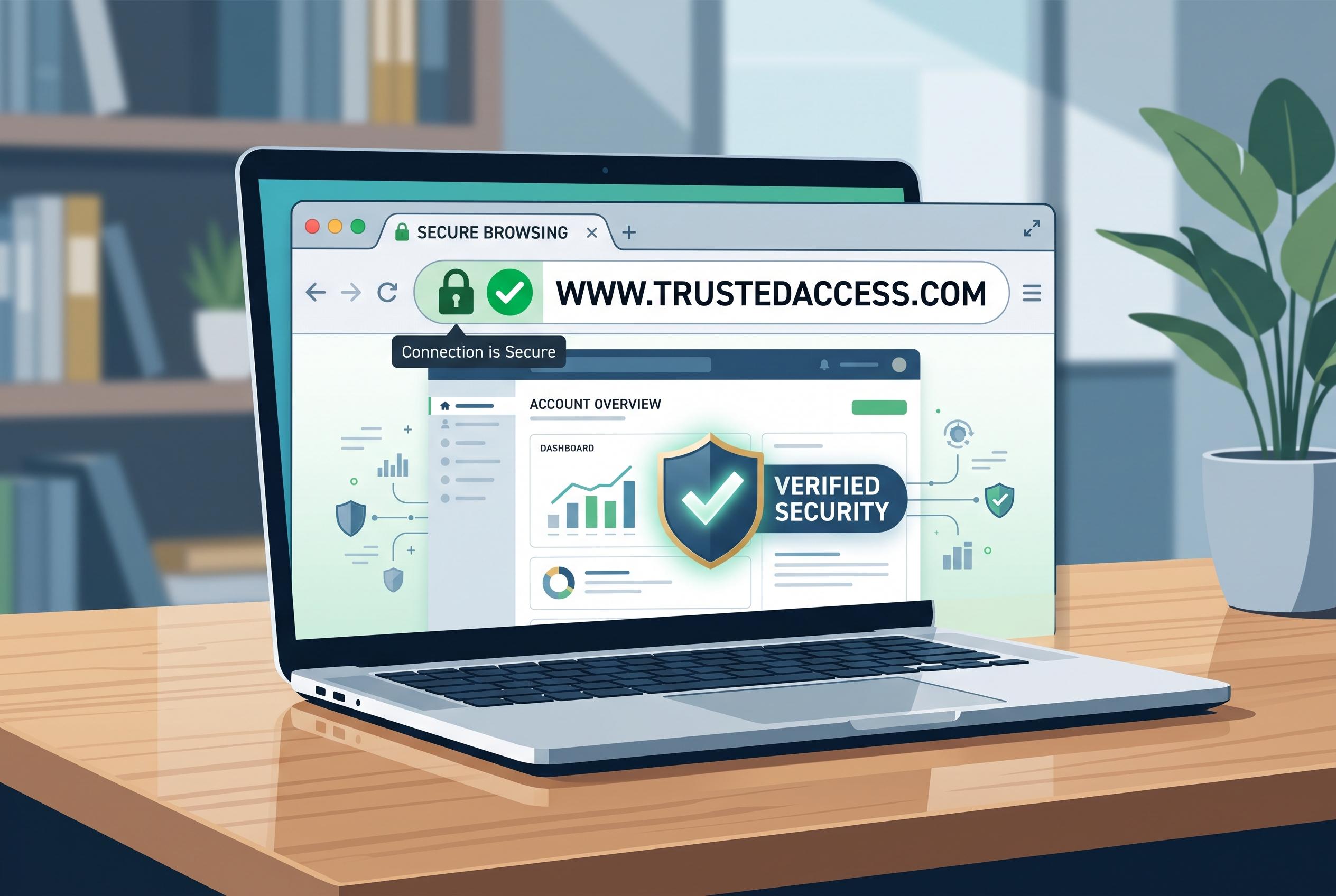

As online entertainment increasingly starts in the browser, experts highlight the importance of scrutinising domain authenticity, HTTPS connections, browser extensions and session management to stay safe from threats and imposters.
Most online entertainment begins in the browser, whether that means streaming, games, digital shops, live broadcasts or community platforms. That simplicity can hide the real security checks that matter. A correct web address, a valid HTTPS connection, active sessions and installed extensions all help distinguish a legitimate service from a convincing imitation.
The first safeguard is the domain itself. Links in messages, shortened addresses and sponsored results should be treated with caution. Typing the main address directly, or using a bookmark saved by the user, reduces the risk of being taken to a lookalike site. Small spelling changes, misplaced hyphens and near-identical domain names remain common phishing tactics.
The next signal is the secure connection. HTTPS does not guarantee trust on its own, but it is essential whenever a site asks for a login, payment details, identification or other sensitive information. Browser warnings about invalid certificates, unusual redirects or unexpected downloads should be taken seriously. In practice, the page should load consistently on the same domain, with the browser showing a stable encrypted connection before any personal data is entered.
Extensions deserve separate scrutiny. Security researchers have repeatedly warned that browser add-ons can request broad access to pages, cookies, forms and authenticated sessions. Kaspersky has advised users to keep only essential extensions, installed from official stores and backed by a credible history. Malwarebytes, Avast and Proton VPN have all issued similar guidance, while Microsoft has also encouraged stricter browser protections in Edge. If an extension starts asking for new permissions, changes ownership or opens pages on its own, it should be treated as a potential risk rather than a convenience.
Session hygiene is the final part of the routine. Users should sign out on shared devices, review connected devices, avoid saving passwords on other people’s machines and keep the browser and operating system updated. For entertainment platforms, the safest approach is not added paranoia, but a disciplined habit of checking the address bar, the certificate, the extension list and the account session before trusting the page.
Disclaimer: This content is intended for informational purposes only. Readers are advised to exercise their own judgement, conduct due diligence, or consult a qualified expert before acting on any information provided.



