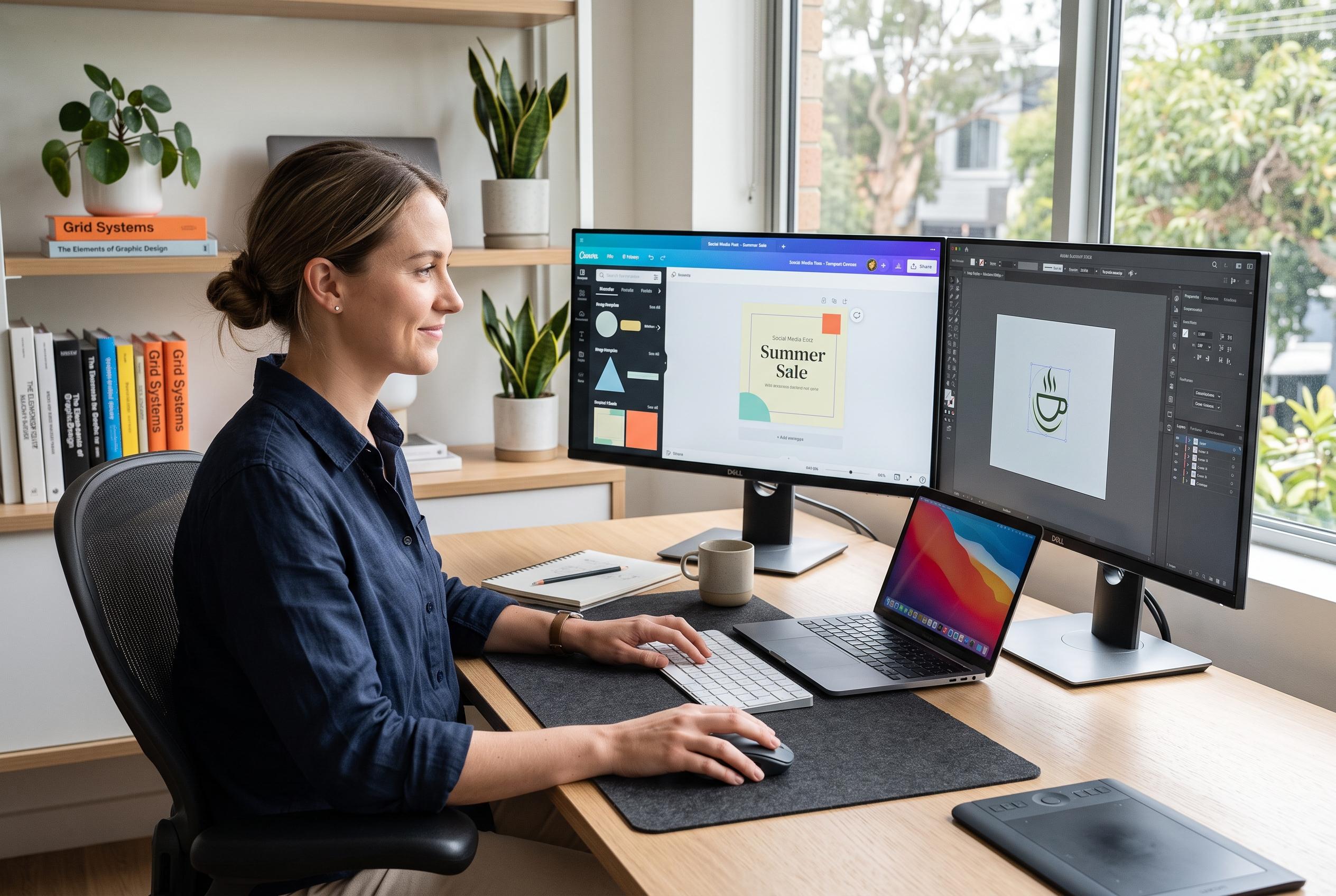

A variety of accessible software platforms are transforming how beginners learn essential visual communication skills, from simple templates to professional-grade applications, fostering confidence through practice and experimentation.
Graphic design is now a practical skill across marketing, publishing, product development and social media. According to Designer Daily, software gives beginners a controlled way to experiment with composition, typography, colour and image editing without needing specialist equipment or formal training. The key advantage is that digital tools allow repeated revision, which makes learning less intimidating and more efficient.
That matters because modern design programmes do more than produce finished artwork. They help newcomers build posters, logos, slide decks, social graphics and illustrations while learning how visual elements work together. Designer Daily also notes that even informal creative exercises can improve an eye for composition, which is why simple practice projects often matter as much as technical instruction.
Adobe Photoshop remains one of the most established options for people starting out. Designer Daily describes it as useful for photo editing, compositing and polished digital artwork, while also giving beginners a strong foundation in cropping, masking, layers, colour correction and typography. Its broader value is versatility: once the basics are understood, the same environment can support a wide range of creative work.
Canva takes a different approach. Designer Daily presents it as a beginner-friendly platform built around templates, drag-and-drop controls and pre-made design elements. That makes it a practical entry point for learning layout, spacing and the relationship between text and imagery. For many users, it is less about advanced technique and more about understanding how clear visual communication is constructed.
Affinity Designer and CorelDRAW sit closer to professional production work. Designer Daily says Affinity Designer combines vector and raster workflows, which makes it useful for logos, icons, interfaces and illustration. CorelDRAW, meanwhile, has a long track record in vector-based design, especially for page layout, signage and print work. Both can help learners move beyond basic composition and into more structured, industry-style design habits.
For tablet users, Procreate offers a more natural drawing experience. Designer Daily highlights its brushes, layered canvases and blending tools, which make it well suited to sketching, character concepts, digital painting and lettering. For beginners who think visually rather than from a page-layout perspective, it can be a strong bridge between hand drawing and digital illustration.
The broader lesson is simple: the best software depends on the kind of work a person wants to do. Beginner designers may find Canva the easiest place to start, while those aiming at professional production may eventually move towards Photoshop, Affinity Designer or CorelDRAW. Digital illustrators may prefer Procreate. What matters most, Designer Daily suggests, is choosing one tool, practising regularly and building confidence through small projects before moving on to more complex work.
Disclaimer: This content is intended for informational purposes only. Readers are advised to exercise their own judgement, conduct due diligence, or consult a qualified expert before acting on any information provided.