

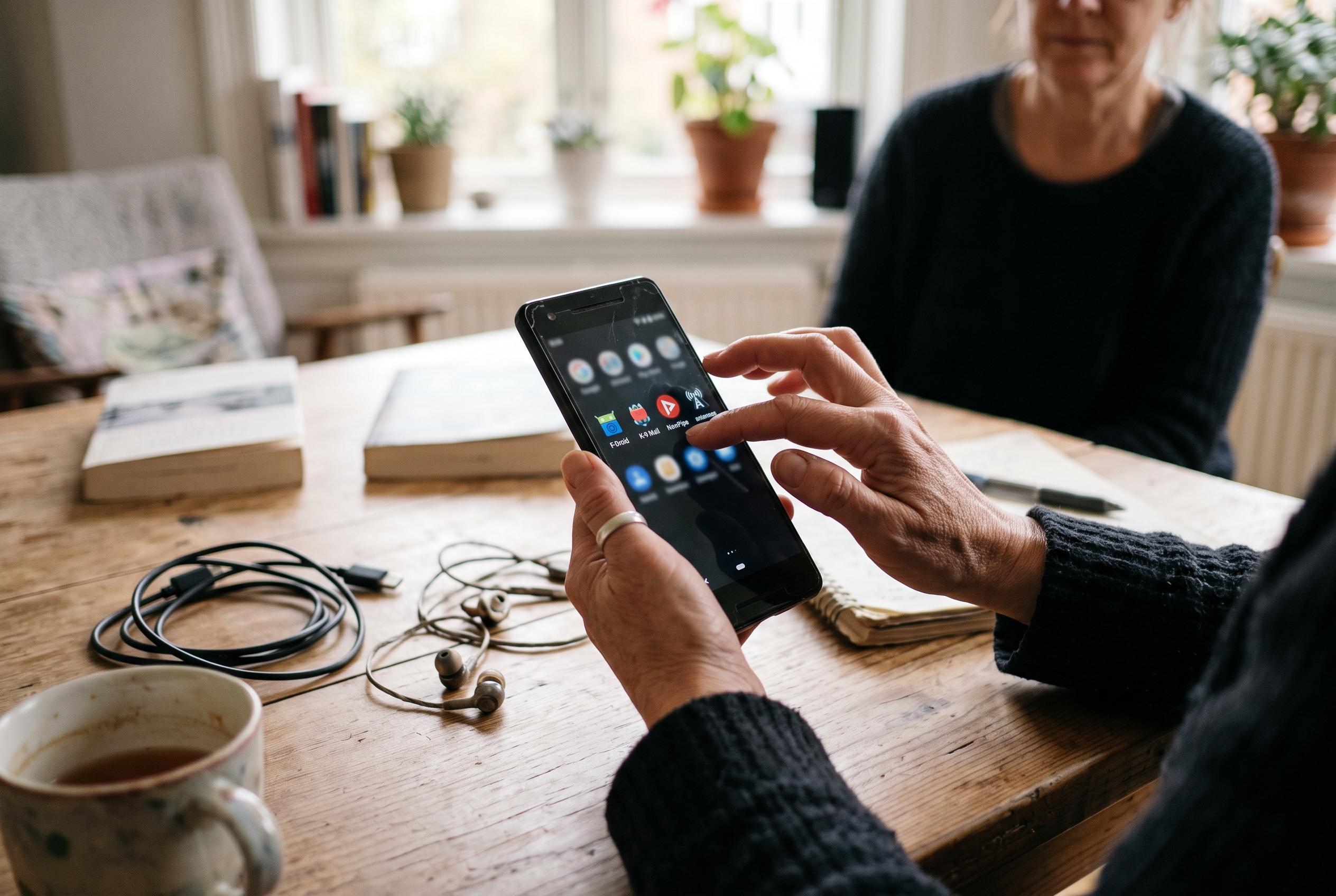

Replacing cluttered default apps with lighter open-source alternatives can refresh an ageing Android handset without upgrading its hardware.
An ageing Android handset does not need new silicon to feel more modern. Often, the biggest gains come from replacing the default software stack with lighter, cleaner tools. That is the premise behind a set of open-source apps recommended by How-To Geek for users who want a fresher experience without buying a new phone. The focus is less on raw performance than on reducing clutter, ads and background noise.
The most transformative change is usually the launcher. How-To Geek highlights Kvaesitso as a deliberately different home screen, designed around search rather than rows of icons. Android Authority has described it as a fully open-source launcher with a minimalist, search-first layout, split into a home screen, a widget panel and an app drawer. It is not listed in the Play Store, so users need F-Droid or GitHub to install it, but that extra step is part of what makes it appealing to people who want to move away from the mainstream Android experience.
For web browsing, Firefox remains the safest starting point if the aim is to reduce dependence on Google’s ecosystem. How-To Geek argues that it offers privacy protections that can also make browsing feel leaner, especially when compared with Chrome’s more closed approach. Mozilla’s Android build is open source and supports extensions, which is still unusual on mobile browsers. For users who want even stronger ad and tracker blocking, some alternative open-source browsers, such as Nirvana Browser, build those protections in by default.
The camera app is another place where older phones can benefit from a better front end. How-To Geek singles out PhotonCamera as an option that can make mid-range hardware produce results closer to a Pixel, although it correctly notes that software cannot fully overcome weak optics or image processing. The distribution route is also less straightforward: it is not in the Play Store or the standard F-Droid catalogue, so users must add the IzzyOnDroid repository or use an F-Droid client that already includes it. That extra friction may be worthwhile for people who are dissatisfied with the stock camera app on their device.
For photos and files, the goal is often to replace heavy, promotional software with tools that feel more coherent. How-To Geek recommends reFra as a local gallery app that imitates some of Google Photos’ polish without forcing cloud upload, while Material Files is presented as a more capable file manager than Files by Google and, on Galaxy phones, a viable alternative even to Samsung My Files. Both fit the same broader pattern: they prioritise control, local storage and a cleaner interface over service lock-in.
Notes are the one category where no single answer fits everyone. How-To Geek suggests Easy Notes for people who want something close to Google Keep, and Markleaf for users who prefer a markdown-based workflow more like Obsidian. It also points to Standard Notes for those who want a privacy-minded cloud option. The wider message is practical: an old phone often feels slow not only because of hardware limits, but because its software has accumulated too much friction. Replacing a few core apps can make the device feel lighter, more consistent and far less dated.
Disclaimer: This content is intended for informational purposes only. Readers are advised to exercise their own judgement, conduct due diligence, or consult a qualified expert before acting on any information provided.



