

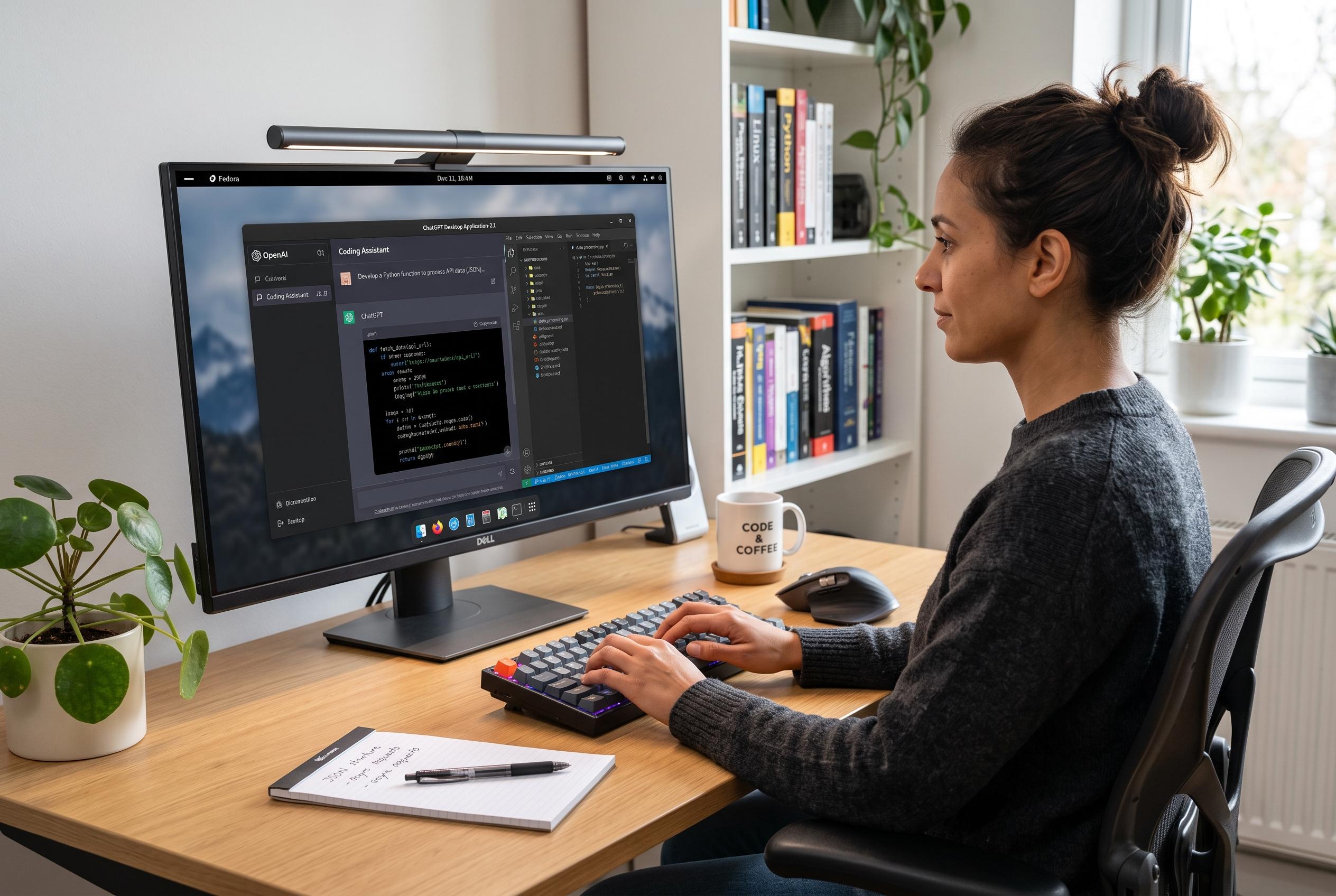

OpenAI has launched a preview of its ChatGPT desktop application for Linux, unifying chat, coding, and work functionalities into a single client and marking a significant expansion for Linux users in the AI ecosystem.
OpenAI has released a preview of its ChatGPT desktop app for Linux, extending a client that was previously available only on macOS and Windows. The move matters because Linux remains a core environment for many developers, and the new app folds ChatGPT, Work and Codex into one desktop interface rather than treating them as separate tools.
According to OpenAI’s release notes, the desktop app now uses a global switcher so users can move between ChatGPT and Codex inside the same window. It also brings unified Recents and Projects into the client, allowing a conversation to begin from project context and continue across related work. OpenAI says cloud Work conversations also sync across web, mobile and desktop, making it easier to start on one device and finish on another.
The company introduced ChatGPT Work on 9 July 2026 as an agent for longer, multi-step tasks. OpenAI describes it as a tool that can research, analyse information, work across connected apps and files, and produce finished documents, spreadsheets, presentations, reports and Sites. It can also be monitored while it works, with users able to redirect it or approve significant actions.
For Linux users, the headline feature is not only access to ChatGPT itself but Codex’s deeper integration with the local environment. The preview is aimed at Ubuntu 24.04 and 26.04 LTS, Debian 13, and Fedora 43 and 44, with support for x64 and ARM64 packages. That is narrower than full Linux support, but OpenAI’s choice of base distributions suggests it is targeting the most common downstream ecosystems first.
The release also reflects a wider product consolidation inside OpenAI. After adding separate desktop and browser products over the past two years, the company has started to bring them back into a single client structure. That gives users one place for chat, work and code execution, while also giving OpenAI a stronger hold on the files, projects and habits that accumulate inside the app.
Disclaimer: This content is intended for informational purposes only. Readers are advised to exercise their own judgement, conduct due diligence, or consult a qualified expert before acting on any information provided.



