

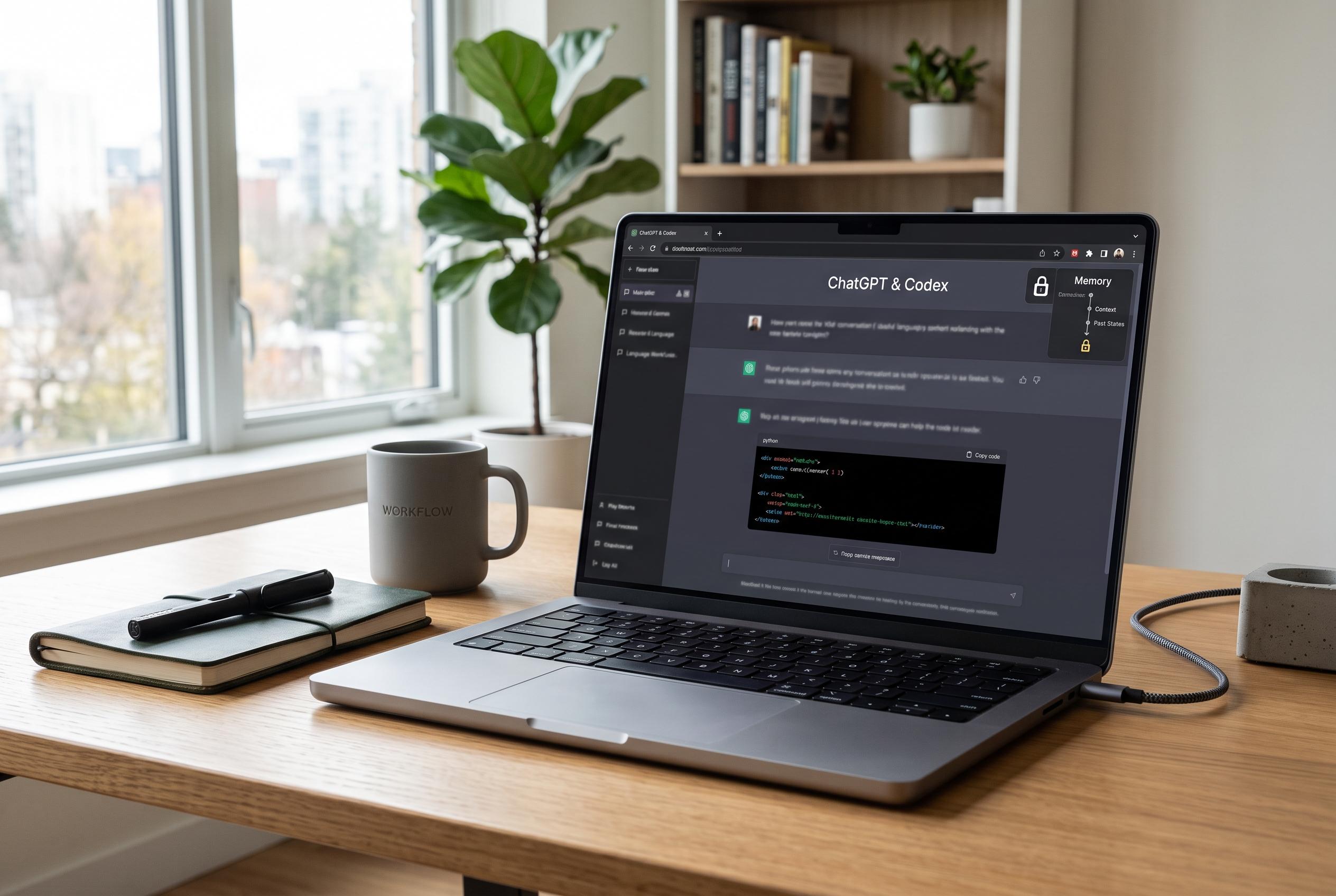

OpenAI is rolling out a new feature called Computer History on macOS, allowing ChatGPT and Codex to remember recent on-device activity and improve task continuity, while prioritising user privacy and control.
OpenAI is adding a new layer of memory to ChatGPT and Codex on macOS, allowing the tools to use recent on-device activity as context when answering follow-up questions or continuing a task. According to Windows Report, the feature is called Computer History and is rolling out through the ChatGPT desktop app for Pro, Business and Enterprise users, with support for the EEA, the UK and Switzerland expected in the coming weeks.
The idea is to help the assistant pick up where a user left off rather than forcing them to recreate the full chain of events. Windows Report said Computer History builds a timeline from allowed app and website interactions, so ChatGPT and Codex can infer what document, page or workflow was in use before an interruption. That makes it more practical for resuming work, tracing recent changes and identifying repetitive routines that could be turned into reusable tasks.
The broader direction is consistent with OpenAI’s recent Codex updates. MacRumors reported in April that Codex had been taught to work more autonomously with desktop Mac applications, including typing and screen interaction, while also learning preferences, recurring workflows and common technology stacks. 9to5Mac separately described a research preview feature, Chronicle, aimed at giving Codex stronger context from recent screen content, while TechRadar said the company has been positioning Codex as a workplace automation tool that can manage long-running jobs and parallel agents.
Privacy controls remain central to the rollout. Windows Report said the feature does not capture screenshots, video, microphone input or system audio. Instead, it records interaction events such as clicks, typing, keyboard shortcuts and app switching. The feature is off by default, users choose which apps and websites can contribute, and they can pause, delete or exclude sources at any time. For Business and Enterprise accounts, administrators must enable access before individuals opt in. OpenAI also says temporary event files stay on the Mac for up to 48 hours and are not retained for model training after processing.
Disclaimer: This content is intended for informational purposes only. Readers are advised to exercise their own judgement, conduct due diligence, or consult a qualified expert before acting on any information provided.



