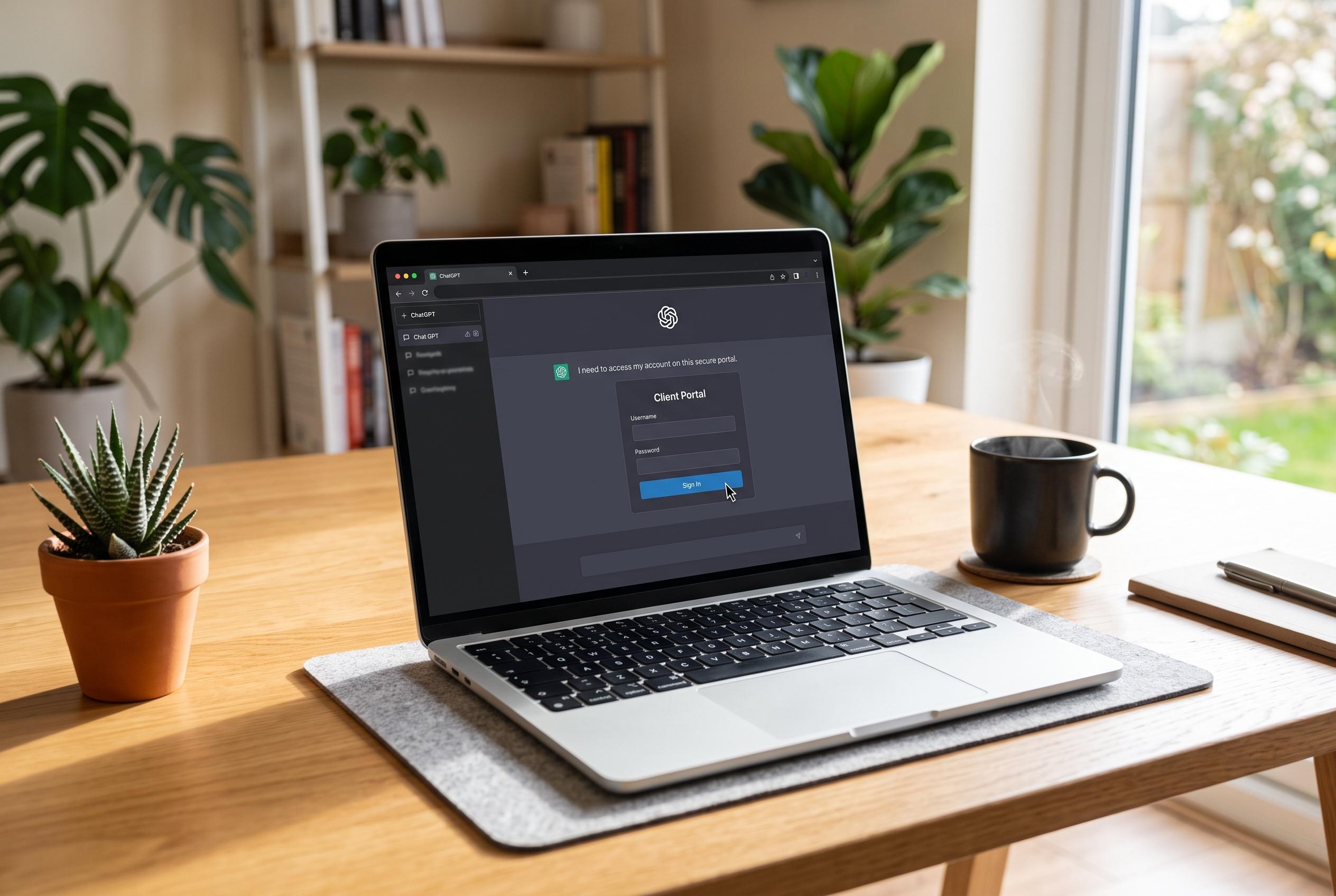

OpenAI has rolled out a new feature allowing ChatGPT users to log into password-protected websites directly within the assistant, streamlining web-based tasks and improving user experience without compromising security.
OpenAI has started rolling out a ChatGPT Work update that lets the assistant move through password-protected websites without stopping at the login screen, according to Canaltech and OpenAI’s own help material. The feature is being made available to Plus, Pro and Business users on web and mobile, and OpenAI’s release notes indicate that the company is positioning it as part of a broader upgrade to ChatGPT’s browser-based task handling. (help.openai.com)
Until now, the assistant would hand control back to the user whenever a sign-in page appeared. The new flow instead brings up a secure login form inside ChatGPT, allowing the user to enter a username, password and any two-factor code without breaking the task. OpenAI says those credentials go straight to the remote browser and are not visible to the model or used for training. The company also says password managers can work in the same flow. (help.openai.com)
Security checks remain part of the process. Before a login prompt appears, OpenAI says a separate review model checks the request and the destination site for signs of phishing or deception. Users can verify the web address and preview the sign-in screen before continuing. If an account is already authenticated, the session can remain active for later tasks, while browser data for individual sites can be cleared through settings. OpenAI’s broader account help pages also stress that passwords and account recovery steps should be handled through official sign-in and reset flows. (help.openai.com)
The feature runs in ChatGPT’s cloud browser, a remote browsing environment that keeps its own cookies, sessions and browser data rather than using the user’s personal tabs, history or saved passwords. OpenAI says tasks can keep running after the user leaves the conversation or closes the device, but they pause when ChatGPT needs information, a login or confirmation. By default, the assistant asks before opening a new site, and users can choose stricter or looser access rules, although OpenAI says allowing all sites is not recommended. (help.openai.com)
OpenAI says the use cases include setting up utilities for a new home, booking passport appointments, checking insurance portals, extracting invoices from email into accounting software and helping with recruitment tasks such as finding candidates and drafting outreach. Even with login access, the assistant is still expected to ask before consequential actions such as completing a reservation or making a payment. OpenAI also notes that some websites may simply block automated browser access altogether, which means the feature will not work everywhere. (help.openai.com)
Disclaimer: This content is intended for informational purposes only. Readers are advised to exercise their own judgement, conduct due diligence, or consult a qualified expert before acting on any information provided.