

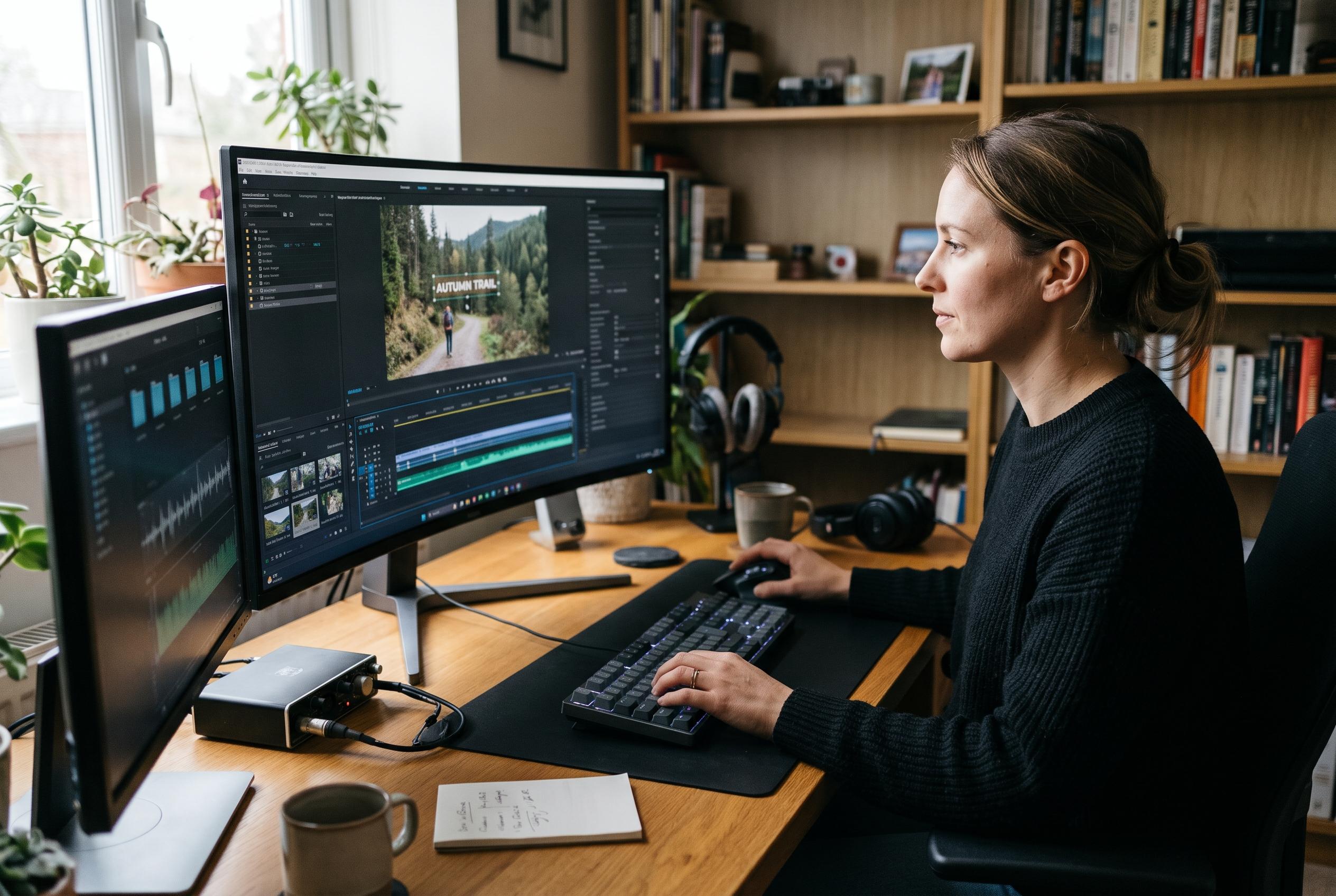

The free editor’s latest release adds direct text styling in the video preview, an experimental command-line interface and tools to speed up work with high-resolution footage.
OpenShot has released version 4.1 of its free video editor for Linux, Windows and macOS, bringing a more direct way to work with on-screen text, an experimental command-line interface and a series of performance and export improvements. The update is aimed at both casual editors and users who need more automation or faster handling of demanding footage, including high-resolution material.
The most visible change is native text editing inside the video preview itself. Instead of opening the separate Title editor, users can add a text clip from the timeline toolbar or by pressing Shift+T, then edit it in place with a floating formatting bar. OpenShot says the tools cover font choice, size, colour, alignment and other styling controls, while also supporting outlines, backgrounds, rounded corners, spacing and keyframe animation. Style settings can be copied between clips or applied to several text clips at once. The existing Title editor and Captions features remain available for SVG titles and timed subtitles.
OpenShot 4.1 also extends its optimisation tools for heavy projects. The project says the software can now detect footage that may be slow to process and offer to generate lower-resolution working copies, typically at 720p by default. Those files are used for preview and timeline operations, while final exports still rely on the original media at full quality. The company positions the feature as a response to the strain caused by large or high-resolution clips, particularly 4K video, and as a continuation of performance work introduced in earlier releases.
Another major addition is openshot-cli, an experimental command-line interface intended for scripted workflows and automation tools, including AI coding agents. According to OpenShot’s documentation, the CLI can import media, trim and arrange clips, apply effects and presets, manage keyframes, insert and style text, and render finished videos. It can run alongside the graphical application or headlessly on a server, and it returns structured JSON output that is suitable for automation and batch editing.
The release also tightens export handling. Before rendering begins, OpenShot now checks settings against FFmpeg and flags incompatible combinations of formats, codecs and related parameters. If a problem is found, the application explains the issue and can suggest fixes automatically. Users can then adjust and retry without rebuilding the export configuration from scratch. A new completion panel also shows the finished file’s format, resolution, size and output location.
Beyond those headline features, OpenShot says 4.1 broadens keyboard-driven editing, improves the Preview File, Preview Clip and Split File tools, and introduces native ARM64 builds for Linux through its daily Ubuntu PPA and Snap edge channel. The project also cites compatibility updates for FFmpeg 7 and newer, OpenCV 5 and Qt 6, alongside changes to track sizing, timeline resizing, trimming, splitting and audio handling. It says the update fixes several long-standing issues, including problems with clip length, fades, short clips disappearing, animation keyframes and crashes in razor previews. On Wayland, the application should now show the correct name and icon in the taskbar.
Disclaimer: This content is intended for informational purposes only. Readers are advised to exercise their own judgement, conduct due diligence, or consult a qualified expert before acting on any information provided.



