

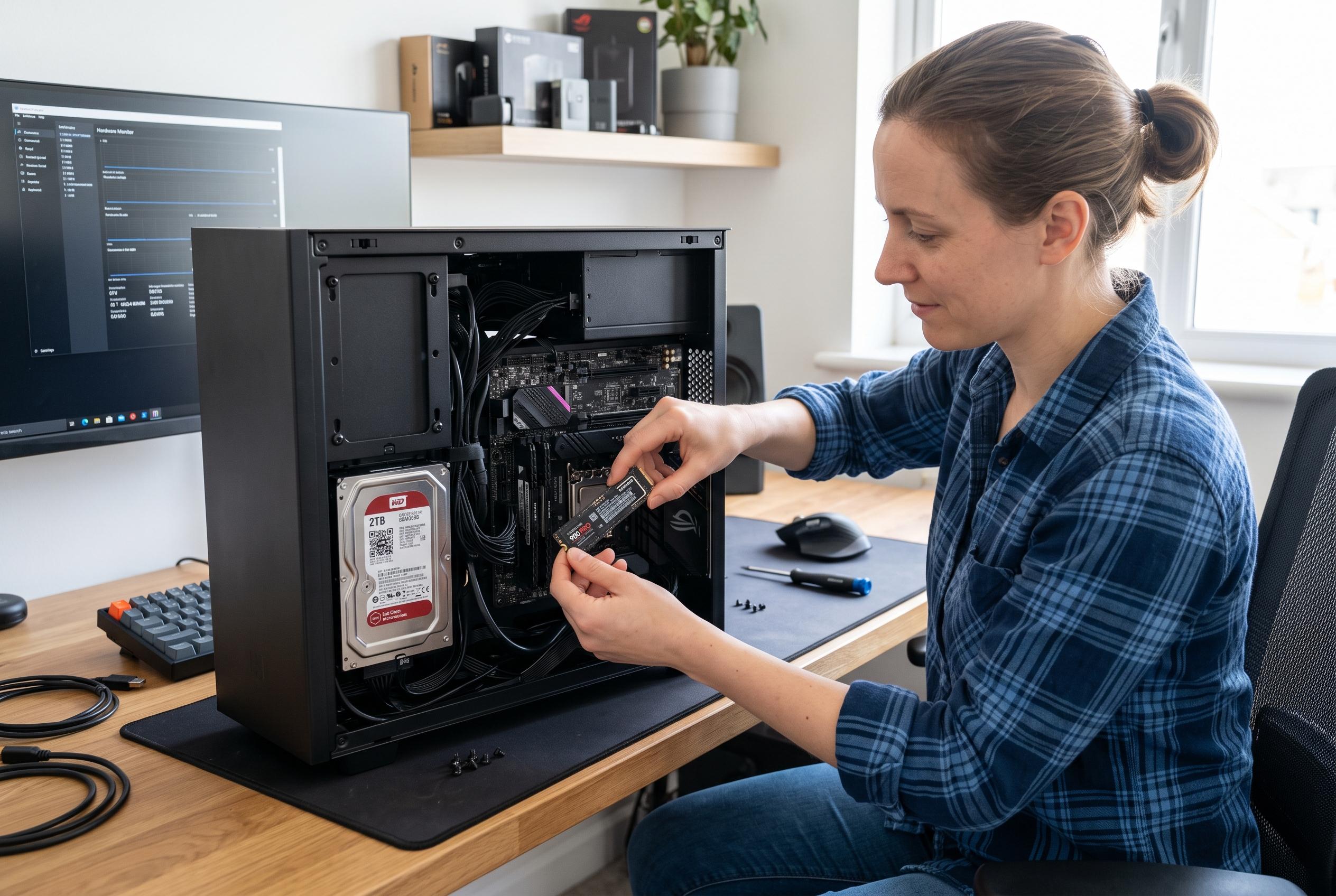

While many tweak and clean tools claim to speed up Windows, the most effective improvements come from straightforward maintenance and hardware upgrades, with SSD replacement delivering unmatched performance gains.
Windows optimisation tools promise quick gains, but most of what they claim to do is either ineffective or counterproductive. In practice, the fastest route to a more responsive PC is usually not a one-click booster, a registry cleaner or an aggressive tweak pack, but simple maintenance: trimming startup load, updating drivers properly and, above all, moving from a hard drive to an SSD.
Game boosters such as Razer Cortex and Game Fire are the least problematic of the bunch, but their effect is limited. According to the article’s testing, they mostly shut down background tasks and free memory that Windows would typically reuse on demand anyway. That means the apparent gain often comes from emptying file cache rather than creating real performance headroom. On older, underpowered laptops with very little RAM, that can help marginally, but the same result is usually available through built-in tools without leaving another background utility running.
Registry cleaners are a different matter. The Windows registry is vast, and removing a few orphaned entries rarely changes load times, responsiveness or overall throughput in any measurable way. Independent coverage from PCWorld, Win-Tipps, TechTarget and WPS all makes the same basic point: modern Windows handles stray keys well, while the real danger is collateral damage from deleting entries that still matter. The result can be instability, broken applications or, in worse cases, a system that no longer boots cleanly.
That does not mean all debloating is nonsense. Lightened Windows builds such as AtlasOS, ReviOS and Tiny11 can improve responsiveness, especially by reducing background activity and smoothing frame delivery in games. But that comes at a cost. The article notes that these builds commonly strip out protections such as Microsoft Defender, SmartScreen, core isolation, User Account Control and some security mitigations, while also discouraging feature updates that might undo the tweaks. In other words, the improvement is real, but it is bought with reduced safety and supportability.
Manual tuning has suffered the same fate. Disabling HPET was once a useful gaming tweak on older hardware, but on current systems the gains are usually tiny or non-existent. The article argues that modern CPUs and their built-in timing mechanisms have reduced the value of such changes, and that apparent FPS gains can sometimes be nothing more than an altered counter reading rather than a genuine improvement in smoothness.
What still works is unglamorous. Clearing unnecessary entries from startup, installing proper chipset and device drivers from the manufacturer, and removing background launchers and updaters will often improve both boot time and day-to-day responsiveness. These are the same gains that many “optimisers” sell back to users under a new interface, except here they are free and do not introduce additional risk.
The largest improvement of all is also the simplest: replacing a mechanical hard drive with an SSD. That change transforms boot times and application launches in a way no cleaner or booster can match. If an older PC still runs Windows from an HDD, software tuning is largely beside the point. The real performance problem is storage latency, and that is a hardware issue, not a registry issue.
Disclaimer: This content is intended for informational purposes only. Readers are advised to exercise their own judgement, conduct due diligence, or consult a qualified expert before acting on any information provided.



