

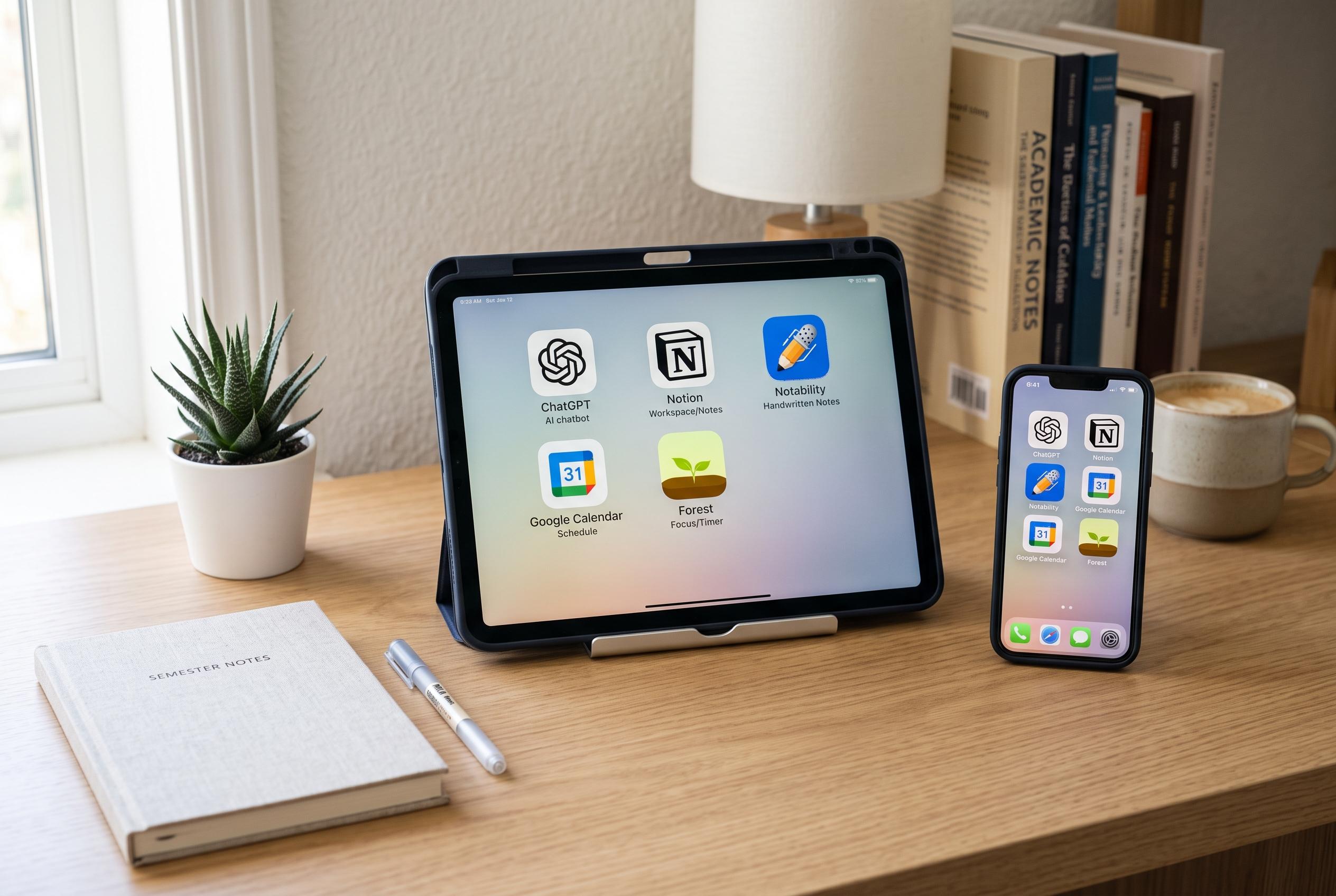

A minimalist approach to student tech is gaining traction, centred around five essential apps that blend AI assistance, organisation, and affordability to optimise study routines as the new academic term begins.
As the new term approaches, many students end up with bloated setups: one app for notes, another for tasks, a third for study aids, and several more that do roughly the same thing. A leaner approach can be more effective. The version outlined here pares a student toolkit back to five apps that cover note-taking, revision, screen recording, presentation design and task management, while keeping costs down. Notion and Google’s education and productivity tools are central to that approach, and both have student-friendly free tiers that reduce the need for paid software.
Notion remains the hub. Its appeal is less about doing one thing exceptionally well than about keeping coursework in one place. Students can build a page for each module, store notes alongside deadlines and attachments, and use databases, templates and different views to organise readings, assignments and revision. Notion also offers an Education Plus plan with unlimited pages, blocks and file uploads, which makes it easier to keep a full semester’s worth of material under one roof.
Gemini Notebook, the product formerly known as NotebookLM, is the study layer. Google describes it as an AI research assistant that accepts PDFs, web pages, audio and other source material, then returns grounded answers with in-line citations. That makes it useful for turning lecture content into study guides, briefings, mind maps and audio overviews, rather than relying on generic chat responses that may drift away from the course material. Google also positions it as a way to keep multiple notebooks for different subjects, which suits students who need separate spaces for each module.
For screen recording, Cap fills a gap that many students encounter during presentations and project demos. It is an open-source recorder with a local Studio Mode, so users can capture footage without immediately moving into a full video-editing workflow. The built-in editor and automated cursor effects are practical for slide narration, software walkthroughs and short technical demonstrations, where polished output matters but time is limited. Cap also offers a quicker Instant Mode for brief recordings that need to be shared straight away.
Canva handles the visual work. For presentations, posters, infographics, diagrams and CVs, it removes much of the design friction that comes with starting from a blank document. Its template library and asset catalogue help students produce consistent layouts quickly, which is especially valuable when an assignment needs to look polished more than it needs bespoke design. Google Tasks completes the setup by providing a deliberately simple to-do list that stays in step with Calendar, so deadlines appear alongside classes and other commitments.
The result is a compact toolkit that avoids subscription creep and keeps most student work in a few predictable places. Notion stores the coursework, Gemini Notebook helps process it, Cap captures it, Canva presents it and Google Tasks keeps it moving. For students who want less app juggling and more focus, that is a sensible trade-off.
Disclaimer: This content is intended for informational purposes only. Readers are advised to exercise their own judgement, conduct due diligence, or consult a qualified expert before acting on any information provided.



