

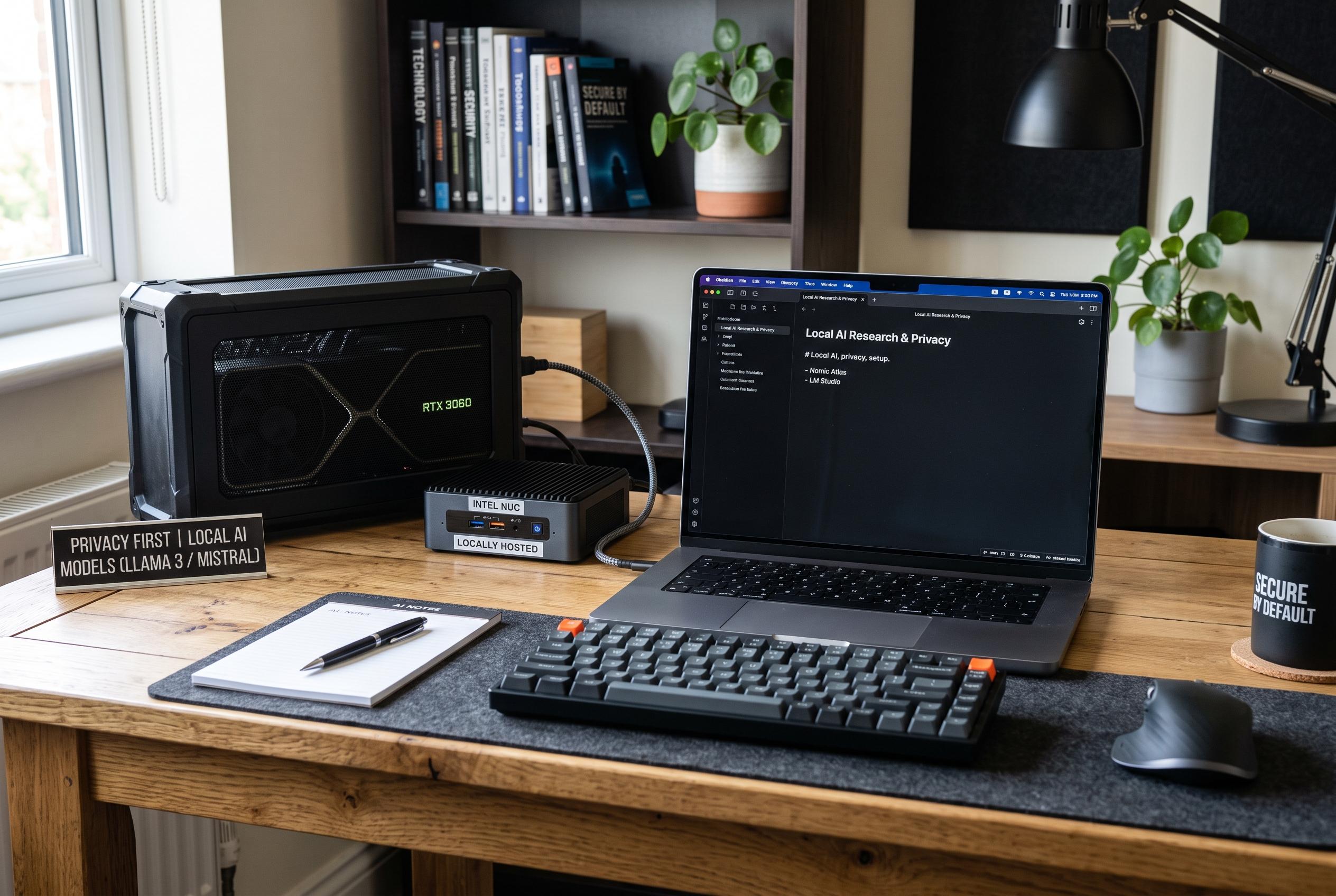

As cloud-based note tools process and retain user data, experts advocate for local Obsidian workflows with on-device AI models to safeguard sensitive information without sacrificing functionality.
Cloud-based note-taking tools may be convenient, but they also place a user’s material inside a service provider’s systems. That can matter far beyond routine productivity. As How-To Geek notes, Google’s NotebookLM, now called Gemini Notebook, can process uploaded files for summaries, search and research, yet its terms mean users should pay close attention to what happens once content is stored on someone else’s servers. The article argues that the privacy trade-off becomes especially relevant when notes contain client work, private journals or unpublished research.
One concern is that interaction with the service can widen access to data. According to How-To Geek, a simple thumbs-up or thumbs-down on a response may cause prompts, uploads, custom instructions and generated replies to be collected, stripped of identifying details and routed for human review and model improvement, where they can be retained for years. Separate analysis from AFFiNE also warns that cloud note-taking creates subtle privacy risks because users rely on the provider’s storage and sharing rules, not just the app itself.
The alternative described by How-To Geek is to keep notes in Obsidian, which stores ordinary Markdown files in a local vault on the user’s machine. In that setup, the notes are not locked to one platform and can be opened, copied or backed up like any other text files. The article says a local AI layer can then be added with tools such as Ollama, GPT4All or LM Studio, which run models on the device rather than in the cloud. Windows Central has published similar guidance on using Ollama locally, and Asian Efficiency and Molty Flywheel have both described comparable Obsidian integrations using local models and the Copilot plugin.
The practical setup is straightforward in principle, though it still requires several steps. How-To Geek recommends installing Obsidian, adding a local model runner, then configuring Obsidian plugins such as Copilot and Smart Connections to point at the local service rather than a cloud endpoint. Once connected, the system can answer questions about a vault and surface conceptually related notes, while keeping prompts and responses on the user’s own hardware.
That privacy gain is not free. The main constraint is processing power. Small models can run on ordinary laptops, but older machines may feel sluggish, and some users will need to choose lighter models to keep the system usable. Even so, the case for local AI is clear: for people who want notebook-style assistance without sending sensitive material to a third party, a local Obsidian workflow offers more control, fewer dependencies and a simpler long-term ownership model.
Disclaimer: This content is intended for informational purposes only. Readers are advised to exercise their own judgement, conduct due diligence, or consult a qualified expert before acting on any information provided.



