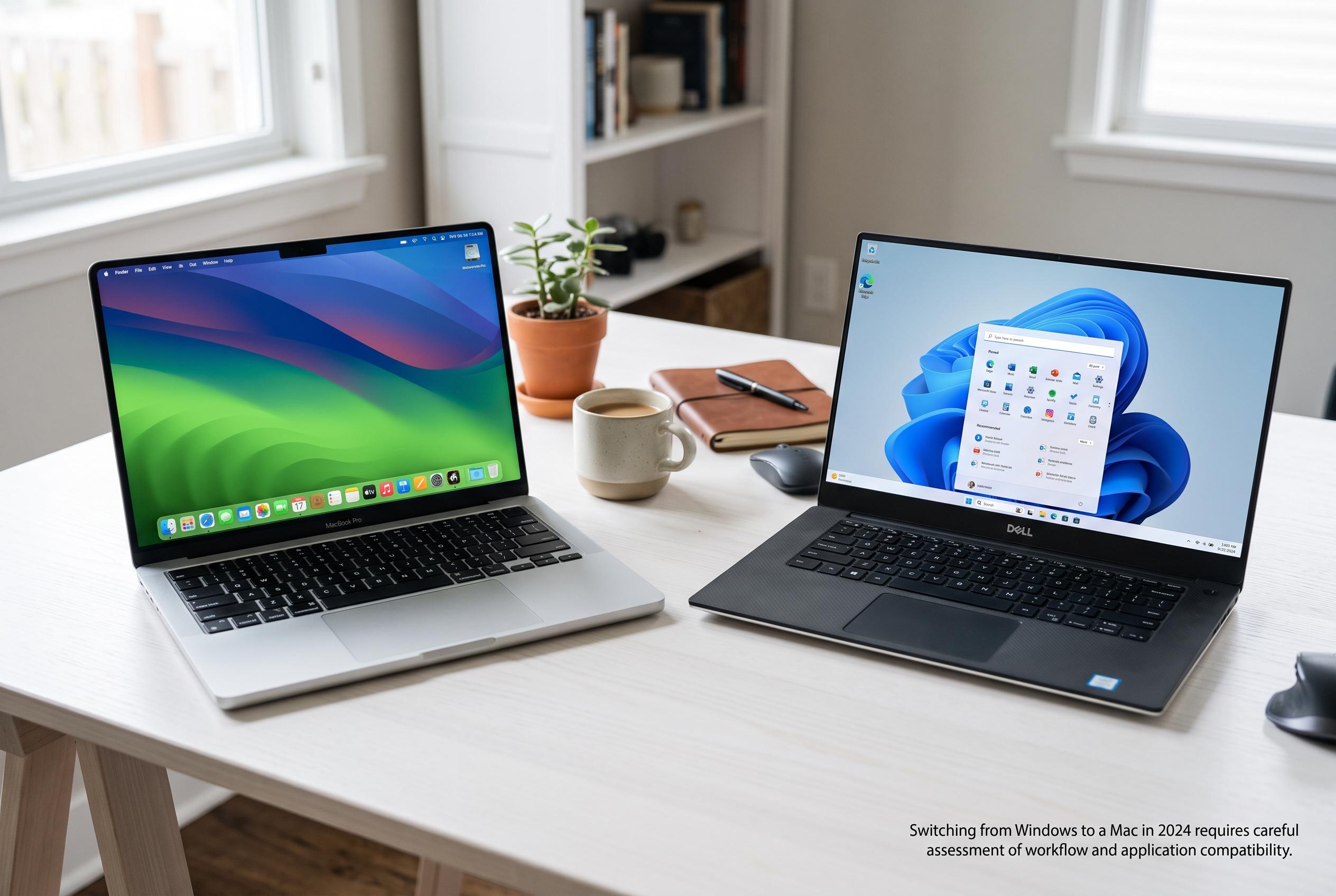

Choosing to switch from Windows to a Mac in 2024 involves evaluating hardware specifications, software support, and workflow changes, as compatibility issues remain a key factor for users considering the transition.
Switching from Windows to a Mac in 2024 was not, by itself, an upgrade. According to the supplied analysis, the move only made sense when the benefits of macOS, the hardware and the wider Apple ecosystem outweighed the loss of Windows software, gaming support, driver compatibility and existing workflow habits. That distinction matters because a poor PC and a platform change are not the same problem.
The first question is what kind of Windows machine was being replaced. A tired laptop with weak battery life, high fan noise, overheating or a failing display can make almost any modern computer look better by comparison. But if the old system was sound and the main issue was preference for macOS, the case for switching is much stronger. The better test is whether the previous setup was genuinely limiting the work, or whether it simply needed repair, upgrading or a cleaner configuration.
Apple’s 2024 MacBook Air with the M3 chip is a useful reference point because it marked a clear product generation, but it also shows why exact specifications matter. Apple launched the 13-inch and 15-inch models on March 4, 2024, with availability beginning March 8 in 28 countries and regions, including the United States. Yet the value of the switch depended on the specific model, storage, memory, screen size and price paid. Even software support is model-specific, so a Mac bought in 2024 should not be assumed to run every current version of macOS without checking compatibility lists.
Migration itself also has limits. Apple’s Migration Assistant can copy selected data such as contacts, calendars, email settings, bookmarks, files, photos and some settings from a Windows PC to a Mac, while leaving the original Windows computer intact. That is useful, but it is not a guarantee that Windows applications will carry across. Programmes usually need a Mac version, an alternative, a browser-based replacement or another Windows machine. The practical lesson is to back up first, update both systems, close open apps and make an inventory of every essential programme before starting.
The first days with a Mac often expose a different kind of adjustment: shortcuts, not speed. Windows users have to relearn the Command key, and some may need to remap modifier keys to make the transition feel natural. That friction is minor for some people and persistent for others, especially in text editing, browser work, file handling and development tools. The real audit is whether the new workflow becomes routine after sustained use, not whether it feels odd on day one.
Compatibility remains the decisive issue. The sources point to common problem areas: Windows-only business software, specialist drivers, PC gaming, multi-monitor setups, docks, printers and other peripherals. A Mac may handle many of these tasks, but not always with full feature parity. As one guide noted, Windows on Mac is most attractive when a user wants one device for mixed tasks, but it becomes far less suitable when native gaming, heavy 3D work or specialised hardware are central to the job. In that sense, the best answer is conditional: the switch was worth it only when the exact applications, displays, accessories and Windows-continuity needs had been verified in advance.
Disclaimer: This content is intended for informational purposes only. Readers are advised to exercise their own judgement, conduct due diligence, or consult a qualified expert before acting on any information provided.