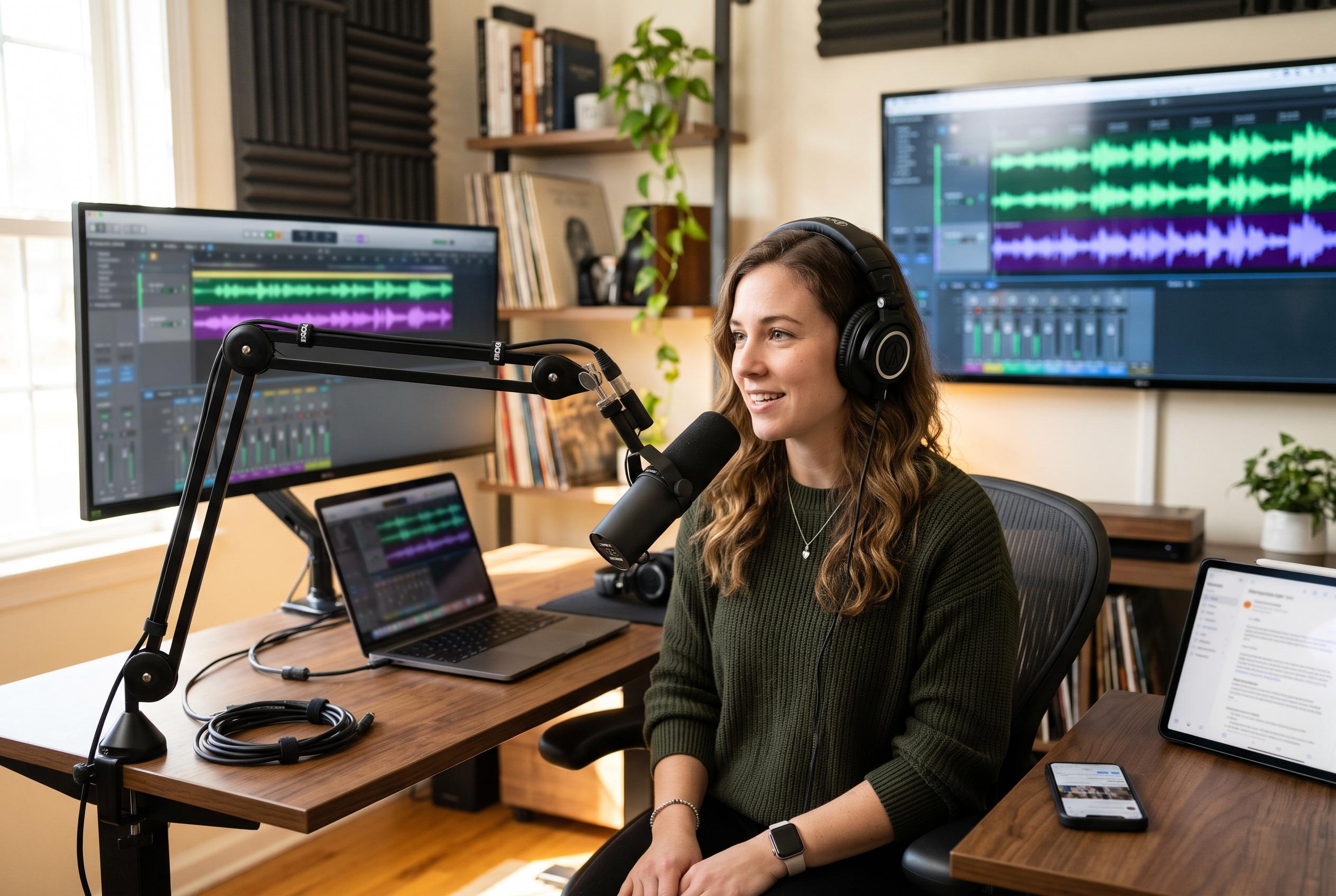

Editing in Descript before using Castmagic or Klap helps creators turn one polished podcast episode into social posts, newsletters and short-form video without repeating the same work.
A single podcast episode can now be turned into a week or more of marketing output, but only if the workflow is ordered correctly. The most efficient approach starts with editing the episode in Descript, then uses Castmagic to generate written assets such as social posts and newsletter drafts, while Klap handles short vertical clips for video-led shows. The central idea is straightforward: clean the recording first, then repurpose the polished version, not the rough cut.
That sequence matters because every downstream asset depends on the transcript. If a name, brand or technical term is wrong in the edit, it is likely to appear in captions, show notes and email copy as well. Descript is best understood as the production layer, while Castmagic is a repurposing layer that turns a finished recording into summaries, drafts and social copy, according to comparisons from Podglue, Protooled and Hackceleration. Several guides on podcast tooling make the same point: the two products overlap in places, but they serve different stages of the process.
For most creators, the choice is not between one tool or the other, but between using both or relying on Descript alone. Descript can cover editing, show notes and some basic publishing tasks. Castmagic is stronger when the aim is to transform an edited episode into text-based marketing material. Reviews of the 2026 podcast tool landscape describe Descript as the editing platform and Castmagic as the engine for turning a completed episode into show notes, blog drafts, social captions and email copy. That division makes the pair complementary rather than redundant.
The workflow itself is practical. Edit the episode in Descript, correct the transcript, and generate show notes and chapters from the approved cut. Then send the final file to Castmagic for post ideas and a newsletter draft. If the episode is video-based, feed the footage into Klap or use Descript’s own clipping tools to create short-form clips for TikTok, Instagram Reels, YouTube Shorts and LinkedIn. For audio-only shows, the visual layer can be handled with audiogram-style clips rather than face-forward video.
This approach also helps creators avoid the most common repurposing mistake: publishing AI-generated copy without any human revision. The best results come when the draft is treated as a starting point, not a finished asset. The opening line of a post usually needs rewriting in the creator’s own voice, and a newsletter should add context or a viewpoint that is not already in the episode. That final human pass is what keeps the material from sounding templated, even when much of the heavy lifting has been automated.
For smaller teams, the practical question is not whether AI can do the job, but how much duplication is worth paying for. The available guides suggest that most podcast workflows need only two tools: Descript for editing, plus either Castmagic for written content or a clipping specialist for short-form video. When the audience is primarily reading email or LinkedIn, Castmagic carries more weight. When discovery depends on social video, clip generation becomes the priority. In either case, the strongest workflow is the one that turns one polished episode into multiple assets without forcing the creator to redo the same work twice.
Disclaimer: This content is intended for informational purposes only. Readers are advised to exercise their own judgement, conduct due diligence, or consult a qualified expert before acting on any information provided.