

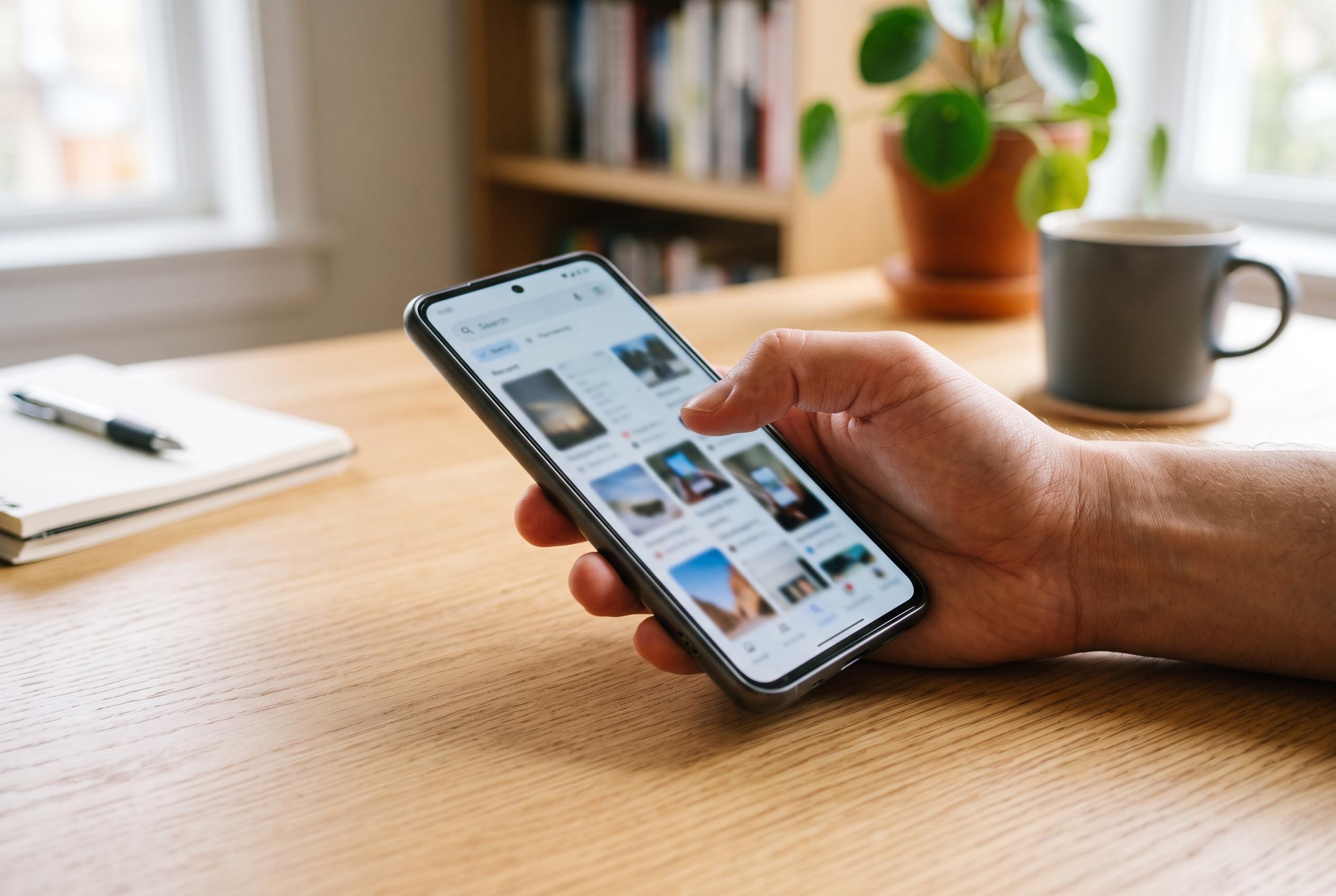

A new third-party app, PixelShot, now offers Android users a practical alternative to Google’s Pixel Screenshots, expanding searchable screenshot capabilities beyond Pixels and highlighting a shift towards broader device compatibility.
Google’s effort to turn screenshots into a searchable memory aid is still largely a Pixel privilege, but the most useful workaround no longer looks like an experiment. PixelShot, a third-party Android app first noticed as a rough imitation of Pixel Screenshots in late 2024, is now a more established tool for people on Samsung, Motorola, OnePlus and older Pixel handsets who want AI search over saved captures without moving their entire screenshot archive into a cloud photo library.
That matters because Google’s own app remains tied to a narrow slice of hardware. When Pixel Screenshots launched, Android Central reported that it depended on the new multimodal version of Gemini Nano in the Pixel 9 line and would not function properly on older Pixels even if sideloaded. Google has since broadened official support to newer flagship generations, but it is still confining the feature to selected Pixel devices, specific languages and a limited group of countries. The result is that a genuinely practical feature for finding old order numbers, booking details, passwords or travel information is still not an ordinary part of Android.
PixelShot’s appeal is simpler and more pragmatic. Android Authority reported that developer Mehul Kanzariya built it to run on any phone with Android 11 or later, while SmartWorld said setup amounts to granting gallery access and letting the app index the screenshots folder. Once running, it extracts text from screenshots on the device, creates summaries and titles, and lets users group captures into collections or add notes. According to Android Authority, the generated titles and summaries are stored locally in a Room database, even though the app relies on cloud processing for part of the AI work.
That technical compromise is also the app’s biggest limitation. Beebom said PixelShot uses Google’s ML Kit for on-device optical character recognition rather than Gemini Nano, which means it is strongest when a screenshot contains clear, relevant text. In testing on a OnePlus 11R, Beebom found that the app began analysing screenshots immediately after installation and worked well, although it could take time unless left open. Computerworld and SmartWorld both noted another early drawback: the app did not continuously catalogue new screenshots in the background, so users had to reopen it periodically to catch up. For people whose screenshots are mostly receipts, chats, confirmation pages and web clippings, that may be acceptable; for image-heavy collections, it is a harder sell.
Google’s own version remains more ambitious. Reporting from 9to5Google and Android Central shows Pixel Screenshots doing far more than OCR. It can ingest every new screenshot once enabled, import older captures, generate summaries, organise them into collections, and answer natural-language searches over both text and image content. It can also surface actions based on what is in a screenshot, such as creating a calendar entry, opening a location in Maps or returning to a webpage in Chrome through a deep link. 9to5Google also found that Gemini can hand queries across when a user asks for something “in my screenshots”, a level of system integration PixelShot does not approach.
Even so, the third-party alternative has moved on since those first reports. When Android Authority and Beebom covered PixelShot in November 2024, it was presented as free and ad-free, with the developer warning that ads or in-app purchases might eventually be needed to cover cloud API costs. That prediction has become reality. The current Google Play listing shows in-app purchases, and recent feature notes point to premium background analysis, smart tags, multi-select tools and automatic synchronisation with the gallery. Some of those additions narrow the gap identified by Computerworld and SmartWorld, particularly the absence of background processing in the original release.
The privacy trade-off, however, has not disappeared. Android Authority, Beebom and Computerworld all said the screenshots themselves were not uploaded, but that extracted text was sent to a cloud model for summarisation and title generation. Android Authority identified that model as Llama 3 8B Instruct hosted on Replicate. That is a meaningful distinction from Google’s pitch for Pixel Screenshots, which was built around on-device AI on supported Pixels. Users who are comfortable letting a cloud service process text lifted from screenshots may find PixelShot an entirely reasonable compromise. Those dealing with more sensitive material may decide that searchable screenshots are only worth having when the whole pipeline stays local.
What PixelShot has proved, above all, is that the basic idea does not need to be exclusive to a premium Google phone. A single-purpose screenshot organiser made by an independent developer has shown there is a broad Android audience for searchable archives, summaries, notes and collections built around the pile of images people already save every day. The remaining question is whether Google eventually turns that into a standard Android capability, or whether non-Pixel users will continue to rely on lighter, text-first substitutes that are useful precisely because they do less.
Disclaimer: This content is intended for informational purposes only. Readers are advised to exercise their own judgement, conduct due diligence, or consult a qualified expert before acting on any information provided.



