

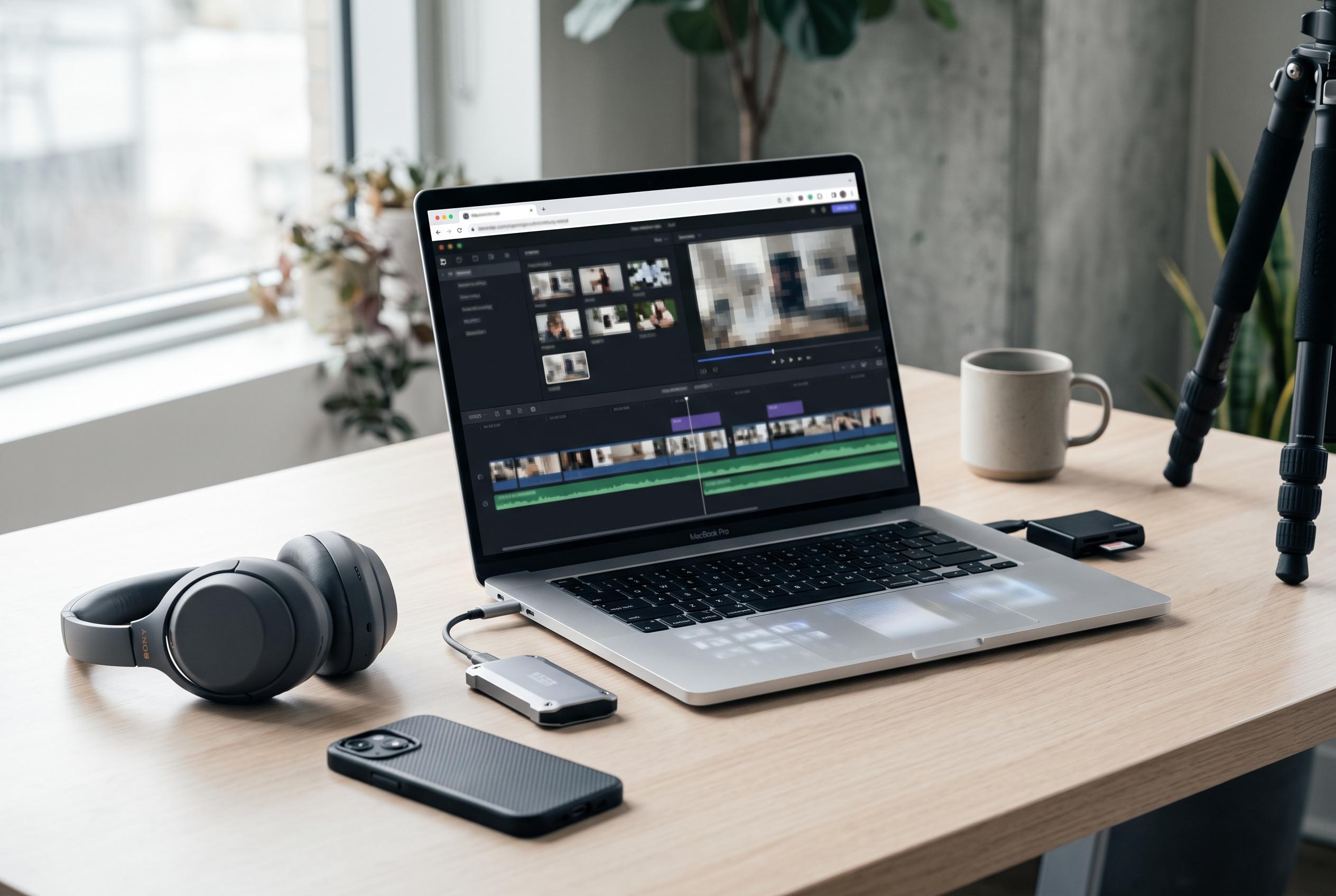

An innovative open-source project demonstrates how AI-powered video editing can operate entirely within the browser, balancing local control with complex inference workloads, and challenging traditional backend-dependent workflows.
Timeline Studio is a useful case study in what it takes to keep AI video editing inside the browser without reducing the editor to a toy. The project’s premise is simple enough: avoid the default upload-and-process model and instead keep project media, inference, caching and export local to the user’s machine. The harder part is making that arrangement feel like a single product rather than a collection of separate experiments.
According to the project’s account, that means treating local-first as an engineering constraint rather than a slogan. Browser-compatible runtimes are needed for inference, models must be downloaded lazily and cached reliably, and the timeline has to behave deterministically without depending on server-side session logic. The result is a mixed runtime in which WebGPU handles heavier workloads, WASM remains available for more stable or broadly compatible tasks, and ONNX serves as a practical interchange format rather than a guarantee of easy deployment.
Model delivery is part of the experience, not just the infrastructure. Timeline Studio pins model revisions, reuses a service-worker-managed cache, and mirrors artefacts across Hugging Face and ModelScope so users in different regions can fall back between sources without creating duplicate local copies. That matters because a local model that repeatedly appears as a fresh download quickly stops feeling local at all. It also helps avoid the kind of opaque failure that leaves users unsure whether they are waiting for a cache miss, a network problem or a compatibility issue.
The project also draws a sharp line between preview and export. Live playback is meant to be responsive enough for trimming and positioning, but final rendering has to be deterministic, so the editor treats the timeline as declarative project state and uses a separate offline rendering path. According to the write-up, clips, captions, overlays, keyframes and effects are evaluated against explicit timestamps, with WebCodecs used for MP4 and WebM composition where available and a compatibility path for browsers that need one. That separation is important because a preview that looks correct but exports differently is one of the most damaging failures in editing software.
Timeline Studio tries to keep AI output inside the same editable model. Captions become timed segments, generated voiceovers become audio clips, and separated vocals or instrumentals are returned as distinct tracks rather than hidden behind a one-click result. The browser version is described as supporting multilingual voice generation, Whisper-based captions, local AI music, smart framing, object and watermark repair, restoration, vocal separation and talking-avatar generation. Comparable browser editors are emerging elsewhere too: Instush, for example, also markets itself as an in-browser editor with WebGPU rendering and natural-language AI controls, while KubeezCut combines a browser timeline with WebGPU and WebCodecs export. Outside the browser, open-source tools such as OpenReelio and Velorn show that AI-assisted editing is also moving through desktop and hybrid workflows, suggesting that the broader market is still searching for the most practical balance between local control, model flexibility and export reliability.
None of that removes the trade-offs. The first model download can be large, GPU memory varies sharply by device, browser and driver behaviour is still uneven, and some converted models remain slower or less reliable than their research prototypes. The project is also careful not to oversell the phrase “offline”: the application shell and any required models still have to be downloaded before they can be cached. What it can credibly promise is narrower but more useful: supported workflows can run without uploading the user’s project media to an editing backend.
That narrower claim is the one that matters. According to the project, Timeline Studio is open source under the MIT Licence, with portable project tooling and an inspectable command system designed to make bugs easier to reproduce and inspect. It is also launching on Product Hunt, with the developer inviting feedback on where browser-local editing feels clear, where setup becomes confusing and which workflow breaks first when the device reaches its limits.
Disclaimer: This content is intended for informational purposes only. Readers are advised to exercise their own judgement, conduct due diligence, or consult a qualified expert before acting on any information provided.



