

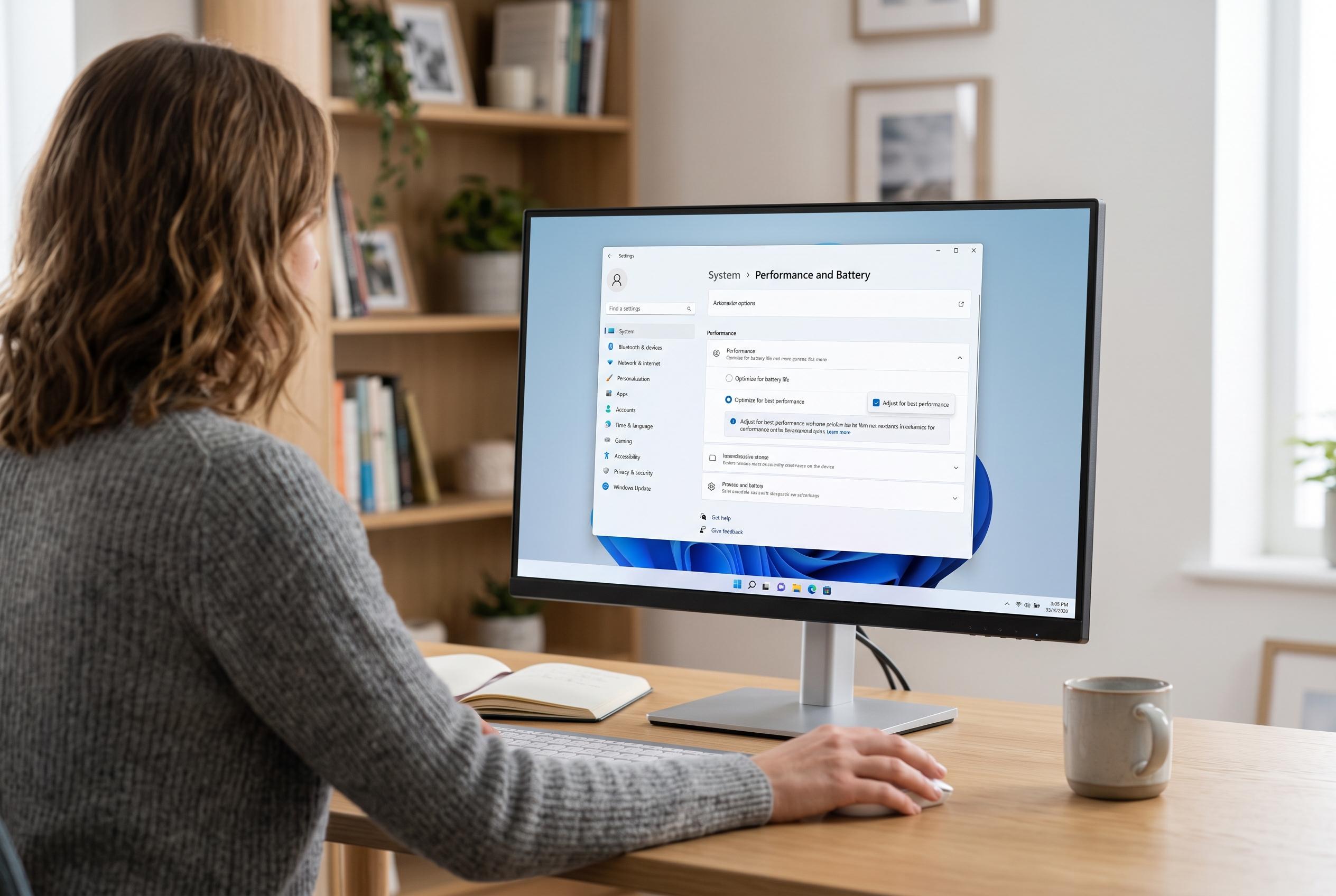

Adjusting background services, interface effects, and startup programs can improve responsiveness in Windows 11, especially on devices with limited resources, despite lingering legacy components.
Several common Windows 11 settings can slow the system down, especially on modest hardware, according to MakeUseOf as relayed by Day.Az. The publication argues that Microsoft has packed the operating system with convenience features, visual extras and background services that can quietly add up and consume processor time, memory and storage access. That can make the desktop feel less responsive even when no single feature appears to be a major burden.
Among the biggest culprits is Windows Search, which continuously scans files in the background so results stay current. MakeUseOf also points to interface effects such as animations and transparency, which can be reduced through the Windows performance settings. Power management can matter as well: the balanced power plan, while sensible for battery life, may keep performance lower than some users expect. Windows Central separately notes that many people improve responsiveness by turning off widgets, Start menu suggestions, web search highlights and notification badges, all of which reduce clutter and background activity.
Another area of complaint is software that launches without obvious user input. MakeUseOf recommends checking startup items and removing programmes that do not need to run at boot, while more advanced users can review the Services app to disable processes that are not essential. That advice aligns with broader criticism of Windows 11’s design, which has been moving towards more modern interfaces but still carries a large amount of legacy code and compatibility baggage. Windows Central reports that Microsoft is continuing to redesign older parts of the interface with WinUI, yet many outdated components remain in place because the company must preserve support for enterprise and older software.
Performance concerns extend beyond settings. TechSpot recently reported that Microsoft has tried to improve File Explorer by preloading it into memory at startup, a move that may speed up response times but does not fully solve complaints about slow launches and delayed context menus. TechRadar has also criticised the Weather app, saying its web-based design can use an unusually large amount of RAM and display advertising, which underlines a wider frustration: Windows 11 often feels heavier than users expect from a paid operating system. Even so, the fixes are usually straightforward for anyone willing to trim the interface, reduce background activity and keep only the services they actually use.
Disclaimer: This content is intended for informational purposes only. Readers are advised to exercise their own judgement, conduct due diligence, or consult a qualified expert before acting on any information provided.



