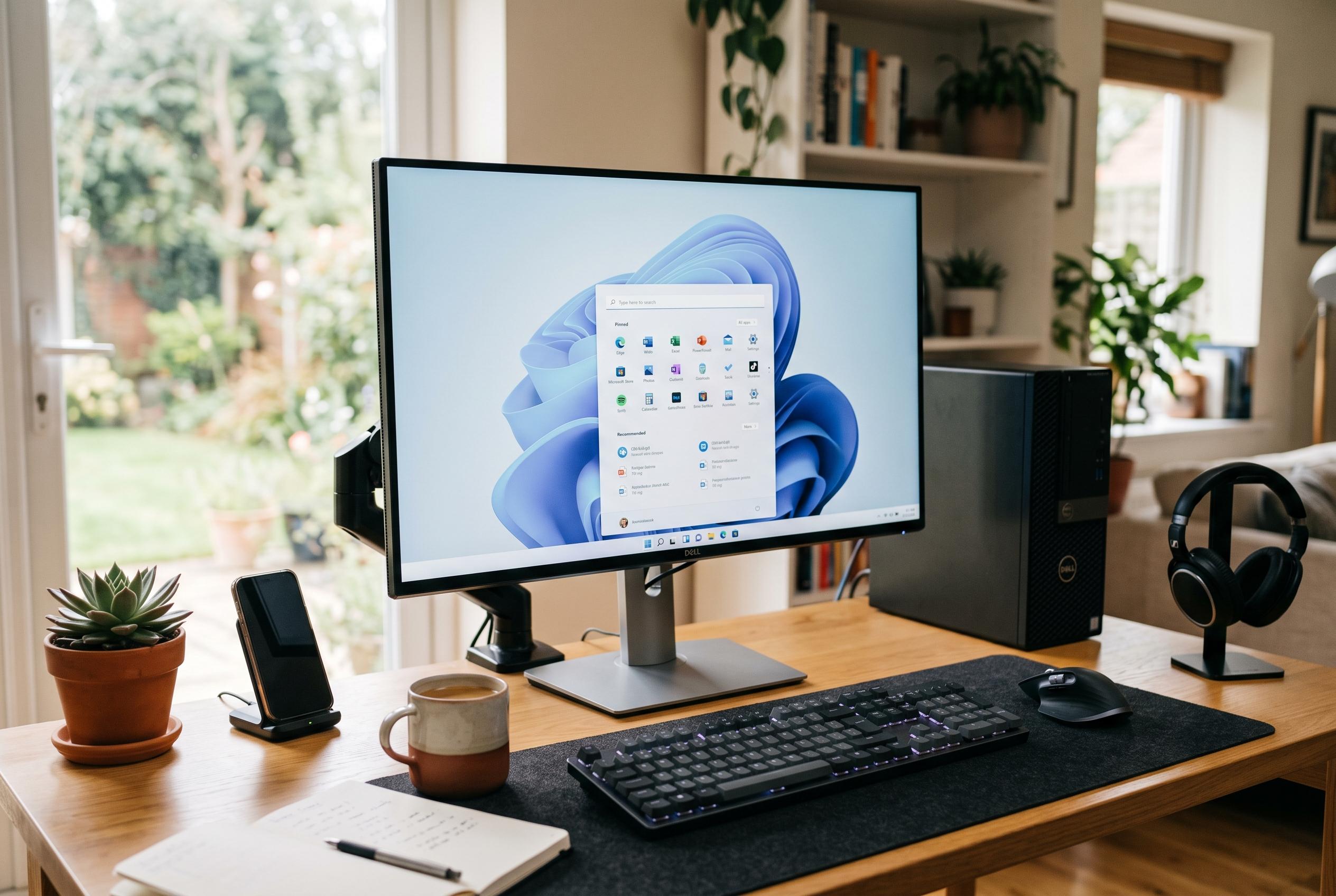

Microsoft begins testing Windows 11 26H2 with a lightweight update focus and new desktop layout options, but early bugs and support adjustments highlight ongoing stability challenges before a full release in late 2026.
Microsoft has started broad validation of Windows 11 26H2 by pushing the first Release Preview build, 26300.9278, to testers, but the launch has already been followed by a string of support-page amendments. After the preview went live on 27 August, Microsoft added three known issues on 2, 3 and 4 September: mouse customisation resetting on non-English installations, Microsoft Teams and the new Outlook failing on some Arm machines, and desktop backgrounds turning solid black on affected systems. The release itself remains a pre-general-availability build, with Microsoft still describing 26H2 as due later in 2026. (blogs.windows.com)
That timetable matters because 26H2 is not being delivered as a conventional, heavy feature upgrade. Microsoft said the new version arrives as an enablement package, meaning the underlying code has largely already been distributed through the shared servicing branch used by Windows 11 24H2 and 25H2. In practice, that makes the upgrade small and fast for recent systems: BleepingComputer reported in June that machines already on 24H2 or 25H2 can move to 26H2 with a quick restart and a tiny 174 KB package, while PCs on 23H2 or older releases still need the full upgrade, which it said was about 6.5 GB. Once enabled, the version number changes to build 26300. (blogs.windows.com)
For businesses, the point of this preview is as much operational as visual. Microsoft said commercial customers can begin validating 26H2 through the Windows Insider Program for Business using Windows Update client policies or WSUS, with Azure Marketplace images promised on the day of release and Insider ISOs added on 31 August. The Register argued that the real significance is the support calendar: Windows 11 Home and Pro 24H2 reach end of updates on 13 October 2026, so 26H2 offers organisations a comparatively low-disruption route on to the next supported branch rather than a multi-gigabyte rebuild. (blogs.windows.com)
The most visible changes are concentrated in the desktop shell. Microsoft’s August preview notes confirm that the taskbar can now be placed on the top, bottom, left or right edge of the screen, with most existing behaviours, including icon grouping choices, working in all four positions. There is also a new small-taskbar mode that reduces icon size and bar height to free space on compact displays, although Microsoft says the search box and smaller-taskbar layout are currently supported only when the bar sits at the top or bottom. That combination makes the change more substantial than a single nostalgia feature: it is a genuine expansion of layout control, even if some limitations remain. (support.microsoft.com)
Start and Search are being pared back in equally deliberate ways. The Start menu can now be set to small or large, the “Recommended” area is renamed “Recent”, and users can independently show or hide Pinned, Recent and All, while also removing their name and profile picture from the menu entirely. Windows Search is being simplified too: results are labelled more clearly by source, such as app, file, setting, web or Store; web and Microsoft Store suggestions can be disabled; and Windows now automatically indexes frequently used folders to improve later searches. The effect is not dramatic, but it is a clear attempt to reduce clutter in two parts of Windows 11 that have drawn regular criticism. (support.microsoft.com)
Behind the interface work, Microsoft is using 26H2 to switch on a wider set of platform changes that are easier to miss. The company said some features already introduced in earlier releases, including Windows settings backup, app-specific taskbar actions and certain File Explorer enhancements, will now be enabled by default for commercial devices. The August notes also point to quicker File Explorer Home loading, touch scrolling in Home’s Recommended carousel, coordinated app updates through the Windows Update Orchestration Platform, updated system progress indicators, process isolation for Microsoft Execution Containers, preview support for tagging “agentic processes”, and ML-KEM as a standalone post-quantum algorithm for TLS key exchange. For IT departments, those under-the-bonnet changes may matter more than the rearranged menus. (blogs.windows.com)
The cautionary note is that these additions are arriving in an optional preview that is already showing rough edges. TechRadar called the patch an “install at your own risk” affair after reports that some machines were reverting to an oversized legacy cursor and blank black wallpaper. Microsoft has since formalised much of that in its own documentation, saying the mouse-settings bug affects non-English Windows installations and that the wallpaper issue prevents customised desktop settings from loading correctly. It also says Teams and the new Outlook can fail on Arm devices after the August 11 security update, with a workaround that involves updating the Auto Super Resolution Package from the Microsoft Store to version 1.0.19.0 or later. (techradar.com)
Taken together, 26H2 looks less like a sweeping new edition of Windows 11 than a consolidation release built around support continuity, smaller update packages and overdue interface corrections. Microsoft itself has signalled that many of the features will already be familiar because they have been seeded through monthly updates, and The Register’s reading of the release as a lightweight switch-on package is broadly borne out by the technical details. The remaining question before the autumn rollout is not whether 26H2 introduces enough change to justify its name, but whether Microsoft can turn a practical, low-friction upgrade path into a stable public release quickly enough for users now approaching the 24H2 support deadline. (blogs.windows.com)
Disclaimer: This content is intended for informational purposes only. Readers are advised to exercise their own judgement, conduct due diligence, or consult a qualified expert before acting on any information provided.