

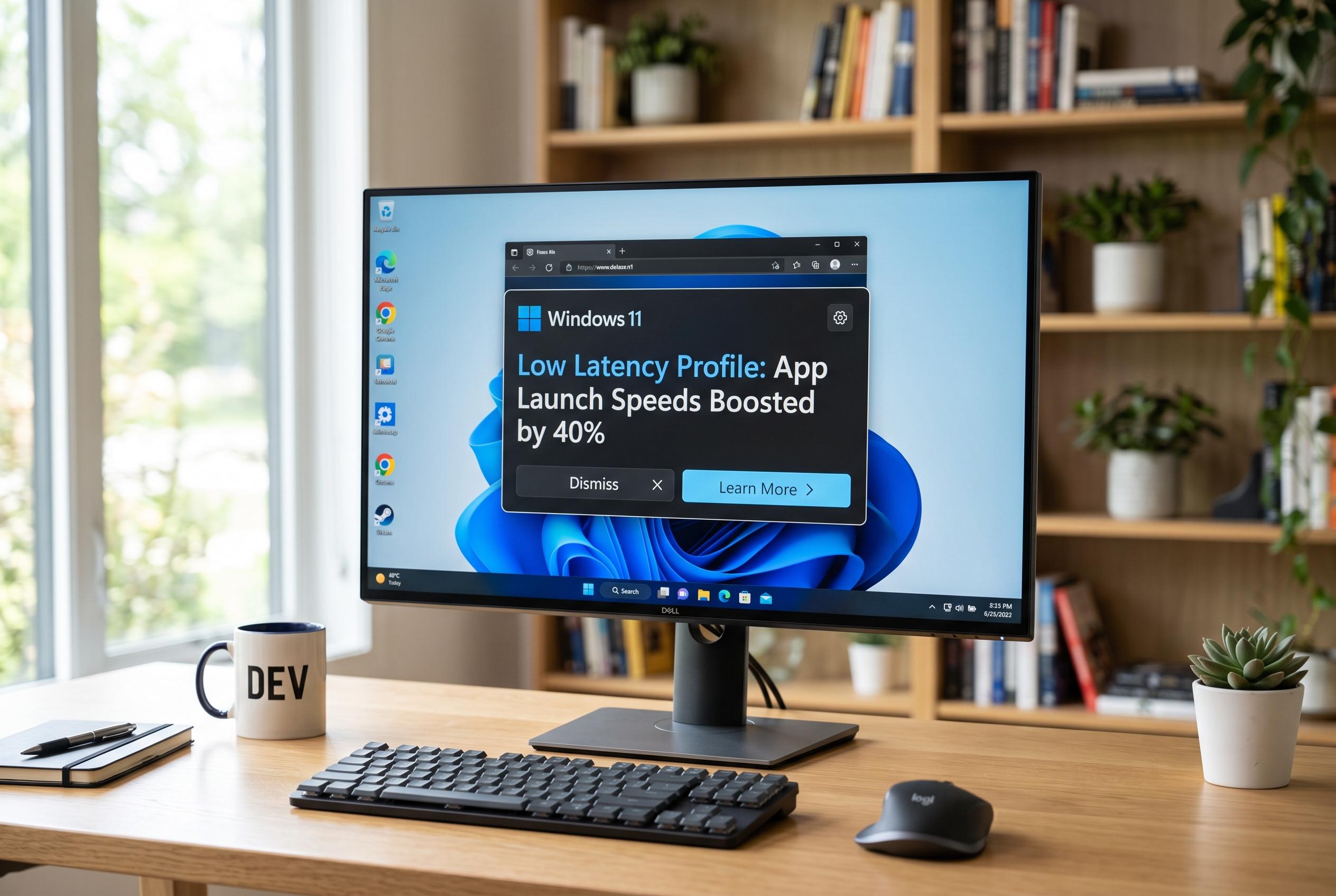

Microsoft’s latest Windows 11 update features the new Low Latency Profile, which temporarily increases processor speed to make application launches up to 40% faster and enhance system responsiveness, marking a significant step in operating system optimisation.
Microsoft’s latest Windows 11 update is pushing application launch times and basic system interactions higher by briefly raising processor speed when the operating system detects foreground activity, according to reports from Canaltech and Windows Central. The change centres on a feature called Low Latency Profile, which was previously under test and is now moving into the stable release line as part of Microsoft’s broader effort to make Windows feel more responsive. Canaltech said the feature arrived with the August 11 Patch Tuesday build, while Windows Central reported that Microsoft has also described it as part of a wider performance push inside Windows 11.
The mechanism is straightforward. When a user opens an app or interacts with core shell elements such as Start, Search or File Explorer, the system momentarily increases CPU frequency for roughly 1 to 3 seconds before returning to normal. Windows Central reported that Microsoft says this can make app launches up to 40% faster and some interface elements up to 70% more responsive. The aim is to improve perceived speed without leaving the processor at higher power levels for long periods.
Microsoft has not made the feature user-configurable. Canaltech said it is switched on by default, meaning there is no settings change required on the part of the user. Windows Central added that the function operates in the background and is not exposed as a manual toggle. It also noted that the update is being rolled out in stages, so some users may not see the improvement immediately after installation.
The update is part of a wider set of Windows 11 refinements that go beyond app launching. Windows Central reported additions including shared audio over two Bluetooth LE devices, more detailed Task Manager information for neural processing units and setup changes that allow a custom user-folder name during installation. The same reporting also reflected a wider debate around Microsoft’s approach, with some users viewing Low Latency Profile as a practical optimisation and others treating it as a sign that Windows still needs deeper work on long-standing performance issues. Microsoft has defended the approach, arguing that similar dynamic CPU scaling techniques are already used across modern operating systems.
Disclaimer: This content is intended for informational purposes only. Readers are advised to exercise their own judgement, conduct due diligence, or consult a qualified expert before acting on any information provided.



