

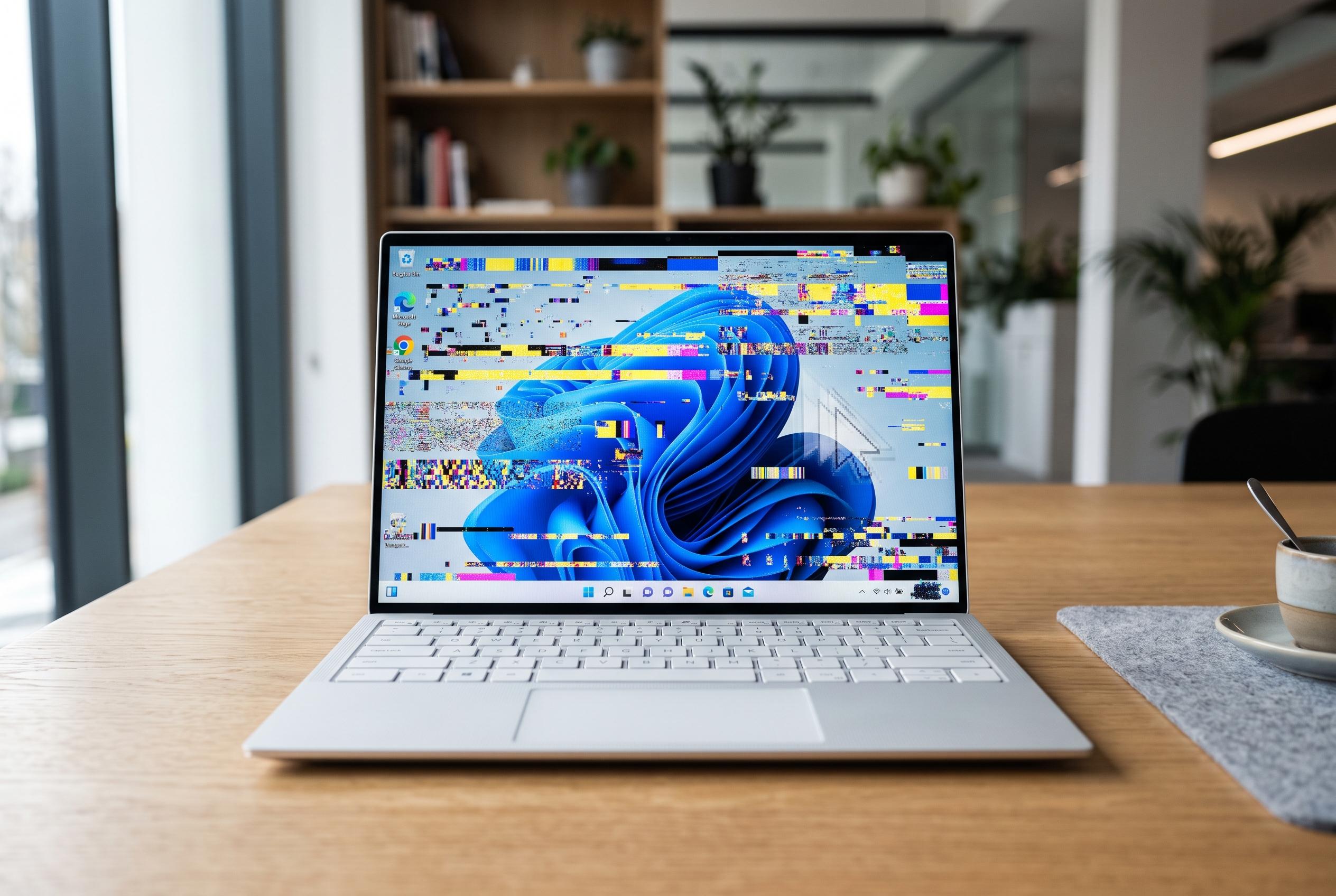

Microsoft’s latest Windows 11 update intended to introduce new customisation features has instead triggered widespread complaints over cursor visibility and wallpaper glitches, prompting users to delay installation until further fixes are released.
Microsoft’s latest Windows 11 optional update, KB5120998, was meant to add useful customisation features, but it has instead prompted complaints from users who say it breaks two of the most visible parts of the desktop: the cursor and the wallpaper. According to reporting by TechRadar and Windows Latest, the package is being rolled out to Windows 11 24H2 and 25H2 systems and introduces a movable taskbar, a resizable Start menu and a simplified Search experience, yet those additions have been overshadowed by bugs that affect everyday use.
The most widely reported fault concerns the mouse pointer. Windows Latest said Microsoft has acknowledged reports that KB5120998 can reset custom cursor settings to the default configuration, while some users with high-DPI cursors see a larger white pointer instead of their chosen design. Other reports gathered by PCWorld and TechRadar describe cursors becoming invisible or refusing to stay at the selected size, with some animation settings also reverting.
Wallpaper handling appears to be affected as well. TechRadar and Windows Latest reported that some users see their desktop background replaced by a plain black screen after installing the update, with the selected image returning only temporarily before disappearing again after sign-out or restart. That behaviour can also interfere with third-party wallpaper tools. Some users have also reported blurred text, suggesting the update may be affecting display rendering more broadly.
For now, the prudent approach is to avoid the optional package unless the new features are essential. The update is not compulsory, and Microsoft is said to be investigating the cursor problem. The Spanish report published by Tuexperto recommends waiting for the mandatory patch due on 8 September 2026, and says that users who have already installed KB5120998 can remove it through Windows Update history and the uninstall updates menu to restore the cursor and wallpaper to normal.
Disclaimer: This content is intended for informational purposes only. Readers are advised to exercise their own judgement, conduct due diligence, or consult a qualified expert before acting on any information provided.



