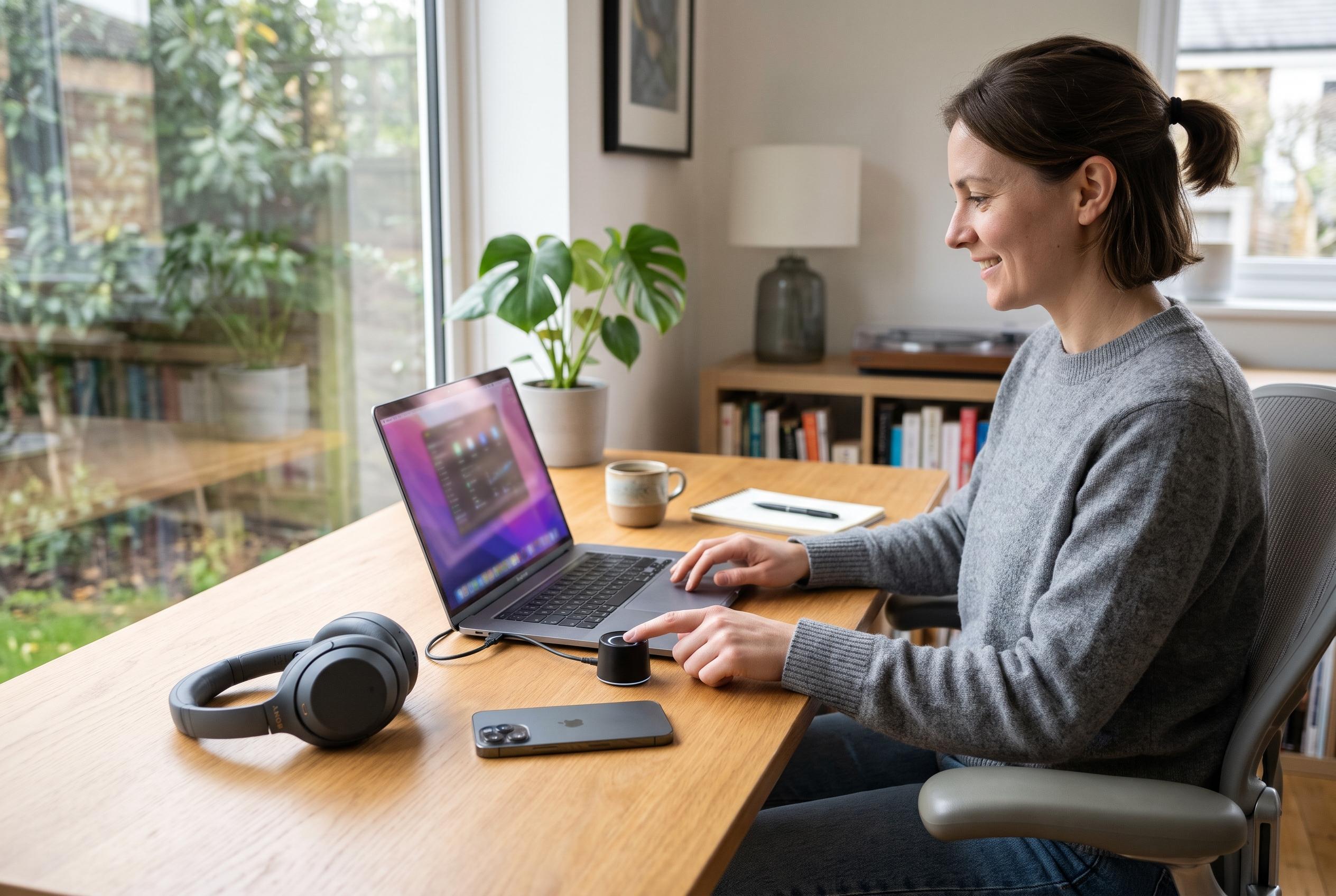

Microsoft’s October 2026 update brings more than Copilot and touchpad changes, repairing Bluetooth, Windows Hello, printing, gaming and File Explorer problems while ending support for Windows 11 24H2 Home and Pro.
Microsoft’s October 2026 security update for Windows 11 is being framed largely around its more visible additions, such as new options for app launch behaviour, Copilot key remapping and touchpad controls. But the same release, KB5127648, also bundles a set of quieter repairs that are likely to matter more to people who have been affected by bugs in daily use, according to Windows Central’s reporting on the update.
Among the most notable fixes is a broader set of Bluetooth improvements. Microsoft says the update makes device connections and status reporting more reliable, while also improving volume feedback during calls, audio compatibility with certain accessories, shared audio stability and Bluetooth Low Energy performance. It also addresses a crash linked to Bluetooth audio streaming and corrects an issue in which the Bluetooth radio could appear enabled in Settings even when it had actually been switched off.
The update also restores Windows Hello fingerprint sign-in on some devices after a cold boot, which should help users who found biometric log-in failing after a full shutdown. Microsoft has separately been working on a streamlined sign-in experience that would allow multiple authentication methods to coexist more smoothly, underlining its wider push to reduce friction in Windows log-in flows.
Elsewhere, the patch targets problems that can disrupt work and play in more specialised situations. Microsoft says it fixes mouse stuttering in some games, resolves printing failures involving RAW and Generic Text Only drivers after the August security update, and improves Always On VPN reliability after issues introduced by an earlier release. It also addresses a File Explorer crash that could affect multi-user environments, including Azure Virtual Desktop deployments using FSLogix, where explorer.exe could fail to launch or repeatedly crash after sign-in.
The update applies to Windows 11 versions 26H2, 25H2 and 24H2, with build numbers 26300.9711, 26200.9711 and 26100.9711 respectively, and should install automatically through Windows Update. Windows Central notes that Windows 11 24H2 Home and Pro reached end of support with this release, so users still on that version should move to a supported build as soon as possible.
Disclaimer: This content is intended for informational purposes only. Readers are advised to exercise their own judgement, conduct due diligence, or consult a qualified expert before acting on any information provided.