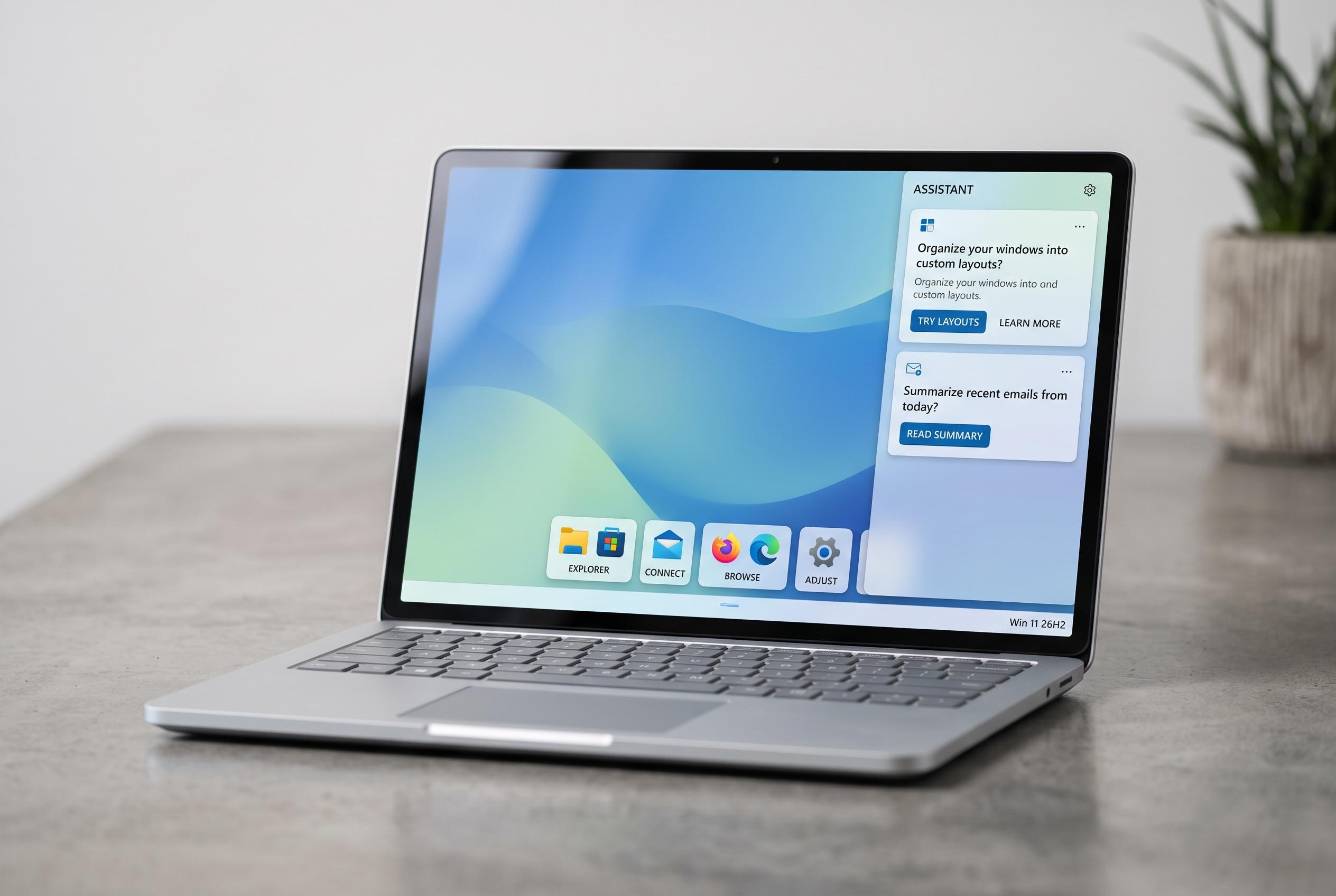

Microsoft’s upcoming Windows 11 26H2 update introduces a more adaptable taskbar, improved search, deeper Copilot integration, and enhanced backup features, signalling a focus on day-to-day usability improvements in a modest-sized release.
Windows 11’s next annual refresh, version 26H2, is shaping up as a comparatively modest release in size but a meaningful one in effect. According to TechSpot, Microsoft is set to deliver it as an enablement package on the same Germanium platform used by 24H2 and 25H2, which should mean a short install and a single restart for devices already on those builds. The wider aim is less about a redesign than about smoothing how the system behaves in day-to-day use.
One of the most visible changes will be a more flexible taskbar. TechSpot reports that users will be able to move it to any edge of the screen and shrink it into a smaller layout with reduced icon sizes, restoring an option that disappeared when Windows 11 launched in 2021. The Start menu is also expected to become more configurable, with size presets and toggles for the Pinned, Recent and All apps sections. Windows Central says Microsoft is also testing a cleaner search experience that puts local apps, settings and files ahead of web results, with an option to switch web results off entirely.
Microsoft is also tightening the link between Windows and Copilot. Windows Central reports that the assistant is set to appear more deeply inside Search and File Explorer, including a dockable side panel in File Explorer. That would move Copilot from a separate companion experience into ordinary file-finding and navigation tasks, which is a more practical use case than a standalone sidebar.
Recovery and backup are another focus. TechSpot says Windows settings backup and restore, formerly known as Windows Backup for Organisations, will be switched on by default for eligible Microsoft Entra-managed PCs outside the European Union’s Digital Markets Act region. The feature backs up configuration settings and Microsoft Store app lists, but not personal files, which remain covered separately by OneDrive folder backup. TechSpot also notes that Point-in-Time Restore and Cloud Rebuild are being expanded through cumulative updates, with Point-in-Time Restore enabled by default on suitable managed devices and Cloud Rebuild designed to reinstall Windows and drivers from Windows Update even if a PC will not boot.
There are also smaller but notable changes for power users and security-conscious administrators. TechSpot says Microsoft is preparing a refreshed Run dialog with an option to fall back to the classic version, while Windows Security is gaining Administrator Protection, which uses Windows Hello for elevated tasks instead of the traditional User Account Control prompt. The broader pattern is clear: Microsoft appears to be pushing more of these quality-of-life changes through regular cumulative updates rather than holding them for a single annual release.
The update should also reset support clocks. TechSpot reports that Home and Pro editions of a fresh 26H2 installation will receive 24 months of support, while Enterprise and Education editions will get 36 months. The hardware floor is not expected to change for PCs that already support 24H2 or 25H2, although Microsoft is treating Arm-based devices on the separate 26H1 branch differently; those systems are not expected to move to 26H2 and are instead aimed at a later 27H2 release. Microsoft is still targeting the second half of 2026, likely around October, for rollout.
Disclaimer: This content is intended for informational purposes only. Readers are advised to exercise their own judgement, conduct due diligence, or consult a qualified expert before acting on any information provided.