

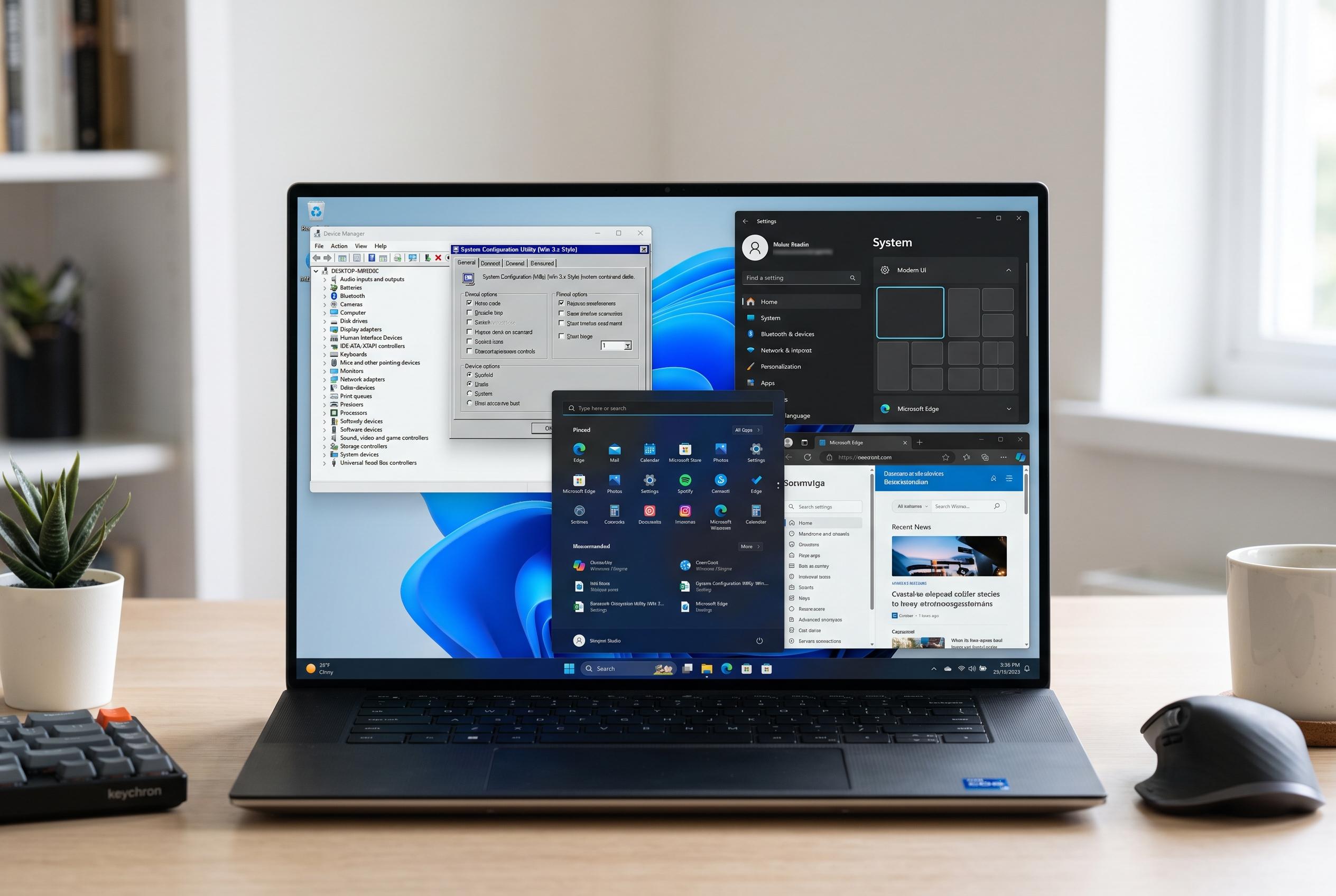

Despite modern updates, Windows 11 continues to retain interface elements and behaviours dating back to Windows 3.1, reflecting Microsoft’s cautious approach to change and user familiarity, even as new multitasking enhancements are tested.
Windows 11 still carries traces of software design choices that date back to the early years of the platform, and in some cases even preserve behaviour from the Windows 3.1 era. According to t3n, a number of old interface elements and applications remain in the operating system alongside newer versions, rather than being fully replaced. That persistence is not simply a sign of neglect. In Microsoft’s view, some legacy functions remain because they still serve a practical purpose, especially in environments where change carries training costs and workflow disruption.
One example is Alt+Tab, the long-standing shortcut for switching between open windows. Raymond Chen explained in a 2003 Microsoft blog post that the switching order is based on Z-order, the stack position of windows on the desktop. When a window is brought forward, it moves to the top; when it is minimised, it drops to the bottom. Microsoft changed this behaviour with Windows 3.1 in April 1992, shifting the shortcut from a simple visual stack to a “most recently used” model. That change did not arrive as a hard break. Users could still restore the older sorting method through system settings for a time.
Chen also wrote that Microsoft kept the older approach available because many organisations resisted interface changes that forced staff retraining. In his account, the company valued giving users a way back to the familiar before making a newer method the default. That helps explain why some historic Windows behaviours survive far longer than expected: even when a redesign exists, it may remain parallel to the older tool for compatibility or user preference. In practice, this means Windows often evolves by layering new interfaces over old ones rather than deleting the past outright.
The shortcut itself is still central to Windows multitasking. Microsoft’s current support guidance describes Alt+Tab as a way to move between open applications, with thumbnail previews of running windows and optional settings that alter how the switcher behaves. But reports from Windows 11 users on Microsoft’s Q&A forum suggest that recent updates, including 24H2, may have altered some Alt+Tab and Alt+Esc behaviour in ways that frustrate power users. At the same time, Windows Central reports that Microsoft is testing a more modern Alt+Tab interface in preview builds, showing that the company continues to refine the feature while trying not to break long-established habits.
Disclaimer: This content is intended for informational purposes only. Readers are advised to exercise their own judgement, conduct due diligence, or consult a qualified expert before acting on any information provided.



