

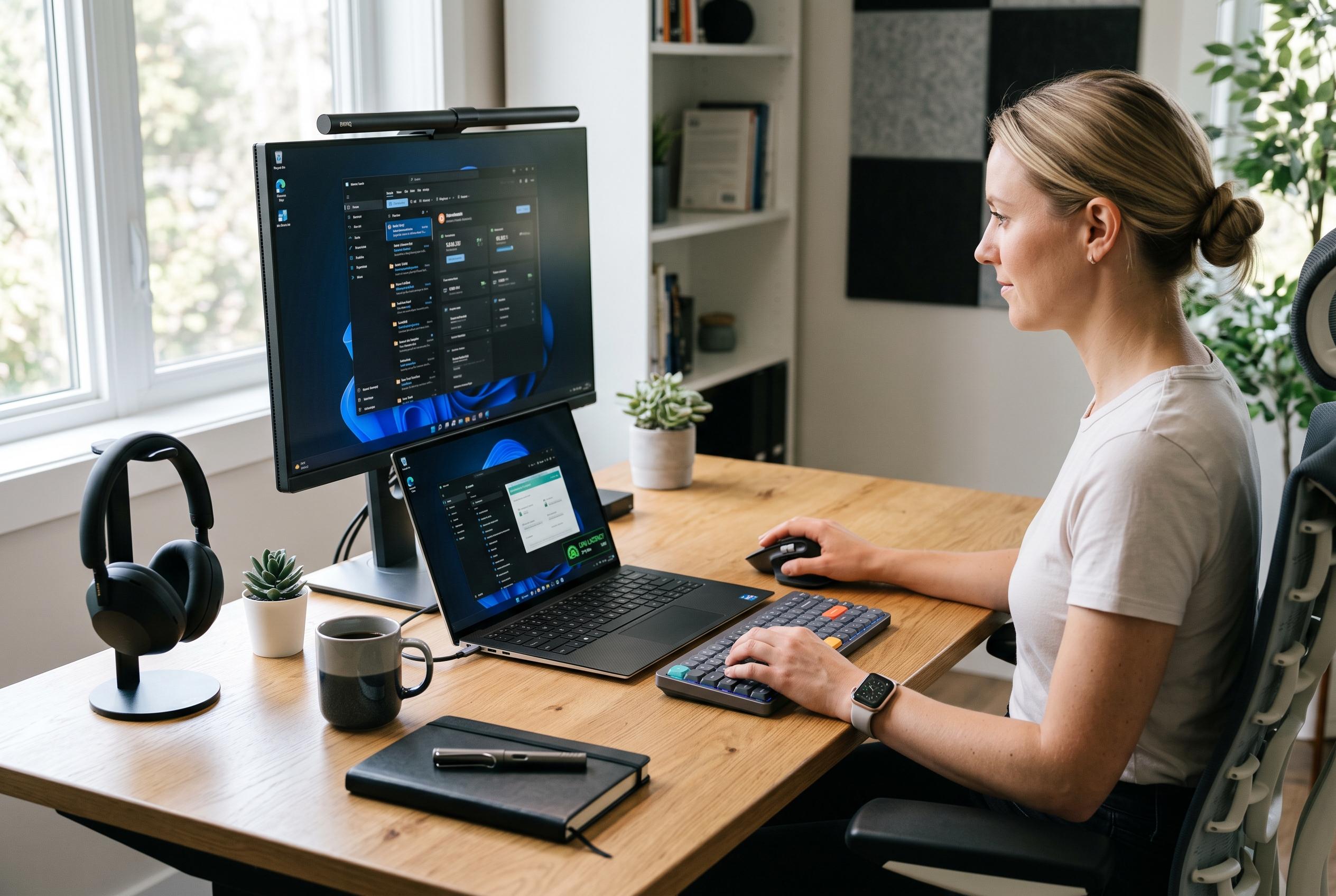

Microsoft has expanded Windows 11’s Low Latency Profile to include standard desktop software, significantly boosting app startup speeds and interface responsiveness, though activation varies across devices.
Microsoft’s Windows 11 Low Latency Profile is no longer confined to shell components. According to reporting on KB5121003, the power-management feature now extends to ordinary desktop software, including Notepad, Calculator, web browsers, Outlook and other conventional Win32 applications. The change is designed to make the processor react more aggressively when an app starts, then drop back quickly once the short burst of work is complete.
The mechanism is straightforward. When Windows detects a launch, the scheduler raises CPU frequency for roughly one to three seconds to clear the startup load, a pattern sometimes described as a “race to sleep”. That approach replaces the slower ramp-up behaviour seen in older power profiles and is intended to improve perceived responsiveness without holding the chip at a high performance state for longer than necessary.
Early testing suggests the effect can be noticeable. One report said typical application launches were around 40% faster, while some interface actions inside Windows improved by as much as 70%. PC Gamer also noted that the feature broadens a low-latency mode that previously seemed focused on Windows UI elements, bringing the same short-burst boost to third-party software as well.
There are, however, limits to how quickly the change will appear in the wild. Microsoft is still using Controlled Feature Rollout, so installing the update does not guarantee immediate activation on every device. That means two machines with the same patch level may behave differently during deployment, and administrators should avoid drawing conclusions from a single benchmark. WindowsLatest reported that the same low-latency approach, introduced earlier in the June 2026 Patch Tuesday cycle, did not show signs of overheating, battery drain or CPU damage in testing, although the practical gain still depends on hardware, storage and the amount of startup work each app must complete. Developers and power users who want to verify it is active can watch for brief frequency spikes in monitoring tools such as HWiNFO.
Disclaimer: This content is intended for informational purposes only. Readers are advised to exercise their own judgement, conduct due diligence, or consult a qualified expert before acting on any information provided.



