

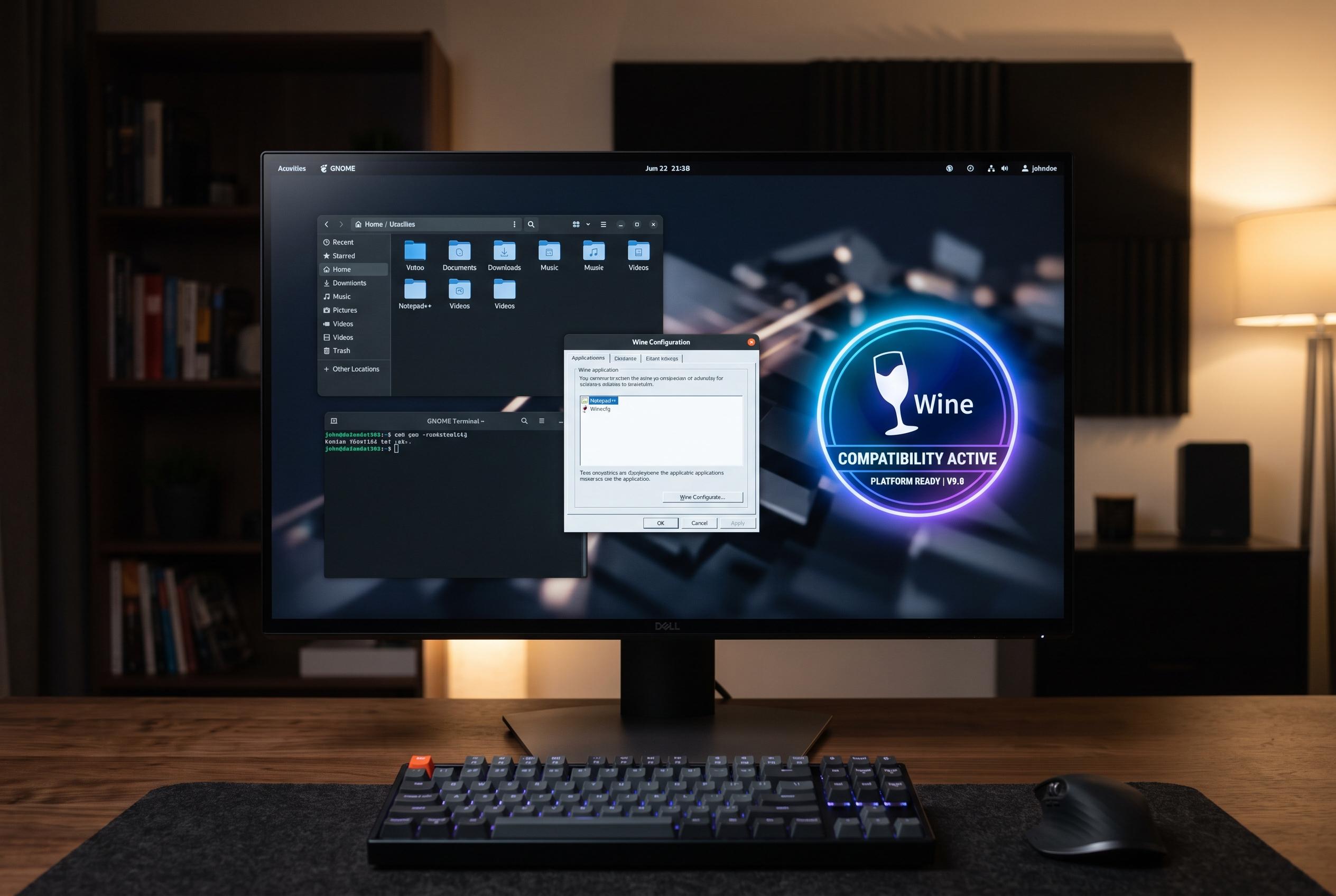

The evolving Wine project continues to enhance support for Windows applications on Linux, offering a stronger bridge for users transitioning from Windows while safeguarding gaming and legacy software workflows.
Wine remains one of Linux’s most practical tools for people who do not want to abandon Windows software. The open-source compatibility layer has been around for decades and lets many Windows applications and games run on Linux, macOS and BSD without installing a full copy of Windows. For users considering a move away from Microsoft’s operating system, that can remove one of the biggest barriers to switching.
According to the Wine project, the software works by translating Windows API calls into POSIX calls as they are needed, rather than mimicking an entire PC inside a virtual machine. That design helps explain why Wine often uses fewer system resources than virtualization and can deliver better performance for some programs. It also allows Windows apps to sit more naturally alongside native desktop software.
The appeal is not limited to games. Wine can help keep older productivity tools, niche utilities and other Windows-only programs alive on a Linux machine when no native version exists. PCWorld noted that this makes the software useful for people who want to preserve familiar workflows while moving to a different operating system. In practice, it can be a bridge for users who are not ready to replace every application at once.
Wine’s continued development has also widened its reach. Recent releases have added support for ARM Windows applications and, in Wine 11.0, improvements aimed at gaming, including broader WoW64 support and NTsync. Those changes matter because Wine is not just a compatibility tool for legacy software; it is still evolving as a foundation for gaming layers such as Valve’s Proton on SteamOS and the Steam Deck. For Linux users, that means better odds that both older and newer Windows software will keep working.
Disclaimer: This content is intended for informational purposes only. Readers are advised to exercise their own judgement, conduct due diligence, or consult a qualified expert before acting on any information provided.



