

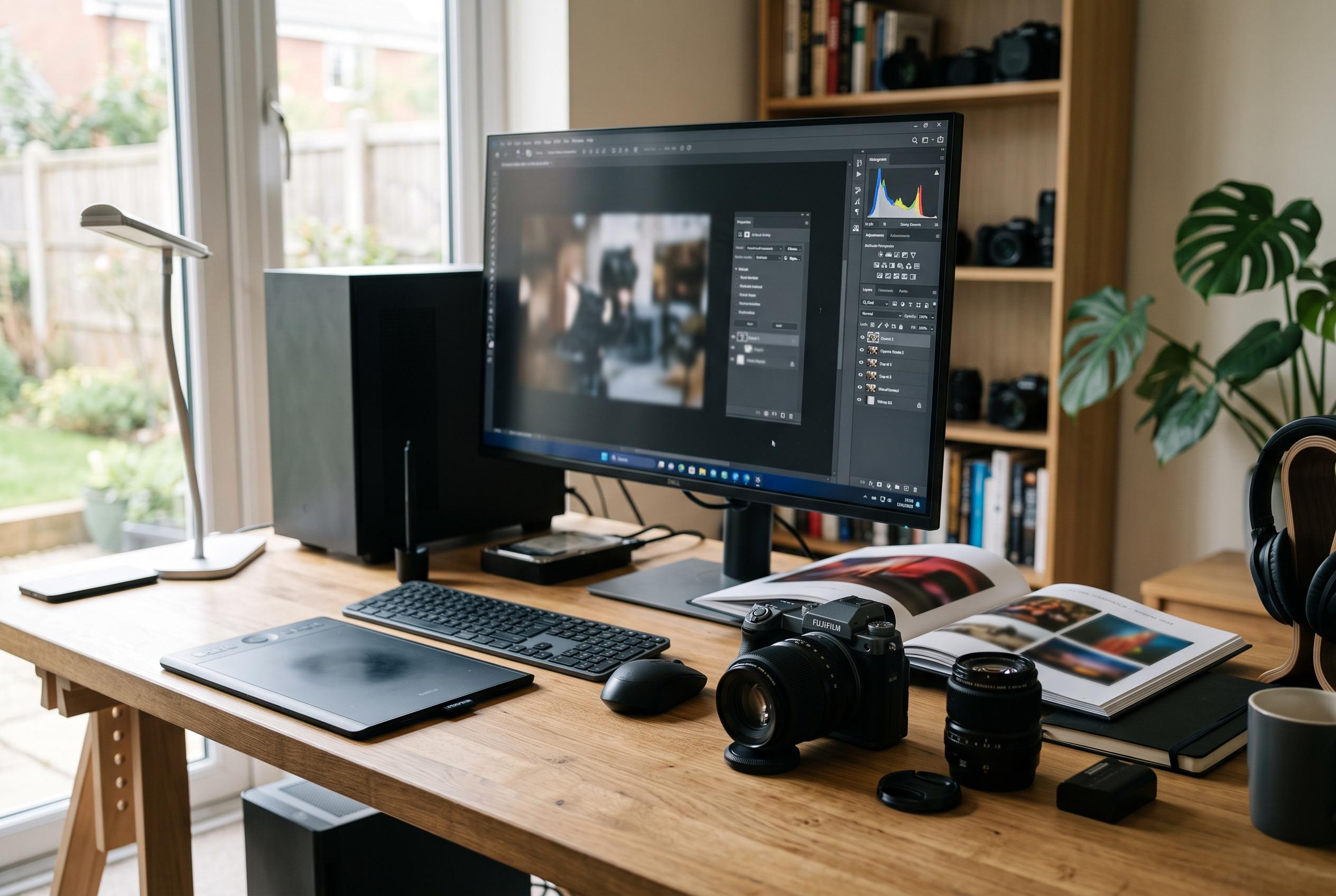

Zoner Studio offers a comprehensive and affordable desktop solution, combining catalogue management, RAW development, layered editing, printing and video in a single subscription for Windows users, challenging pricier rivals with its regular updates and broad feature set.
Zoner Studio is a Windows-only photo editor built for users who want a single, lower-cost subscription rather than a broader creative suite. It combines catalogue-style asset management, RAW development, layered editing, printing and video work in one package, with regular feature updates and a seven-day trial. TechRadar and Zoner’s own site both describe it as an all-in-one tool aimed at photographers who want breadth without the heavier cost structure of larger rivals.
The subscription sits at the centre of its appeal. Zoner Studio costs $5.99 a month or $59 a year for an individual plan, while a family option is priced at $9.98 a month or $98 a year and includes 20GB of cloud storage, online gallery access and printed photo allowances, according to TechRadar and the company’s published information. The software also promises twice-yearly updates, and multiple reviewers noted that the value proposition is strongest for Windows users who want editing, storage and output tools under one roof.
In use, the app is broad rather than minimalist. Its Manager module handles importing, rating, keywords and search, while Develop offers RAW adjustment tools, tone curves, presets and AI-assisted enhancement. The Editor module then switches to layers, masks, retouching and creative effects, with printing and export options close at hand. TechRadar and GetApp both said this workflow is comprehensive, while Zoner’s own product material stresses that it is designed to keep organising, editing and finishing work inside a single programme.
That scope comes with some complexity. The interface is clean, but it is not always intuitive for first-time users, and some controls sit in unexpected places. Creative Bloq found the layout logical once learned, but noted that beginners may need the company’s tutorial library to get up to speed. Zoner’s support content and YouTube guides cover tasks ranging from focus stacking to portrait retouching, which helps offset the learning curve.
The AI tools are present but not overwhelming. Creative Bloq said the automatic enhancement, resizing and selection functions are clearly labelled and generally effective, though not as comprehensive as the latest tools in some competing products. TechRadar and Impress Watch both reported newer masking, subject and sky selection features, alongside other refinements such as HDR support, improved search and 3D LUT compatibility. Zoner’s leadership has also argued that the aim is practical workflow improvement rather than flashy automation, a position that fits the software’s broader identity: less experimental than some rivals, but unusually complete for the price.
Disclaimer: This content is intended for informational purposes only. Readers are advised to exercise their own judgement, conduct due diligence, or consult a qualified expert before acting on any information provided.



