

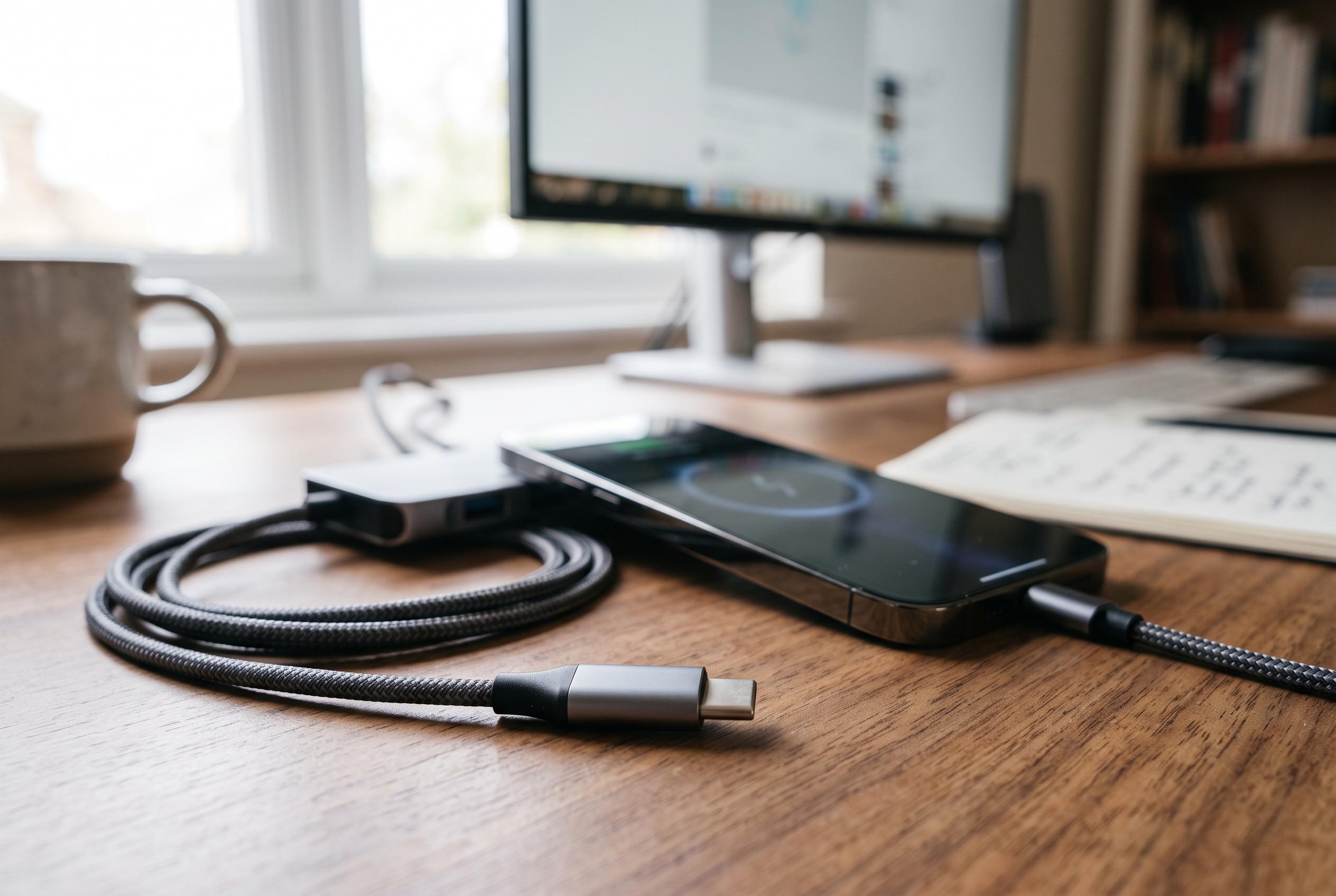

Despite their identical appearances, USB-C cables vary significantly in capabilities. Buyers must scrutinise specifications to ensure they utilise a cable that meets their device’s power, data, and video needs, as the standard connector does not guarantee performance.
USB-C sockets may look identical, but the cable behind them can determine whether a phone charges quickly, transfers data at full speed, or does little more than fit the port. According to USB-IF, the connector itself does not define the cable’s full capability. That distinction matters because a USB-C lead can support very different combinations of power delivery, data rates and video output, even when the plugs look the same.
The most common mistake is assuming that USB-C automatically means modern USB performance. In practice, a cable built around USB 2.0 can still handle charging while limiting data transfers to 480 Mbps. At the other end of the scale, newer USB4 connections can reach far higher throughput, but only when the phone, computer, port and cable all support the same standard. As Tech Advisor notes, the slowest link in the chain determines the outcome.
Charging behaviour can vary just as sharply. USB Power Delivery now extends to 240 W under the latest specification, but that does not mean every device will draw anything close to that figure. Cable quality also matters. ChargeTechLab says poorly made leads, or cables without the right internal electronics, may cap charging at much lower levels than the charger can provide. For buyers, the key point is that a cable’s shape says nothing about its electrical rating.
Some of that rating is communicated through an e-marker chip inside the cable, which helps connected devices negotiate safe power and speed settings. This is especially important for high-power charging and faster data modes. It also explains why replacing an original lead with a generic USB-C cable can produce disappointing results, even if the new one works physically. On Android phones using proprietary systems such as SUPERVOOC or HyperCharge, the wrong cable can force the device back to a slower compatible mode.
USB-C also extends beyond charging and file transfer. Many cables are unable to carry video signals unless the handset, display and cable all support the required mode. That makes careful checking essential for anyone hoping to connect a phone to a monitor. If a cable suddenly starts behaving badly, the fault is not always the lead itself: dust in the phone’s USB-C port can interrupt contact, causing intermittent charging or data failures. The connector standard is robust, with USB Type-C testing designed around 10,000 insertion cycles, but it is not immune to wear, dirt or poor handling.
For consumers, the practical lesson is simple. Do not buy a USB-C cable on appearance alone. Check the stated charging wattage, the data standard and any video support before purchasing. USB-C has made the plug universal, but it has not made every cable interchangeable.
Disclaimer: This content is intended for informational purposes only. Readers are advised to exercise their own judgement, conduct due diligence, or consult a qualified expert before acting on any information provided.



