

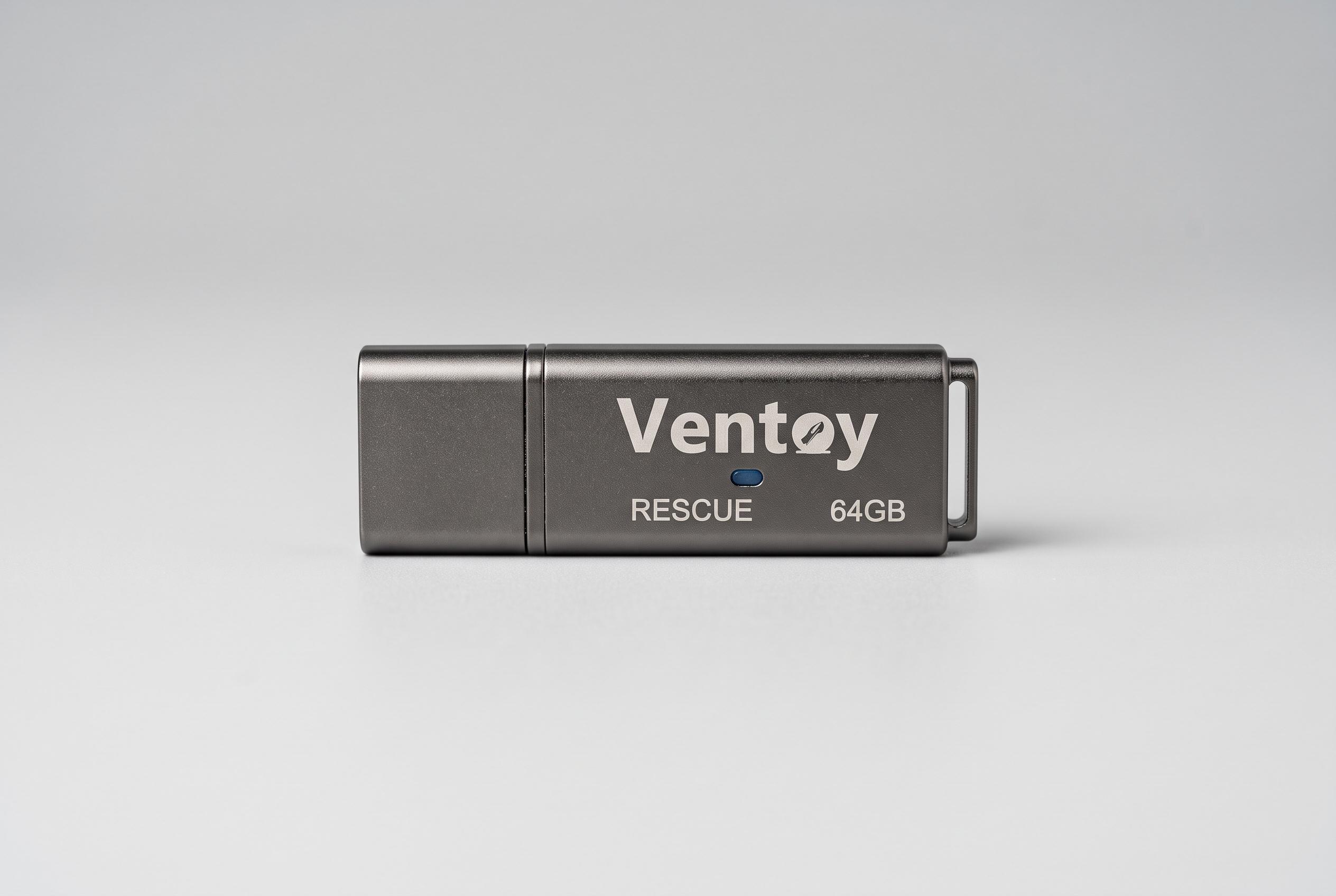

A tiny USB stick equipped with Ventoy software allows technicians to carry multiple repair tools in a single, portable device, streamlining spontaneous PC fixes and improving response times during crises.
A pocket-sized USB stick may not look like a serious repair kit, but in practice it can be one of the most useful tools a regular technician carries. How-To Geek described how one writer built a compact rescue drive for spontaneous PC fixes, avoiding the familiar scramble of trying to find a suitable flash drive when a Windows machine refuses to boot. The appeal is simple: the best recovery tool is the one already on hand.
That approach makes more sense now that modern flash drives can be both tiny and versatile. A dual USB-A and USB-C model can work with older desktops, newer laptops and, in some cases, phones as well. The article’s example uses that flexibility to keep a keyring-friendly drive close at hand, turning what would otherwise be an awkward lump of plastic into something that can be carried every day without much notice.
The software choice matters just as much as the hardware. Ventoy, an open-source utility, is designed to create bootable USB drives by letting users copy image files directly on to the stick rather than repeatedly reformatting it. According to Ventoy’s own documentation, it supports multiple file types, including ISO, WIM, IMG, VHD(x) and EFI images, and can boot a large range of systems through Legacy BIOS and UEFI modes. That makes it well suited to a rescue drive that needs to hold a Windows installer, diagnostic utilities and a live recovery environment at the same time.
The practical advantage is that the same drive can carry several repair tools without forcing the user to choose only one. Ventoy’s multi-boot design allows a technician to store Windows installation media alongside rescue discs and utilities such as Hiren’s BootCD PE, while leaving room to add Linux-based repair tools later if needed. Guides published by Pureinfotech and other technical sites describe the process as straightforward: install Ventoy on the USB drive, copy the images and boot from the menu when needed.
There are trade-offs, however. Very small drives can run hot during repeated reads, which may reduce transfer speeds and, in the worst case, affect stability during demanding tasks such as launching a live operating system or installing Windows. Miniature hardware can also be more vulnerable to physical wear, dust and connector damage than a full-size flash drive. For that reason, the compact rescue concept works best when the drive is treated as a specialised tool rather than an everyday storage device. Even so, the article’s broader point holds: a rescue USB is only useful if it is available when the machine fails.
Disclaimer: This content is intended for informational purposes only. Readers are advised to exercise their own judgement, conduct due diligence, or consult a qualified expert before acting on any information provided.



