

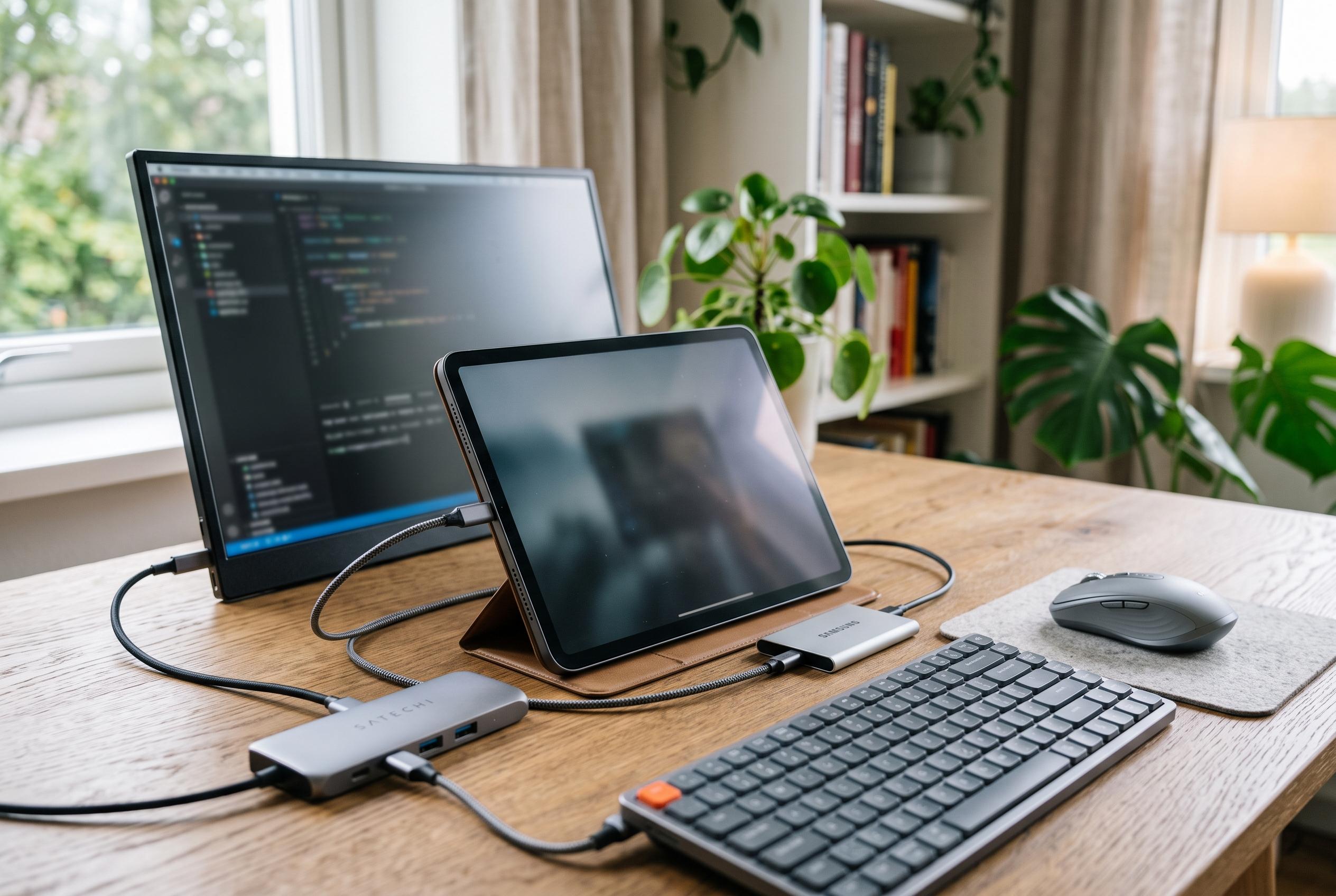

A range of accessories from mice to external displays and storage devices transforms the iPad into a versatile light workstation, combining portability with desktop-like functionality.
An iPad can do far more than replace a notebook. With the right accessories, it can also stand in for a light workstation. Macworld argues that the most effective additions are not flashy extras, but practical tools that improve input, storage and display handling.
For pointer control, a Bluetooth mouse remains one of the clearest gains. iPadOS supports most mice and trackpads and shows a dedicated cursor, which makes navigation feel much closer to a Mac. Logitech positions the MX Master 4 as a premium productivity mouse, with customisable controls, a MagSpeed scroll wheel, haptic feedback in the thumb area and battery life rated at well over 70 hours. For buyers who want something simpler and cheaper, a basic Microsoft Bluetooth mouse will still cover the essentials. According to Logitech, the MX Master 4 is not aimed at left-handed users or people who want a very light travel mouse.
An external monitor can also make a large difference. Apple’s M-series iPads can drive a second workspace, allowing separate windows on the tablet and the attached screen, while less powerful models are generally limited to mirroring. Dell’s S2725QC is a 27-inch 4K IPS display with USB-C connectivity, 65W power delivery and a 120Hz refresh rate, making it a sensible desktop choice. For mobility, ASUS offers the ZenScreen MB16ACE, a 15.6-inch Full HD portable panel with USB-C input, a slim body and a built-in stand for easy positioning.
Connectivity is another weak point that accessories can solve. Because most iPads have only one USB-C port, a hub or dongle can add charging and peripheral connections at the same time. Anker’s 4-in-1 USB-C hub adds pass-through charging, USB-A, USB-C data and HDMI output in a compact shell. Macworld also points to options from Acer and Ugreen, but stresses that buyers need to check model compatibility before ordering.
Users who prefer a tidier desk may find a dock more practical than a hanging adapter. Satechi’s 6-in-1 USB-C Stand Hub combines a stand with extra ports, including HDMI, two USB-A connections and card readers. It is designed to keep the tablet angled for use while reducing cable clutter. Anker’s 551 USB-C Hub with Foldable Stand serves a similar purpose, turning an iPad into something closer to a fixed workstation. For those who only need height and viewing comfort, stand-only accessories from Moft, Ugreen and Lisen provide a simpler option.
Storage remains important for people who work with large files or need to move data locally. Although cloud services are convenient, iPads still support external drives and flash media through the Files app. Macworld highlights the WD My Passport 2TB for heavier workloads and the SanDisk Ultra Dual Drive Go 512GB for more modest needs. Together, these accessories make the iPad more adaptable, especially for users who want desktop-style flexibility without giving up portability.
Disclaimer: This content is intended for informational purposes only. Readers are advised to exercise their own judgement, conduct due diligence, or consult a qualified expert before acting on any information provided.



