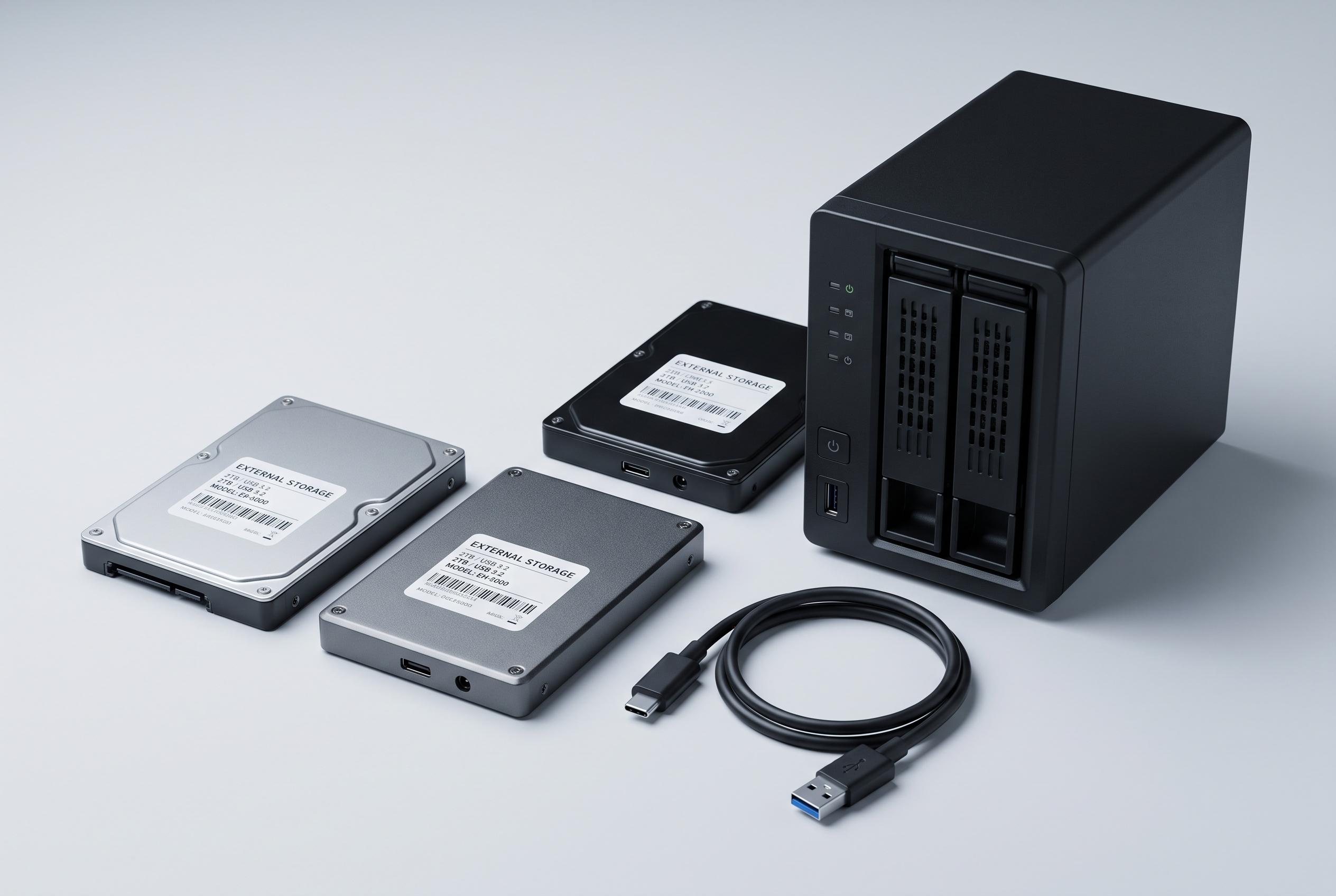

As the cost disparity between internal NAS drives and consumer external units narrows at higher capacities, home lab enthusiasts reconsider external drives for cost-effective storage solutions, if they navigate the risks of shucking carefully.
For home lab builders and small NAS users, external hard drives that can be stripped from their enclosures have long represented a calculated gamble. The attraction is straightforward: a consumer external drive can cost materially less than an equivalent internal NAS-grade model, yet still contain a usable drive once opened. But the bargain only really starts to make sense once capacity rises high enough that the discount becomes substantial.
That tipping point is driven by the way hard-drive pricing behaves. It is not a smooth progression from small to large capacities; instead, the cost per terabyte shifts in steps, with higher-end internal drives carrying premiums for endurance, workload ratings, warranty cover and specifications such as CMR recording. Consumer external drives are usually sold for backup use, so their listed price can be markedly lower even when the stored capacity is identical. XDA Developers pointed to a current example in the US market, where a 20TB Western Digital Red was listed at $820, while a 20TB WD Elements external drive was $700.
At the same time, the uncertainty does not disappear. Manufacturers can change the internal drive without changing the retail listing, so the enclosure tells buyers almost nothing beyond capacity. Guides from Disk Scout, DiskDojo and HomelabPrices all note that this is why shucking remains a risk: the drive may be suitable for a NAS build, or it may not. Once the enclosure is opened, the warranty is typically void, and retailers may be less willing to accept a return if the product has been tampered with.
That is why experienced buyers stress testing before any attempt to open the case. The advice is to connect the unit over USB first, confirm the reported capacity, check SMART data, record the serial number and run read-and-write tests. Several guides also mention the 3.3V SATA pin issue, which can affect some shucked drives when they are moved into internal systems. These checks do not remove the risk, but they help determine whether the drive is worth keeping.
The financial case becomes strongest when several drives are needed at once. XDA Developers calculated that buying five 20TB WD Red drives could cost $4,100, whereas five equivalent external units would cost $3,500, leaving a saving of $580. Even so, the basic trade-off remains unchanged: shucking is still a compromise between price and certainty. For users who need guaranteed specifications, direct warranty support and predictable sourcing, buying a standard internal drive is still the cleaner option.
Disclaimer: This content is intended for informational purposes only. Readers are advised to exercise their own judgement, conduct due diligence, or consult a qualified expert before acting on any information provided.