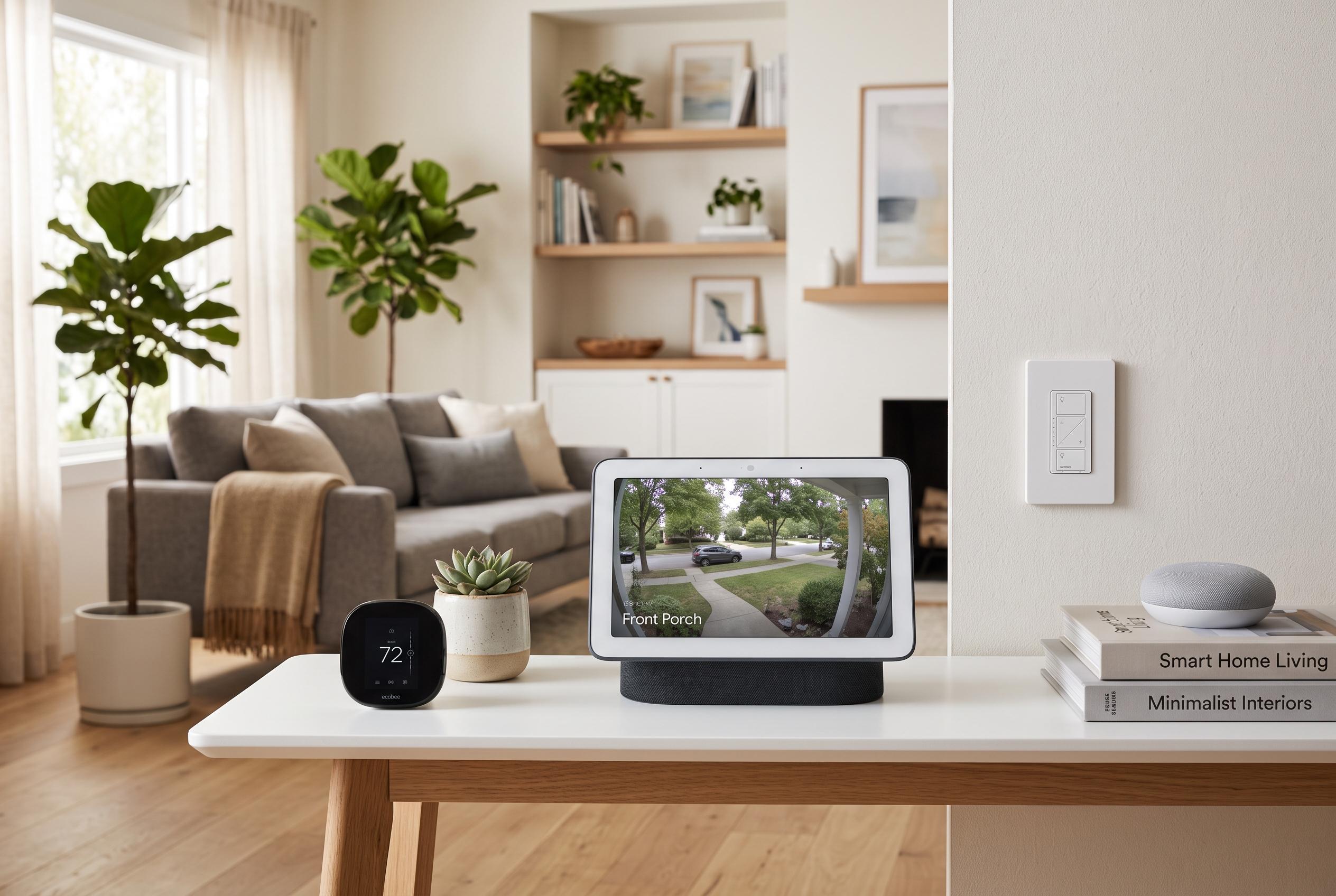

Google’s latest app update improves live camera integration and user experience, making smart home monitoring more seamless for households with multi-brand equipment and addressing longstanding glitches.
Google Home is becoming notably more useful for households that mix hardware from several brands. Google’s latest app update expands live camera support and adds small but practical interface changes that make checking a feed, reviewing an event and saving a clip less cumbersome.
For years, third-party security cameras have been one of the weakest parts of the Google Home experience. Some models would not stream reliably, while others worked only intermittently, forcing users to juggle the maker’s own app alongside Google’s. That frustration has been especially clear in a market where brands such as Eufy, Wyze, Reolink, Tapo and Nanit all position their cameras as part of a wider smart home setup, even when support has not always been consistent inside Google’s software.
According to Google’s August release notes, the update now brings live view support for five additional camera makers: Eufy, Tapo, Wyze, Reolink and Nanit. The company is also adding a one-tap recording button for saving an event clip, while premium subscribers will get AI-generated summaries. The redesign makes the events feed and timeline more prominent by default, and rotating a phone to landscape mode now opens the stream full screen automatically. Google says Nest cameras also benefit from longer, more stable live viewing and smoother navigation between views.
The update also addresses several long-standing glitches. Google says it has fixed an iPhone history bug, incorrect battery indicators and a Samsung Galaxy-specific issue. Audio control has been adjusted as well, so camera sound now follows the media volume rather than the call volume, which should make playback easier to manage on a phone. Taken together, the changes do not transform Google Home, but they do reduce friction in one of the most common tasks in a connected home: seeing what a camera is doing without leaving the main app.
Disclaimer: This content is intended for informational purposes only. Readers are advised to exercise their own judgement, conduct due diligence, or consult a qualified expert before acting on any information provided.