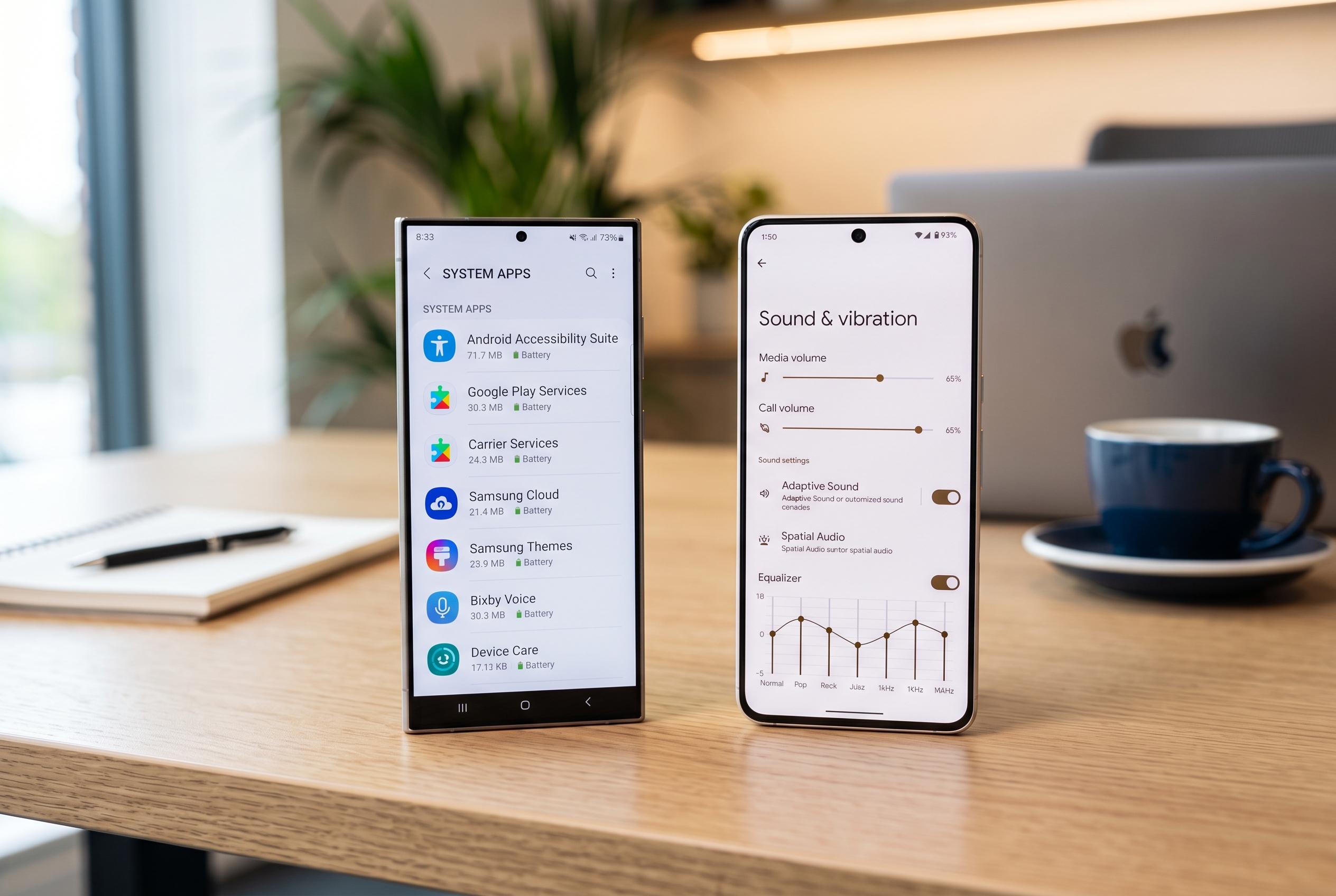

Modest Android features on Samsung and Google phones hide powerful audio management tools that can significantly improve sound quality, control, and user experience, if only users knew where to find them.
Samsung and Google phones hide some of Android’s most useful audio controls in menus many owners never open. On Galaxy devices, Samsung’s Good Lock suite and One UI settings can sharpen volume control, route sound between apps and help reduce Bluetooth delay. On Pixel phones, Google includes a smaller set of options, but one of them can still make speaker audio noticeably more balanced in different surroundings.
Samsung’s Sound Assistant module is the clearest example. According to SamMobile, the Good Lock add-on lets Galaxy users break the media volume scale into far finer steps than the default setting, which makes low-volume listening much easier to tune. It also adds practical tools such as Bluetooth delay adjustment, allowing users to nudge audio in line with video when earbuds are lagging behind the picture. SamMobile has also reported that later updates to Sound Assistant improved Bluetooth equaliser behaviour and stability.
Another especially useful Galaxy feature is Separate app sound, which Samsung documents in its support material as a way to send audio from selected apps to a different output device from the rest of the phone’s sounds. In practice, that means one app can play through Bluetooth earbuds while another uses the phone’s speakers. Guides from Samsung and Guiding Tech describe the same basic setup: choose the app, choose the output and confirm the change each time you want to use it. That makes it useful for watching video on speaker while keeping music or podcasts private.
Pixel owners have fewer built-in tricks, but Adaptive Sound is worth switching on if it is available. Google’s feature uses the phone’s microphones to adjust speaker output to the surrounding environment, which can make playback clearer in noisy places and more natural in quiet rooms. Beyond that, Android’s Developer options contain Bluetooth audio controls that can improve results across devices. These include HD audio and codec selection, where users can pick higher-quality formats such as LDAC or aptX HD when their earbuds support them instead of falling back to SBC, the lowest-quality common option.
Samsung’s other audio advantage is Adapt sound, which goes further than Google’s speaker tuning by tailoring playback for the listener’s ears and headphones. It can build a personal hearing profile, adjust left and right channels separately and even let users choose a preferred ear for calls. Taken together, Samsung’s tools offer the broadest set of audio controls on Android, while Pixel’s options are narrower but still worth enabling. For anyone who listens on earbuds, switches between speaker and headphones or wants more precise volume control, these buried settings are more than cosmetic extras; they are practical quality-of-life improvements.
Disclaimer: This content is intended for informational purposes only. Readers are advised to exercise their own judgement, conduct due diligence, or consult a qualified expert before acting on any information provided.