

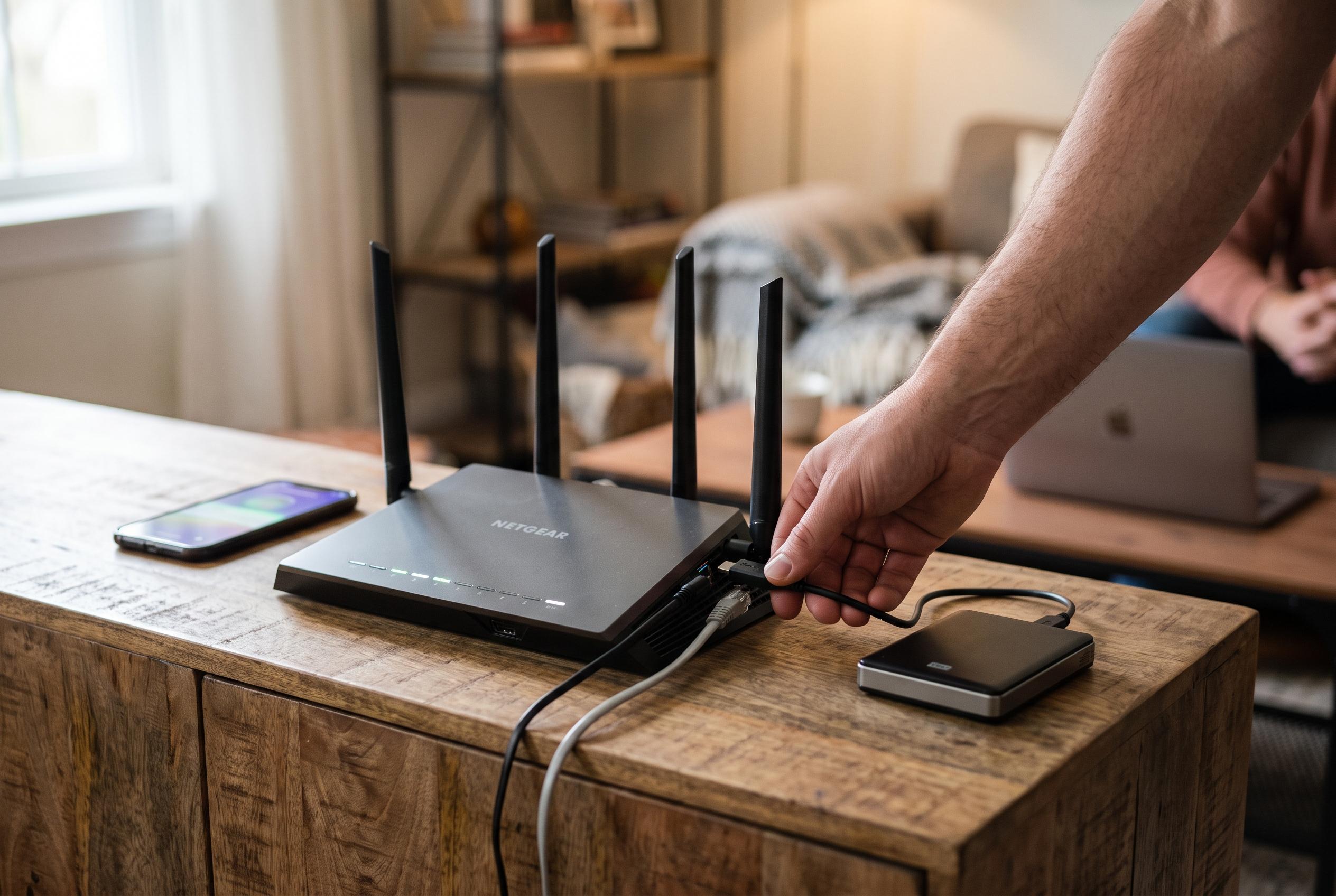

Many modern home routers with USB ports now support file sharing, enabling households to create simple network storage without investing in dedicated NAS devices, though performance and features are limited.
Many home routers can do more than route traffic. If the unit has a USB port and the firmware supports file sharing, it can serve as a simple network storage device for the home. In practical terms, that means an external drive can be plugged into the router and exposed across the local network, giving phones, laptops and desktops a shared place to access files without buying a dedicated NAS enclosure. TP-Link’s support material and GL.iNet’s documentation both describe this as a standard feature on supported models, although the exact menu names and capabilities vary by device.
The first check is compatibility. A USB socket alone is not enough, because the router must also support storage sharing in software. The storage device itself matters as well: TP-Link notes that common file systems such as FAT32, exFAT, NTFS and HFS+ are typically supported on some models, while GL.iNet warns that model support is not universal. That means the safest approach is to confirm the router’s specifications before formatting or connecting a drive.
Setup is usually straightforward once the hardware is compatible. The router’s web interface is typically where sharing is enabled, and TP-Link’s guidance points users to the USB or file-sharing settings to turn the feature on and adjust access. GL.iNet’s documentation adds that Samba, WebDAV and DLNA may be available on some devices, which can make the attached storage visible to different operating systems and media clients. On home networks, it is sensible to avoid open write access unless there is a clear reason to allow it.
This arrangement is useful, but it is not the same as a proper NAS. A router has to manage networking, storage access and its normal routing tasks at the same time, so transfer speeds are usually limited by the router’s processor and firmware rather than by the drive alone. That can make even a fast SSD underperform compared with a purpose-built box. It also means users miss out on more advanced NAS features such as multiple bays, RAID, snapshots and robust backup tools.
Even so, the appeal is obvious: for many households, a spare USB drive and an existing router are enough to create a basic shared storage pool at no extra cost. For people who mainly want a central place for documents, media or simple backups, the router’s hidden storage function can be a practical stopgap. It is not a full replacement for a NAS, but it can be a useful first step.
Disclaimer: This content is intended for informational purposes only. Readers are advised to exercise their own judgement, conduct due diligence, or consult a qualified expert before acting on any information provided.



