

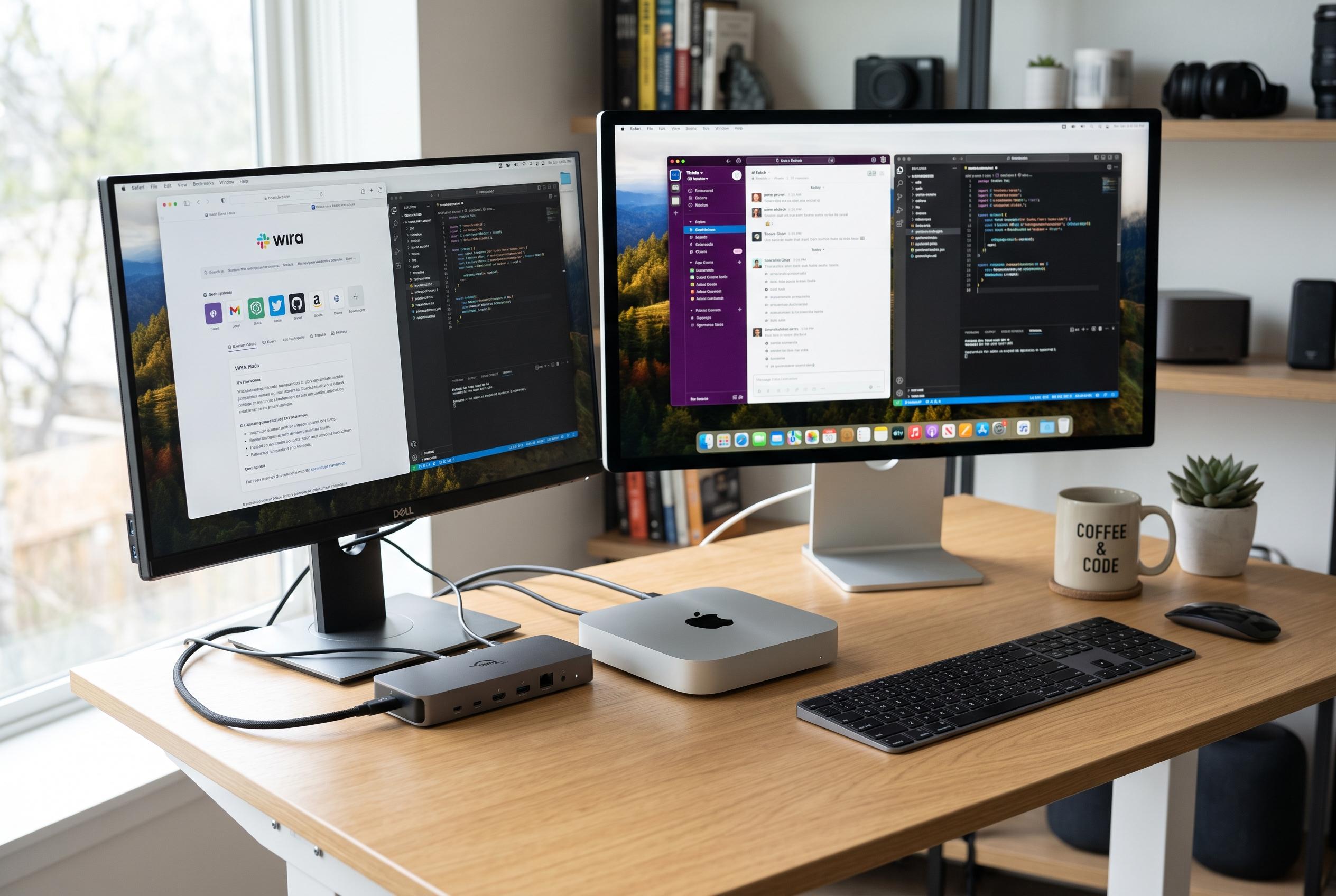

Although the latest M4 Mac mini boasts compact power, its limited ports mean many users need a Thunderbolt dock to achieve full desktop functionality, turning a small machine into a versatile workstation.
For months, Apple’s M4 Mac mini had the speed and compactness of a proper desktop, but not the convenience. As How-To Geek reported, the machine’s missing USB-A ports meant the setup depended on a chain of adapters for a mouse receiver, an SD card reader and external storage. The result was a capable but awkward workstation that never quite felt finished.
That weakness is not a surprise. Notebookcheck and other reviews of the M4 Mac mini note that Apple gave the small computer three Thunderbolt 4 ports on the back and two USB-C ports on the front, but omitted USB-A and a built-in SD card reader. Tom’s Guide and TechRadar praised the redesign and the tiny chassis, but both also pointed to the same trade-off: the latest mini is excellent to use, yet still asks many owners to rely on accessories for older peripherals.
The biggest improvement, according to How-To Geek, came from a Thunderbolt 4 dock. One cable from the Mac mini to the dock replaced the tangle of separate adapters and immediately restored the missing flexibility. The dock added multiple USB-A ports, extra USB-C connections and an SD card reader, while also allowing peripherals to charge from the same station. In practical terms, that turned the Mac mini from a compact computer with limited reach into a much more desktop-like machine.
A second change also helped. Switching from HDMI to USB-C video reduced cable bulk and made the whole arrangement physically neater. That may sound minor, but in a small desk setup, cable stiffness and strain can matter as much as raw port count. With the thinner cable in place, the Mac mini stopped shifting around whenever the display lead was tugged.
The broader point is that the M4 Mac mini’s hardware is not the problem. It remains one of Apple’s most capable small computers, and its front USB-C ports improve day-to-day access. But as MacWorld and other reviewers have argued, the lack of legacy ports still makes docks and hubs essential for many users. For anyone with a mix of new and older accessories, a good Thunderbolt dock can make the difference between a computer that is merely compact and one that actually works like a full desktop.
Disclaimer: This content is intended for informational purposes only. Readers are advised to exercise their own judgement, conduct due diligence, or consult a qualified expert before acting on any information provided.



