

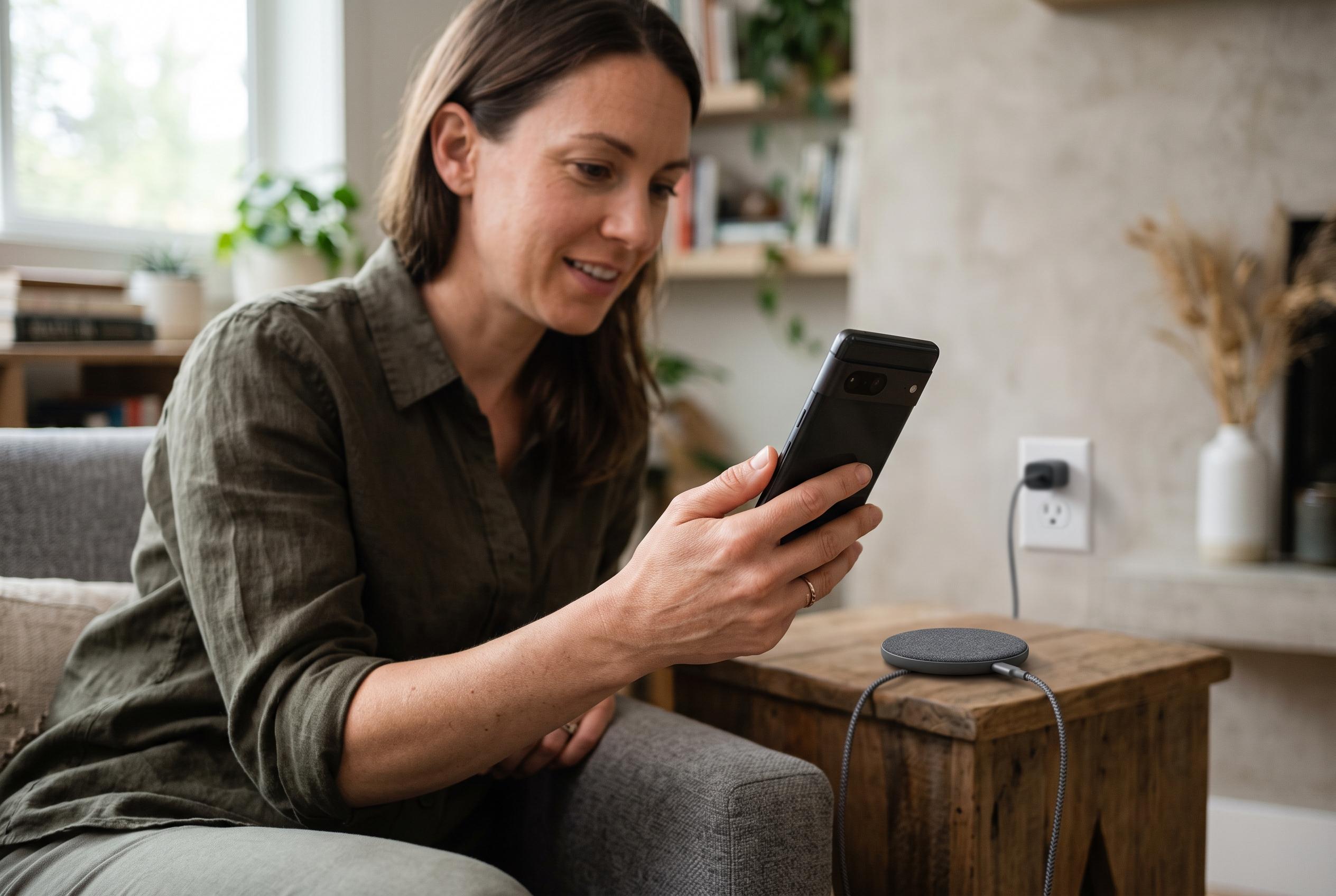

Apple’s charging controls work differently depending on the iPhone model, with newer devices offering selectable limits from 80% to 100% while older models rely on Optimized Battery Charging.
Apple’s current battery controls split into two separate systems, and which one appears depends on the iPhone model. On iPhone 15 and later, users can set a charging ceiling in Settings > Battery > Charging, choosing a limit between 80% and 100% in 5% steps. On iPhone 14 and earlier, Apple has not documented the newer selectable limit menu; those models instead offer Optimized Battery Charging under Settings > Battery > Battery Health & Charging, according to Apple’s support guidance.
That distinction matters because the two features work differently. A charge limit is a hard ceiling chosen by the user, whereas Optimized Battery Charging is a schedule-aware feature that can hold the phone at around 80% and finish charging closer to the time it expects the device to be unplugged. MacRumors reported when the iPhone 15 range launched that the new limit was separate from Optimized Battery Charging, and Apple’s own support pages describe the latter as a way to reduce the time spent fully charged rather than as a fixed permanent cap.
For iPhone 15 owners, the practical steps are straightforward. Open Settings, tap Battery, then Charging, and select the maximum charge level you want. Apple now supports 80%, 85%, 90%, 95% and 100%, according to its support documentation, giving users more room to balance battery preservation against daily range. If you leave the limit at 100%, Optimized Battery Charging can still be enabled to delay completion during long, predictable charging periods. MacRumors reported in June 2024 that iOS 18 expanded the available limit choices beyond the original 80% option.
The system is designed to suit different routines rather than to guarantee a longer battery life in every case. Apple says the goal is to reduce battery wear, but it does not promise a specific number of extra months or years. Temperature, charging habits and the battery’s chemical age also affect longevity, and Apple warns that heat can do lasting damage. The company’s guidance notes that temperatures above 35C can permanently reduce battery lifespan, which means a cool charging environment matters at least as much as the percentage limit itself.
Users should also expect some variation in day-to-day behaviour. Apple says Optimized Battery Charging needs time to learn a routine, and it may not engage immediately if the phone is newly set up, frequently moved or charged irregularly. Apple’s support material also explains that a device may occasionally reach 100% even when a lower limit is selected, in part to keep its state-of-charge estimates accurate. That means a brief full charge is not necessarily a fault, and a reading slightly below the chosen cap is also normal.
For most people, the best choice depends on how predictable their charging pattern is. Those who spend much of the day near a charger may find 80% or 85% a sensible ceiling. People who need more reserve but still want some protection may prefer 90% or 95%. Those who regularly want the full battery can leave the limit at 100% and rely on Optimized Battery Charging instead. On older iPhones, the available option is narrower: enable Optimized Battery Charging and let iOS manage the overnight pattern, rather than expecting a selectable permanent limit that Apple has not provided for those models.
Disclaimer: This content is intended for informational purposes only. Readers are advised to exercise their own judgement, conduct due diligence, or consult a qualified expert before acting on any information provided.



