

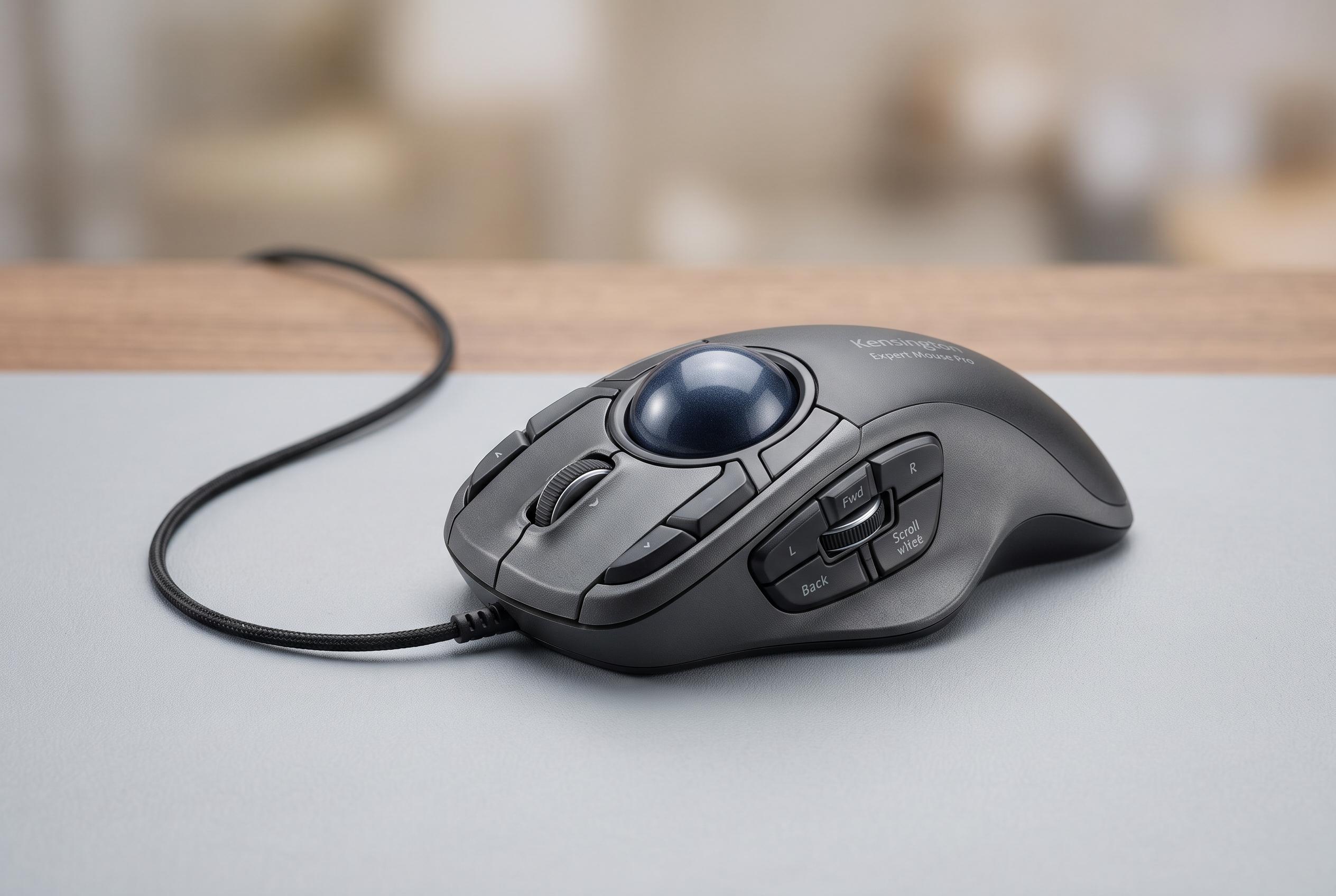

Kensington’s latest Expert Mouse Pro TB900 EQ enhances trackball precision and adaptability with dual optical sensors, extensive customisation, and software integration, targeting creative professionals seeking responsive and ergonomic control.
Kensington’s Expert Mouse Pro TB900 EQ is pitched as a more advanced take on the long-running trackball formula, with a large 55mm ball, an ambidextrous layout and extensive customisation aimed at users who spend their day moving between office work and creative software. Reviewers at PCWorld and Windows Central said the device builds on earlier Expert Mouse models by improving tracking precision, while Windows Central noted dual optical sensors, a 1,000Hz polling rate and multi-device connectivity as part of Kensington’s push to make the trackball feel more modern and responsive.
In practical use, that design centres on a fixed desktop footprint, with the cursor moving because the ball turns rather than because the user moves the whole device. TechRadar found the layout easy to learn in minutes, with the main buttons and surrounding controls falling naturally under the fingers. The same review said Kensington Konnect software is the key to the experience, letting users assign different commands to different applications so the trackball can adapt to editing, spreadsheets or general navigation.
That software layer appears to be especially important for people working in video and image editing. TechRadar reported that, once configured, the ball and its surrounding controls could be mapped to common tasks such as timeline scrubbing, frame-accurate movement and cut selection. The publication said the device felt faster than a conventional mouse in head-to-head editing tests, while the larger review sample also highlighted the usefulness of the scroll ring and side dials for precise control. Similar praise for broad customisation and ergonomic comfort has followed earlier Expert Mouse models, including coverage from Tweakers and Remote Home Solutions.
There are, however, some caveats. TechRadar said setup was simpler on Windows 11 than on macOS, where security permissions and a restart were needed before everything worked properly. The review also noted that the ball lifts out of its cradle easily, which makes swapping it simple but does not help portability, particularly because no carry case is included. PCWorld’s reporting on the TB900 EQ also suggests Kensington has focused on fixing earlier tracking weaknesses, implying that accuracy was a key area of concern in previous generations.
Kensington has not yet confirmed pricing or wider retail availability for the TB900 EQ, and TechRadar said the unit it tested was still pre-release. Even so, the early verdict is clear: for users who want a stationary pointing device with deep customisation, the Expert Mouse Pro TB900 EQ looks like one of the most capable trackballs Kensington has made, especially for creative professionals who value precise control over cursor movement and repeated editing actions.
Disclaimer: This content is intended for informational purposes only. Readers are advised to exercise their own judgement, conduct due diligence, or consult a qualified expert before acting on any information provided.



