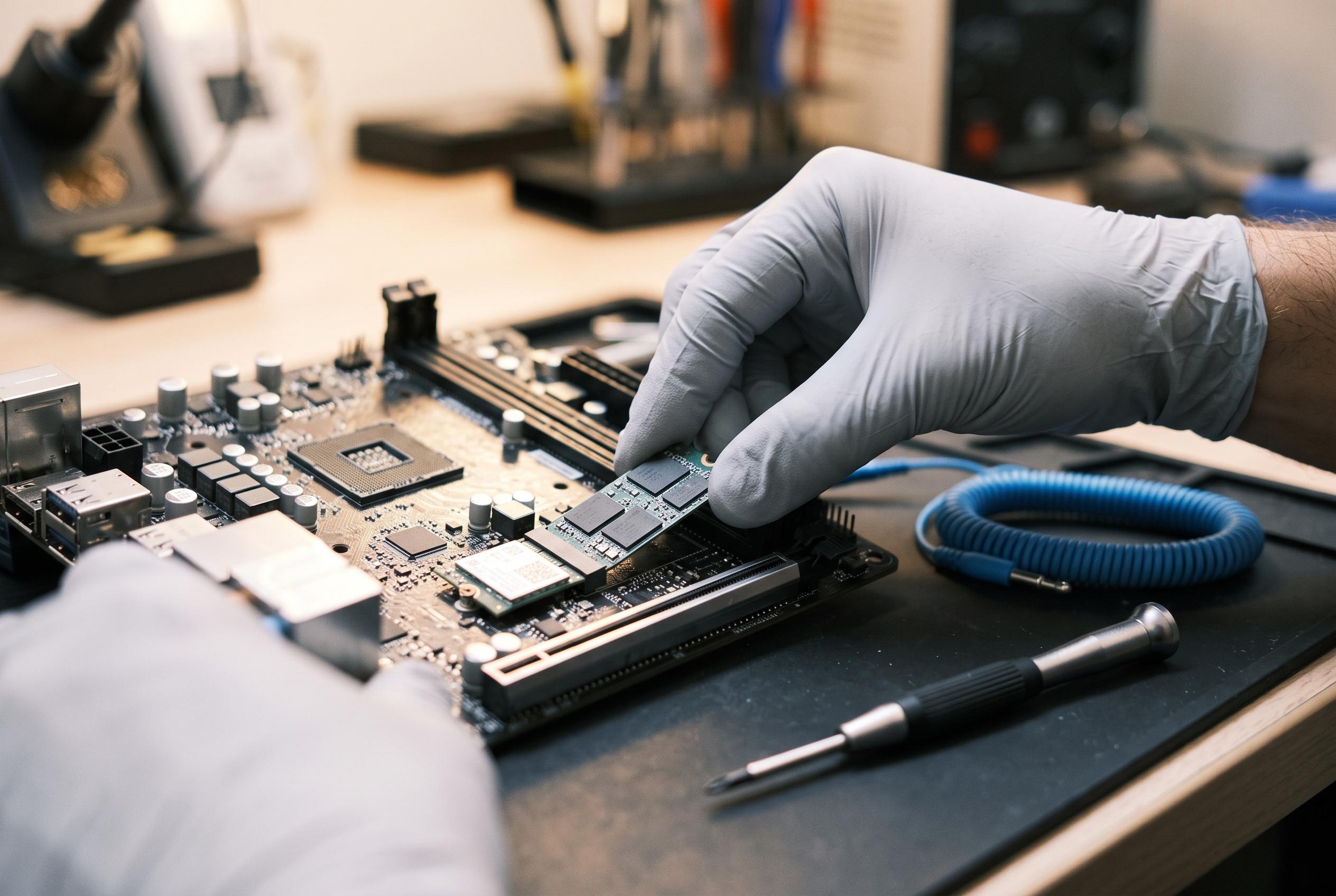

While often associated with NVMe SSDs, M.2 slots are increasingly used for a range of hardware upgrades such as microSD readers, wireless modules, and network cards, offering a flexible solution for compact desktops and laptops.
For most PC owners, the M.2 slot has become shorthand for NVMe storage. That is understandable, because solid-state drives are by far the most common use. Yet the connector was designed for more than storage alone. As XDA Developers notes, it can carry both faster and slower devices, which makes it a flexible route for adding hardware without sacrificing a standard PCIe slot.
That wider role matters most on compact desktops and laptops, where every slot counts. According to iTechGuides, MiniTool and Dell’s support documentation, M.2 can host not only SSDs but also wireless modules, Bluetooth, cellular cards and other expansion devices, depending on the system design and the slot’s keying. The important detail is compatibility: the motherboard manual, slot type and key layout determine what will actually work. In practice, that means an M-key slot is not interchangeable with an A+E or B+M slot, and a suitable adapter is sometimes needed to bridge the gap.
One of the more practical examples is microSD expansion. XDA Developers points out that dedicated microSD readers have become uncommon on modern laptops and are even rarer on desktops, yet a spare M.2 slot can restore that function at modest cost. For photographers, editors and other users who still rely on removable cards, M.2-to-microSD adapters are a simple way to regain a useful port without turning to a bulky external reader. The same principle applies to other specialist additions, such as M.2 capture cards for small-form-factor systems, where avoiding a full-size PCIe card can be a real advantage.
There are also more mundane but often more valuable upgrades. XDA Developers highlights M.2-to-SATA adapters for users who have run out of storage connectors, along with M.2 networking cards that can add Wi-Fi or faster wired Ethernet. Electronicshub and Dell both stress that the right card depends on the slot and interface support, but when the match is correct, the result is an inexpensive way to extend an ageing machine’s life. The common thread is simple: an M.2 slot is not just a place for an SSD. Used carefully, it can be one of the most efficient expansion options on a motherboard.
Disclaimer: This content is intended for informational purposes only. Readers are advised to exercise their own judgement, conduct due diligence, or consult a qualified expert before acting on any information provided.