

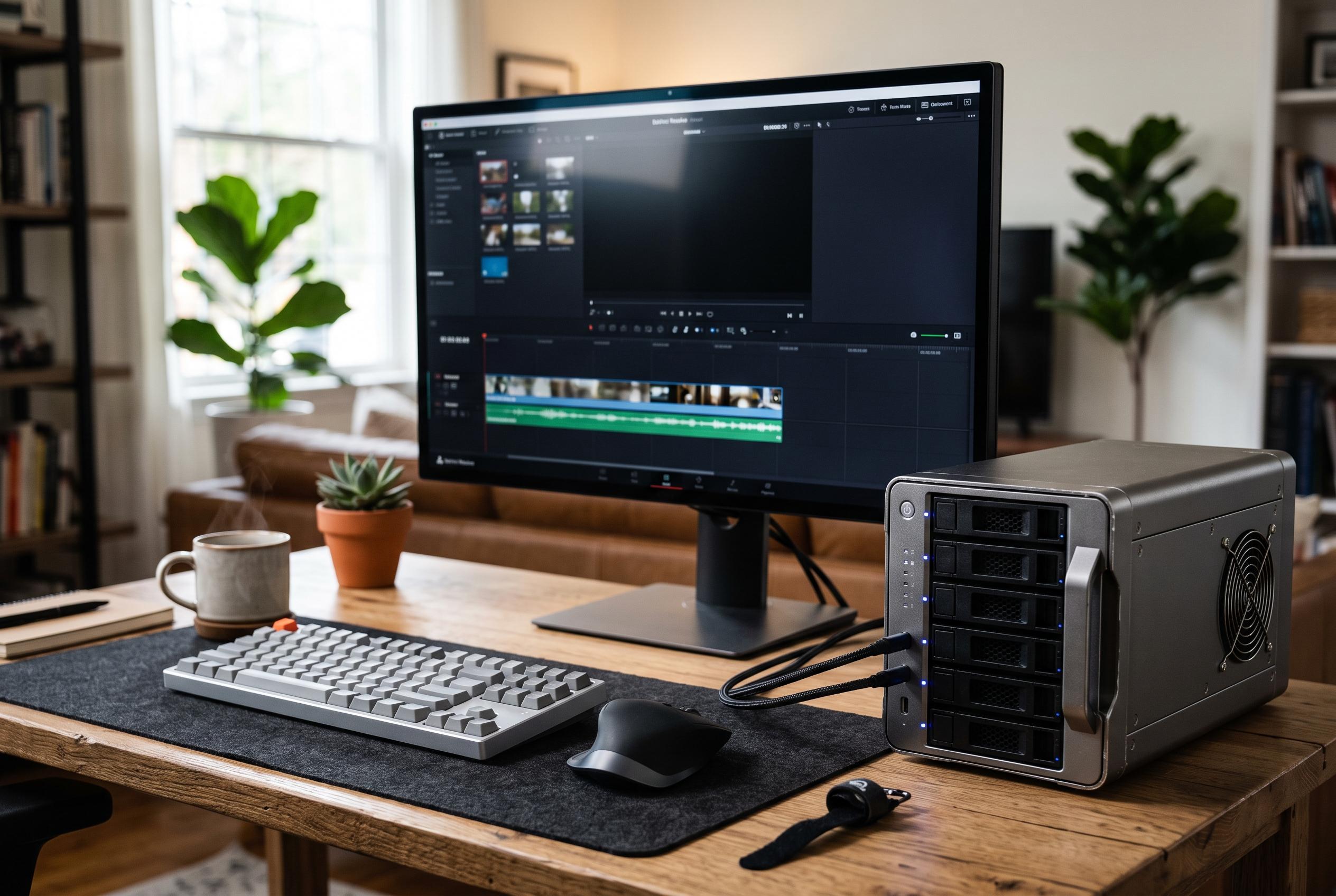

As RAID enclosure options diversify, buyers must now weigh speed, protection, and expansion, shifting focus from size alone to optimise workflows across desktop, NAS, and hybrid setups.
Choosing a RAID enclosure is less about buying the biggest box and more about matching the right storage tier to the job. For many buyers, the main decision is whether they need simple mirrored backup, flexible desktop expansion, or a faster workspace for large files. The strongest options in this field tend to balance bay count, RAID modes, cooling, and connection speed rather than chasing one specification alone.
The two-bay TerraMaster D2-320 is the most restrained option in the group, but it is also one of the easiest to live with. It supports RAID 0, RAID 1, JBOD and single-disk use over USB 3.2 Gen 2, and its tool-free trays make drive changes straightforward. For users who want direct-attached storage rather than a network appliance, that simplicity is often the point. Deskfinds’ wider DAS survey also reinforces how important drive compatibility and cooling design are when comparing enclosures in this category.
At the larger end, the ORICO five-bay enclosure and Yottamaster’s five-bay model are aimed at users who care more about expansion room than compactness. Both are built for large libraries, project archives and backup-heavy workflows, with the Yottamaster adding a front door and removable trays for easier access. The ORICO unit goes further on RAID mode variety, while the Yottamaster is notable for its straightforward five-disk layout and quiet cooling. Reviews of home NAS systems from Android Central underline the same broader trade-off: more flexibility usually means more complexity, and the right choice depends on how much protection and growth the user wants.
For buyers who want a four-bay enclosure with a stronger feature set, the QNAP TR-004 and WAVLINK model take different routes. QNAP’s unit is better suited to users who want hardware RAID support and the option to pair the enclosure with a compatible NAS workflow, while the WAVLINK adds HDMI output alongside USB-C storage connectivity. That makes the WAVLINK more of a hybrid desktop device than a pure storage box. Guides aimed at Mac Studio and Thunderbolt users show why that distinction matters: sustained transfer speed and workflow fit often outweigh headline capacity numbers.
Speed is the main reason to consider the ORICO 20Gbps four-bay enclosure. Its USB 3.2 Gen 2×2 design is intended for users moving large video files or handling multi-drive storage with less bottlenecking than older USB 3.0 units. The trade-off is that full performance depends on host support, so buyers need to check the computer side as carefully as the enclosure itself. That is a common theme in RAID buying guides, which increasingly treat interface bandwidth as a system-level issue rather than a box-only spec.
The MAIWO two-bay unit and the CENMATE 2×2 enclosure sit in the more practical end of the market. Both are intended for users who need basic redundancy, simple capacity expansion, or a mirrored backup set without the overhead of a larger array. They are less ambitious than the faster or more expandable models, but that can be an advantage for home and small-office use, where predictable setup and modest power demands matter more than peak throughput. Deskfinds’ DAS coverage points to the same conclusion: enclosure choice often comes down to the balance between compatibility, heat management and ease of use.
The CENMATE four-bay desktop enclosure is more flexible, but still keeps the focus on straightforward operation. It supports mixed 2.5-inch and 3.5-inch drives, offers several RAID modes and includes multiple connection options, which makes it a useful middle-ground option for mixed workloads. That said, the more advanced RAID settings found in some competing models are not always necessary. For many users, the best enclosure is the one that removes complexity without limiting future storage growth too sharply.
The practical lesson across all of these enclosures is that capacity, redundancy and speed pull in different directions. RAID 0 can maximise performance, RAID 1 prioritises mirroring, and RAID 5 or RAID 10 offer a more balanced compromise, but each choice changes usable space and recovery expectations. Reviews focused on backup enclosures and NAS devices repeatedly show that buyers do best when they decide first whether the priority is speed, protection or room to expand. From there, the enclosure choice becomes much clearer.
Disclaimer: This content is intended for informational purposes only. Readers are advised to exercise their own judgement, conduct due diligence, or consult a qualified expert before acting on any information provided.



