

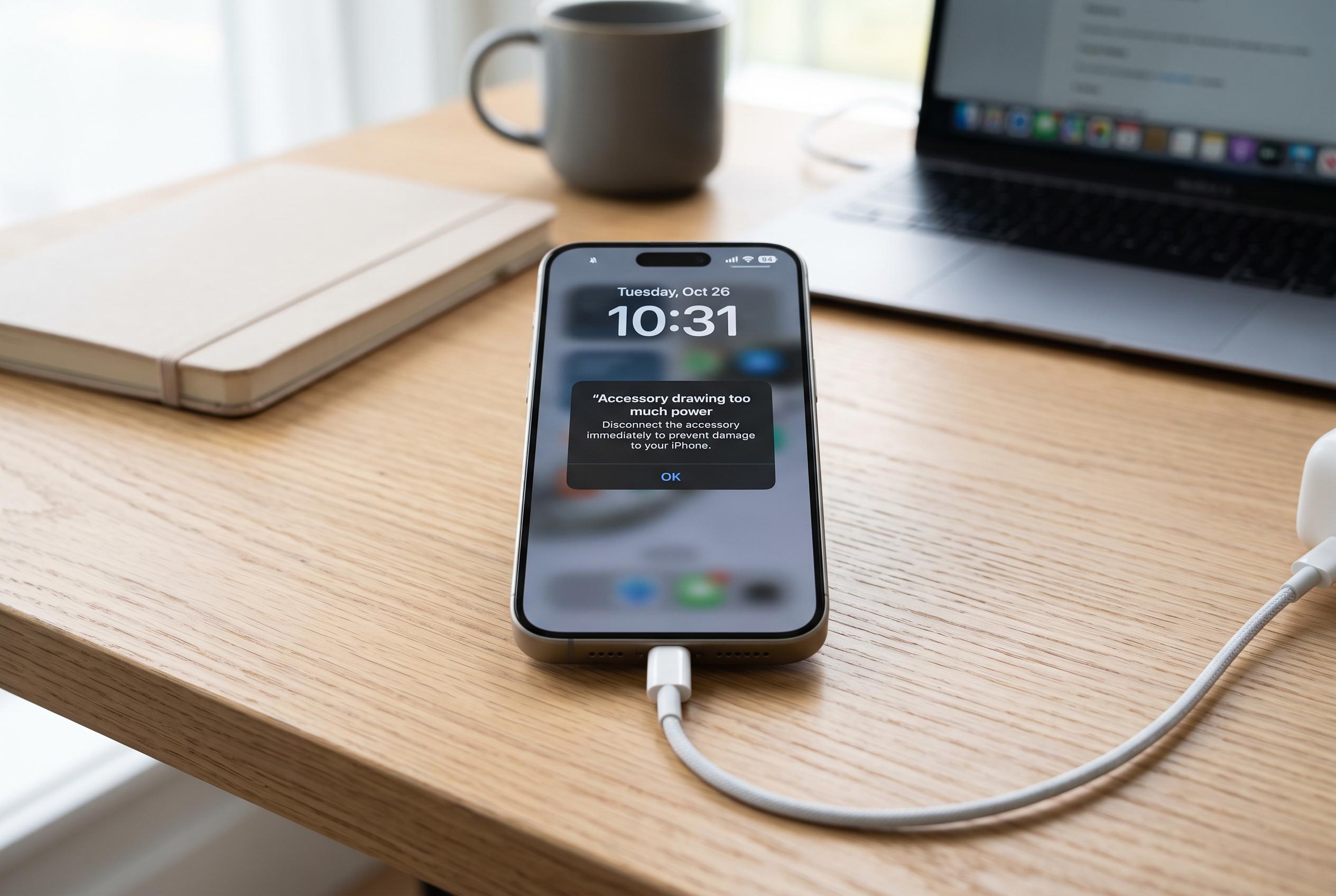

Modern iPhones can share power with other devices via USB-C, but users often encounter ‘accessory drawing too much power’ warnings. Experts recommend troubleshooting steps, including checking cables and software updates, to resolve the issue quickly and safely.
Modern iPhones can supply power to other devices through the USB-C port, a feature that is especially useful for charging an Apple Watch or AirPods case while away from a socket. But users may sometimes see a warning that an accessory is drawing too much power, which is not necessarily a fault in the phone itself. It is generally a protective response built into iPhone and iPad software to keep the device stable when connected accessories, cables or adapters are not behaving as expected.
Apple’s support guidance says the first steps are basic but often effective: restart the device, disconnect and reconnect the accessory, and check for the latest software update. The company also advises users to inspect the charging cable and USB adapter for damage, make sure the connection is secure and remove any debris from the charging port. If the alert remains, a force restart may help, and service should be sought if the device still will not charge properly.
In practice, low battery charge on the iPhone or iPad can also limit how much power it can share with another device. A faulty, worn or uncertified USB-C cable can trigger the alert as well, which is why Apple recommends using genuine or certified accessories. Reports from troubleshooting guides also note that the issue can appear with hubs, SSDs, displays and other peripherals that demand more power than the phone can safely provide. On newer iPhone models, the power budget for accessories is limited, so a device may reject connections that exceed its tolerance.
If the warning continues, users should test the accessory with another iPhone or iPad, clean the USB-C port and, if possible, try a powered USB hub or splitter that supplies its own electricity. That can reduce strain on the handset while still allowing the accessory to work. For people who travel often, keeping a power bank and a reliable USB-C hub in a bag can make it easier to charge small devices without repeatedly running into the alert.
Disclaimer: This content is intended for informational purposes only. Readers are advised to exercise their own judgement, conduct due diligence, or consult a qualified expert before acting on any information provided.



