

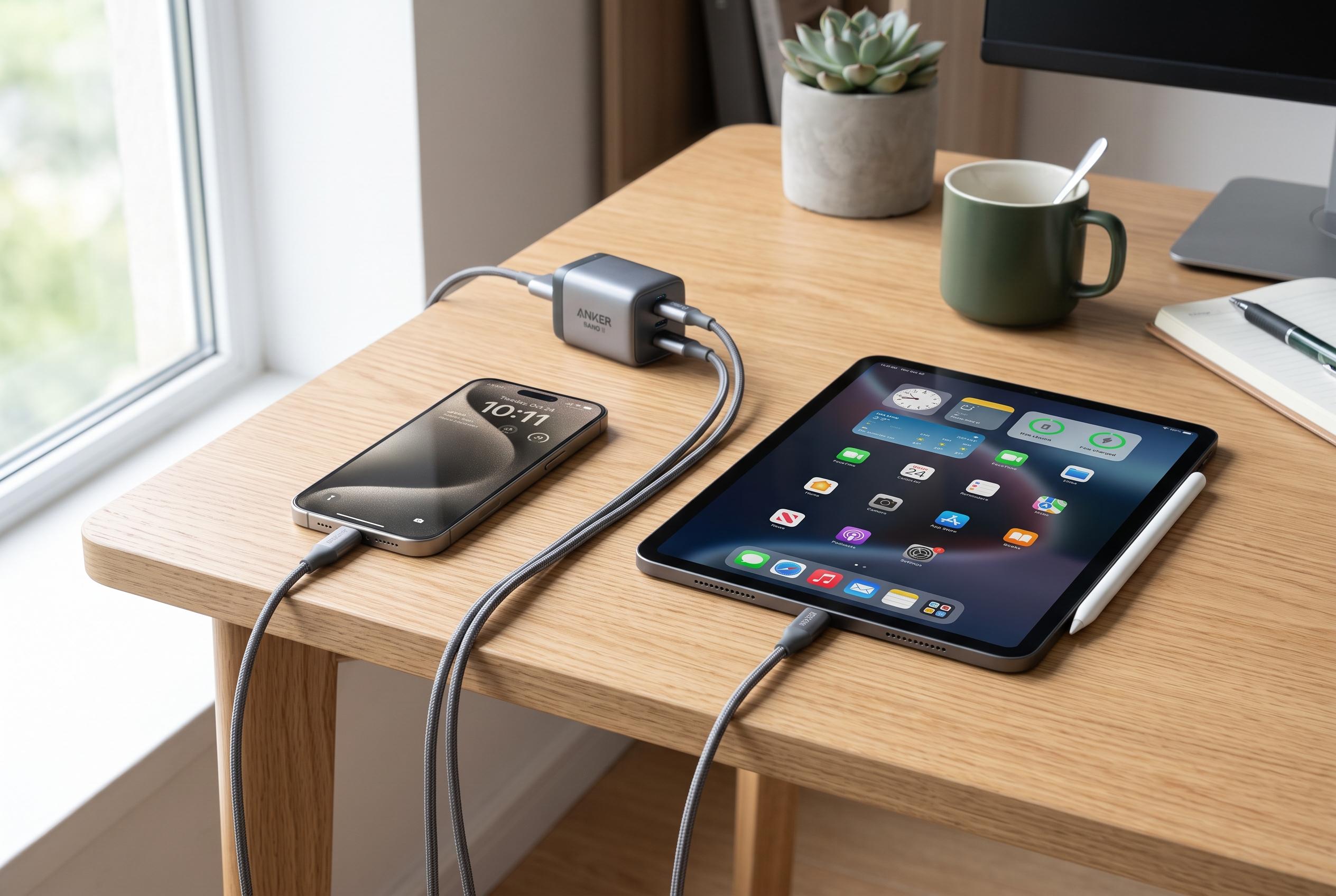

As Apple moves to USB-C ports on the latest iPhone and iPad models, users face new power draw alerts. Experts reveal that proper cable use, software updates, and accessory compatibility are key to resolving these warnings and ensuring optimal device performance.
When an iPhone or iPad shows a warning about excessive power draw from an attached accessory, it is usually the device’s protection system doing its job. According to BGR, the alert can appear when a connected item asks for more power than the phone or tablet is prepared to supply, particularly over USB-C on newer models. Apple’s support pages say similar charging and accessory warnings can also arise from faulty cables, poor connections or unsupported accessories.
The first step is simple: disconnect the accessory and its cable, wait a few seconds, then reconnect them. A restart can also clear a temporary fault. Apple advises checking that the charging cable and power adapter are undamaged, firmly seated and certified for use with the device. If the warning persists, updating to the latest version of iOS or iPadOS may help, as software fixes can address charging and accessory errors.
Battery level can also matter. If the iPhone or iPad is running low, it may limit power output to external devices. Apple also notes that charging performance can improve if users avoid processor-heavy apps, unplug other accessories while charging and keep the device in a cooler environment. Dirt or debris in the USB-C or Lightning port can interfere with contact, so a careful inspection is worthwhile.
The issue is often tied to the accessory itself. BGR reports that iPhone 15 models can provide up to 4.5W to small devices such as AirPods cases and Apple Watch chargers, but that is not enough for every peripheral. Testing the accessory with another Apple device can show whether its power demand is the real problem. If so, a powered USB hub or an external battery pack may be the most reliable fix.
Apple’s own support material and community guidance point in the same direction: use proper cables, check the hardware, keep software up to date and do not assume every accessory is compatible simply because it fits the port. The move from Lightning to USB-C has broadened what an iPhone can do, but it has also made power management more visible to users when an accessory sits outside the device’s limits.
Disclaimer: This content is intended for informational purposes only. Readers are advised to exercise their own judgement, conduct due diligence, or consult a qualified expert before acting on any information provided.



