

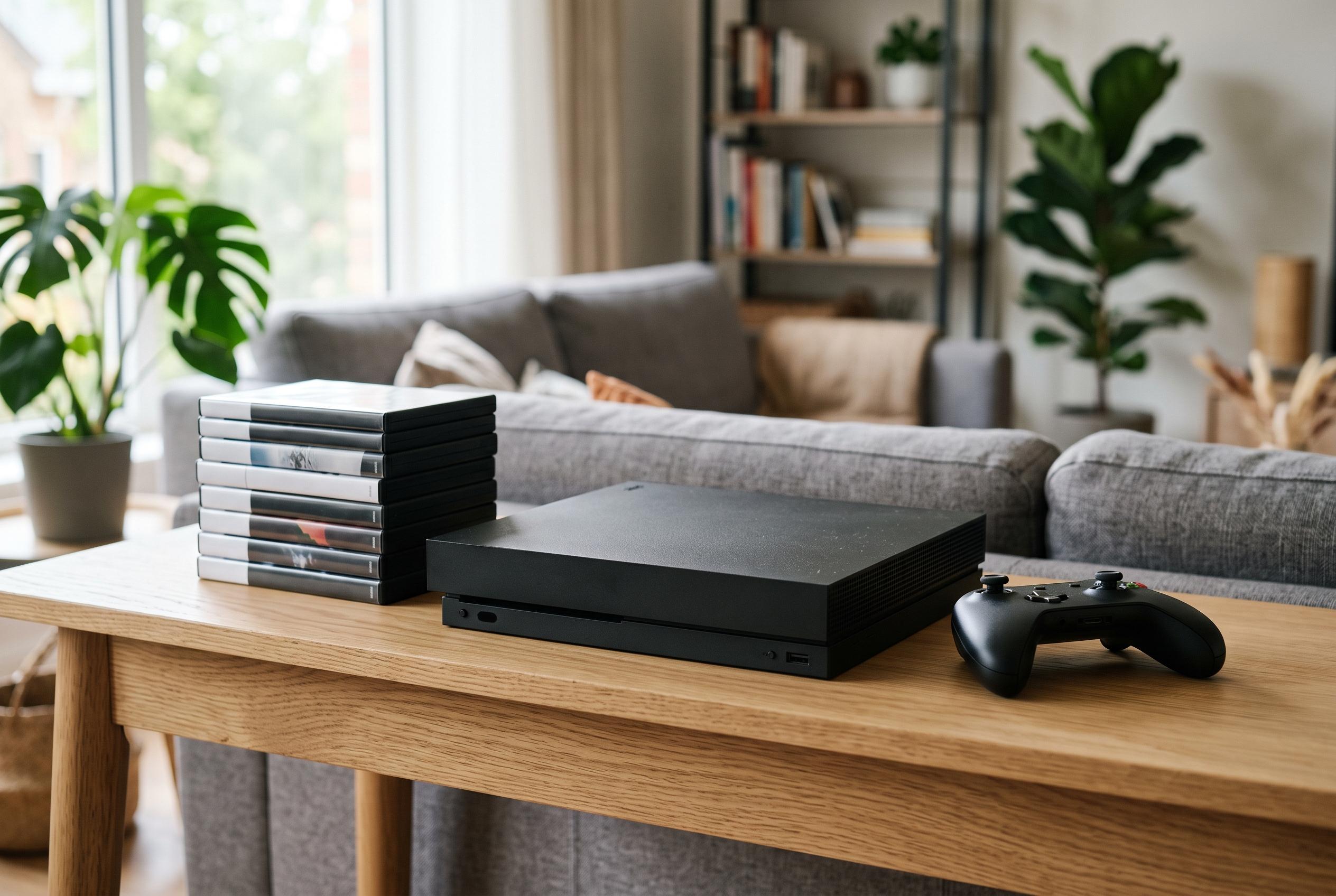

The Nintendo Switch 2 offers larger internal storage and supports microSD Express cards up to 2TB, but users must carefully plan for game sizes and expansion to optimise their gaming experience amid rising data demands.
Nintendo Switch 2 arrives with a larger internal drive than the original model, but that does not remove the need for planning. Nintendo’s own specifications list 256GB of system memory, though part of that space is reserved for the operating system and essential files. In practice, the usable amount is lower, so buyers should not assume the full figure is available for games and downloads. Nintendo also says the console supports microSD Express expansion, which makes storage planning a basic part of setting up the machine.
The key question is not how much space the console has on paper, but how you intend to use it. Casual players who move between a few titles may be comfortable with moderate expansion, especially if they rely mainly on physical cartridges. Digital-first users, by contrast, will need to budget for far more headroom because downloaded games, patches and extra content can quickly absorb space. Nintendo’s support material also notes that save data remains on system memory, while screenshots, video captures and some software data can be managed through expanded storage.
For players who keep a small rotation of games, a mid-range card is often enough. The practical aim is not to fill every byte, but to leave room for updates and temporary installation files. Large modern titles can occupy far more space than older releases, so counting games is less useful than checking the actual storage demands of the titles you play most often. That point is reinforced by Nintendo Life’s analysis of Switch 2 storage, which notes that rising game sizes make active management more important than on earlier hardware.
Digital collectors need a different approach. If your habit is to buy new releases regularly and keep many of them installed, larger expandable storage is the more sensible option. It reduces the need to delete and reinstall software, which becomes particularly useful where internet speeds are slow or data allowances are limited. Recent storage guides also say the Switch 2 uses microSD Express cards for expansion, with support for capacities up to 2TB, making high-capacity setups possible for heavy users.
Physical game owners should still think about storage. Cartridges reduce the amount of software that must live on the console, but they do not remove the need for downloads altogether. Patches, bonus content and post-launch updates can still take up meaningful space, and Nintendo’s guidance makes clear that screenshots and video clips can also be stored and managed on the system. That means even a mostly physical library benefits from a reserve of free space.
The most practical strategy is to match capacity to habits, then leave a cushion for growth. Reputable sellers and genuine microSD Express cards matter as much as raw size, because compatibility is essential on Switch 2. Nintendo’s own advice and third-party storage guides both point to the same conclusion: buy for the library you expect to build, not just the one you have today. That is the simplest way to avoid constant file management and keep the console ready for new purchases, updates and captures.
Disclaimer: This content is intended for informational purposes only. Readers are advised to exercise their own judgement, conduct due diligence, or consult a qualified expert before acting on any information provided.



