

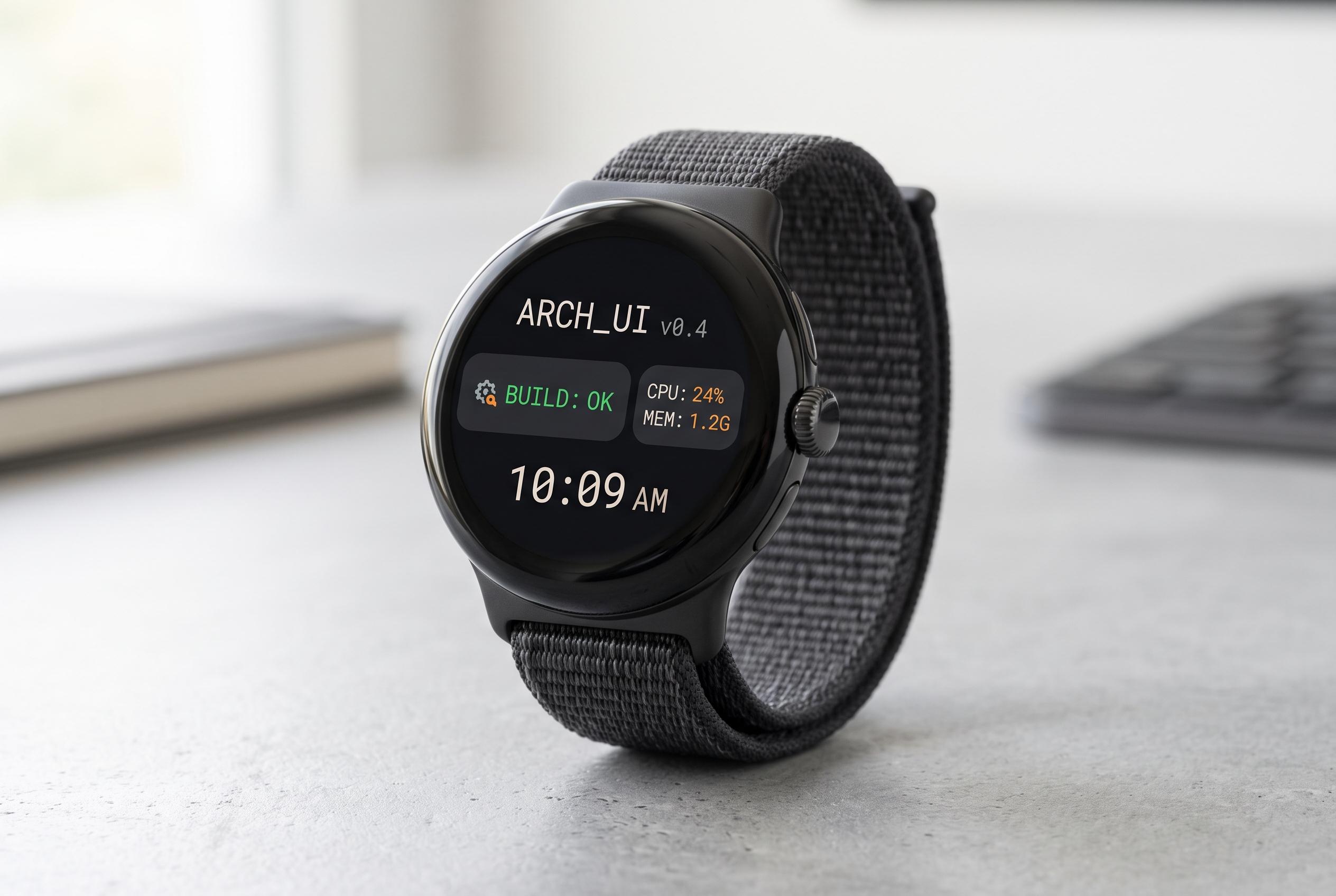

While the Pixel Watch remains a closed ecosystem, open-source applications like Complications Suite and Tasks.org are expanding its customisation, task management, and security features, making the wearable more versatile for users willing to customise beyond default offerings.
The Pixel Watch remains a fairly closed ecosystem, with many users pushed towards Google’s own services and a limited set of watch-specific tools. Even so, open-source apps can fill some of the gaps and make Wear OS feel far more flexible. One of the most useful ways to do that is through complications, the small data fields that appear on a watch face, and Complications Suite extends that system with options such as shortcuts, countdowns, time-zone tools and moon information.
Complications Suite is the most direct upgrade for people who want to personalise their watch faces without changing the overall layout. According to its Play Store listing, it adds extras such as activity launchers, alarms, barometer data and battery-saver settings. It is built for Wear OS devices running API level 27 or later, which keeps it broadly compatible with modern watches. In practical terms, it gives the Pixel Watch more of the customisation that many Android users expect.
Tasks.org is the strongest replacement for Google Tasks among the open-source choices. The app is free, ad-free and designed with privacy in mind, and its own documentation says it can synchronise with Google Tasks, DAVx5, CalDAV, EteSync and DecSync CC, or run entirely offline. It also supports nested subtasks, recurring entries and location-based reminders, which makes it more capable than a basic to-do list. For anyone who relies on reminders tied to a place, that function is especially useful.
Another practical option is Stratum Authenticator, formerly known as Authenticator Pro. It brings two-factor authentication codes to the wrist, which is more convenient than reaching for a phone every time a login prompt appears. The appeal is not visual design but speed: the watch becomes a quick second screen for one-time codes during web or app sign-ins.
AnExplorer is less essential day to day, but it solves a real limitation on the Pixel Watch: Google does not bundle a gallery app or file manager in the same way Samsung does on Galaxy Watch devices. That makes a lightweight explorer useful for occasional photo browsing and for moving files between phone and watch. WearFiles takes the same general need and narrows it further, focusing on transfers rather than file management, which makes it simpler for users who mainly want to copy images or sideload APK files without wrestling with debugging steps.
Taken together, these apps show where the Pixel Watch is still thin and where open-source software can make the difference. They do not turn the device into an open platform, but they do add useful controls, better task handling, safer authentication and more straightforward file transfer. For users willing to install a few extra tools, the watch becomes considerably more capable.
Disclaimer: This content is intended for informational purposes only. Readers are advised to exercise their own judgement, conduct due diligence, or consult a qualified expert before acting on any information provided.



