

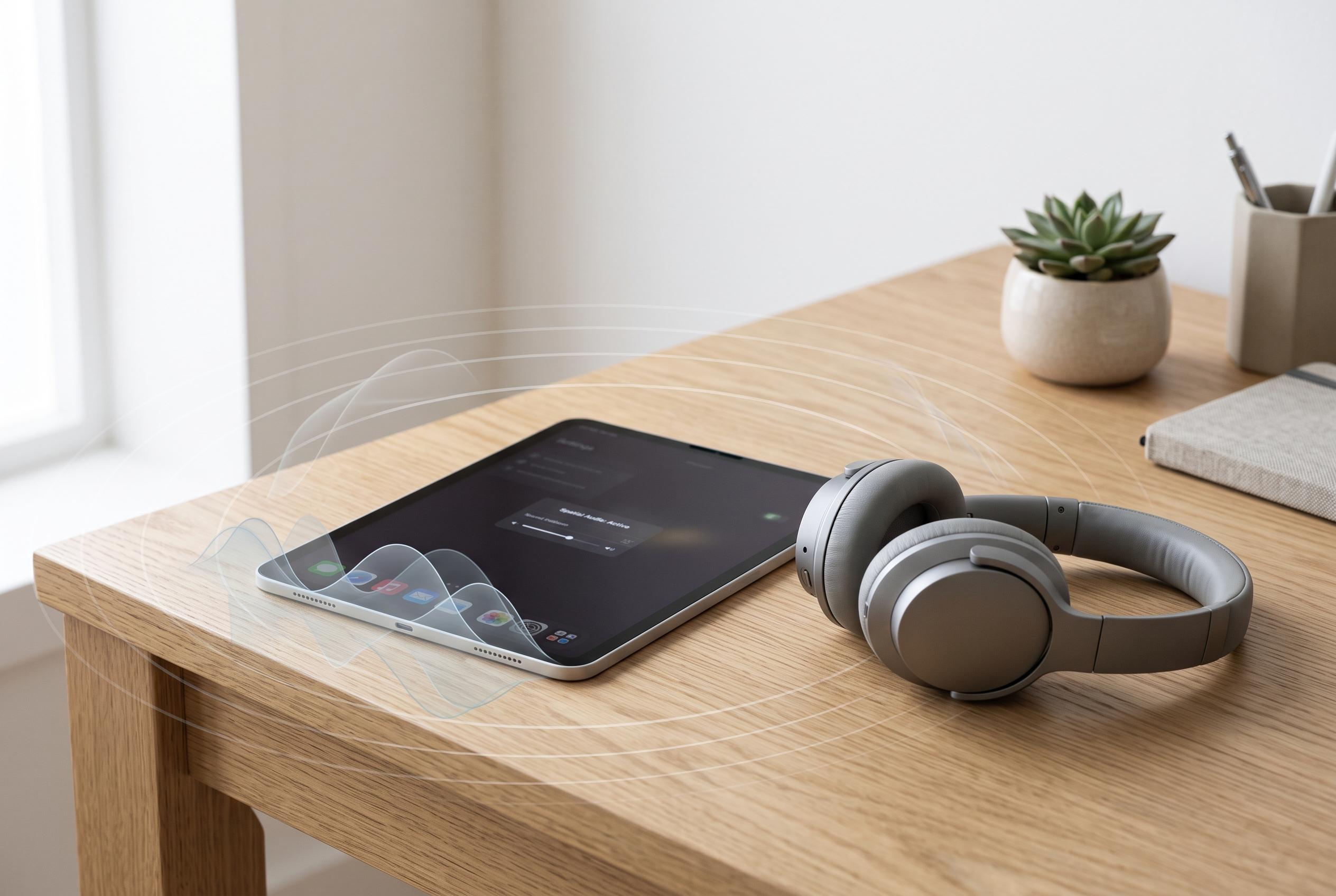

A guide to improving iPad sound output reveals that small adjustments in streaming quality, spatial audio settings, and upcoming EQ controls can significantly enhance the listening experience for users with AirPods and Beats headphones.
Audio matters on an iPad more than many people expect. The tablet is often used for films, television, games and work playlists, yet the sound people hear is rarely the best the device can produce straight away. Apple’s own support material and third-party guidance both point to the same conclusion: a few settings changes can make playback cleaner, fuller and more convincing, especially with AirPods or Beats headphones.
The first place to look is streaming quality. Much of what plays on an iPad is compressed to save bandwidth, and aggressive compression can strip out detail. Apple Music defaults to 256kbps, while Spotify’s highest setting is Very high at 320kbps. That is usually the sensible ceiling for everyday listening, because lossless audio offers little practical benefit over Bluetooth and can also increase data use and storage demands. For most people, a high-quality compressed stream is the better trade-off.
Spatial Audio is the other major setting worth checking. Apple Support says Dolby Atmos playback can be enabled in Music on iPadOS 26 or later, with options such as Automatic or Always On. In Control Centre, users can also choose between Off, Fixed and Head Tracked for compatible headphones. Apple’s AirPods guidance adds that personalised Spatial Audio can be set up with a profile tailored to the listener, which may improve positional accuracy in supported apps and on supported devices.
EQ control is the area where Apple has traditionally offered the least flexibility, although that is beginning to change. For years, users of AirPods and Beats have had fewer adjustment options than owners of many third-party headphones and speakers. Reports from What Hi-Fi suggest Apple is preparing more granular EQ controls for AirPods in a future software update, with custom tuning aimed at low, mid and high frequencies. Until then, the most useful approach is still to raise stream quality, enable Spatial Audio where it helps, and avoid assuming the default settings are the best ones.
Disclaimer: This content is intended for informational purposes only. Readers are advised to exercise their own judgement, conduct due diligence, or consult a qualified expert before acting on any information provided.



